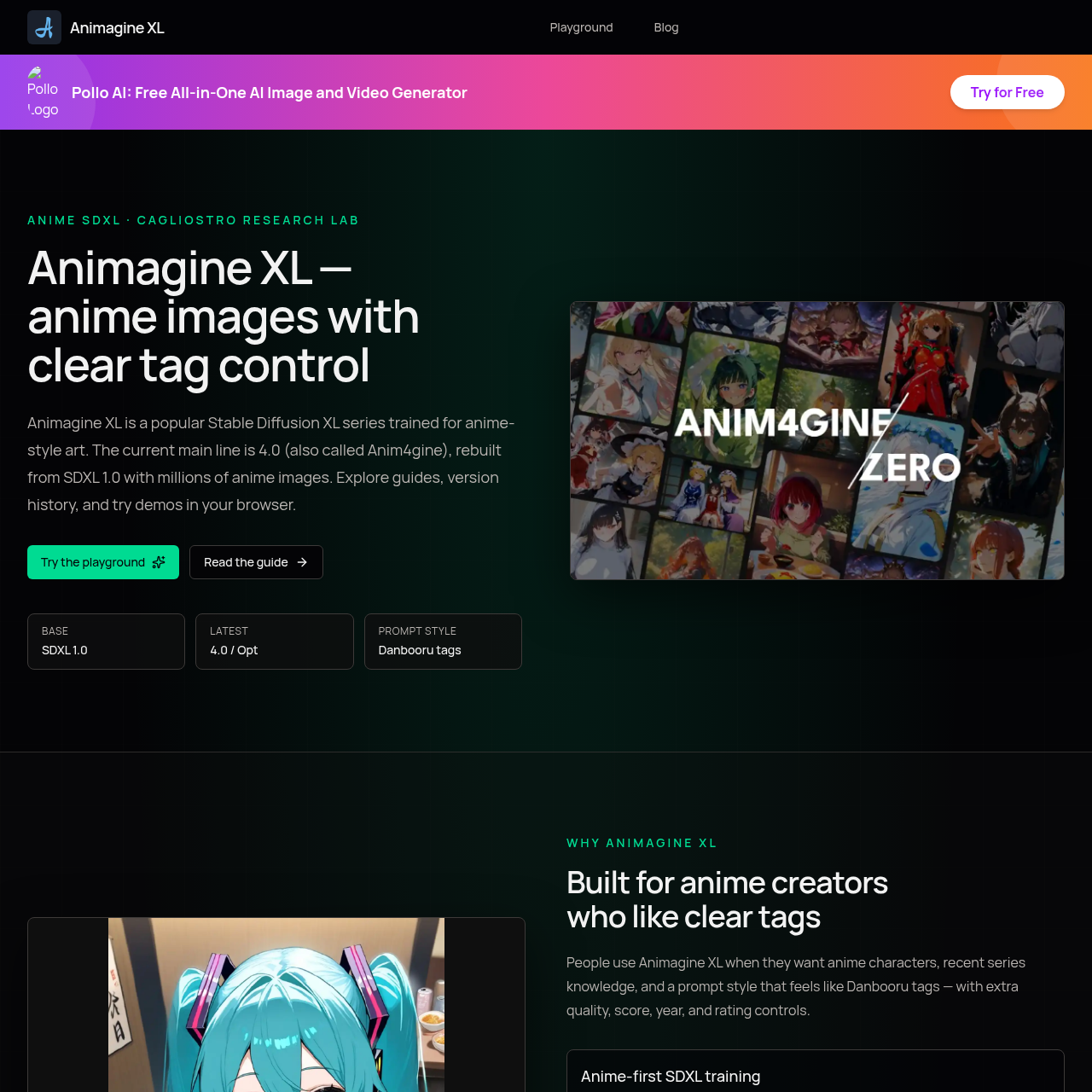
Animagine XL's overview
Animagine XL is a popular Stable Diffusion XL series trained for anime style art, built for anime creators who like clear tags.
What You Can Do With Animagine XL
- Generate Anime Images — create anime characters with recent series knowledge and a prompt style that feels like Danbooru tags.
- Control Image Quality — use special tags to steer looks, including masterpiece, high score, year 2005–2025 style eras, and rating labels.
- Use Clear Tag Ordering — follow a clear order of subject count, character, series, rating, and other tags for better results.
- Access Open Commercial Friendly License — use Animagine XL with a CreativeML Open RAIL++ M license, suitable for commercial use.
- Try Different Versions — explore version history, including 3.0, 3.1, and 4.0, and try demos in your browser.
- Get Official Guidance — start with official 4.0 guidance and use recommended settings for better results.
Animagine XL's Key Features
🔥 Anime Style Art
⚡️ Clear Tag Control
✨ Quality Boost Tags
🚀 Special Rating Labels
Animagine XL's FAQ
What is Animagine XL used for?
Animagine XL is a Stable Diffusion XL series trained for anime style art, allowing users to generate anime images with clear tag control.
Who is Animagine XL built for?
Animagine XL is built for anime creators who like clear tags and want anime characters, recent series knowledge, and a prompt style similar to Danbooru tags.
How do I use Animagine XL?
To use Animagine XL, start with a clear order of tags: subject count, character, series, rating, then other tags, and put quality tags like masterpiece or high score at the end, using settings like Euler a and CFG around 4-7.
Are there any specific guidelines for tagging in Animagine XL?
Yes, official guidance prefers a clear order of tags, and training pairs characters with their series, so it is recommended to add the series or copyright tag when calling a character.
Can I try Animagine XL without installing it locally?
Yes, you can try Animagine XL in the browser playground without requiring a local GPU install.