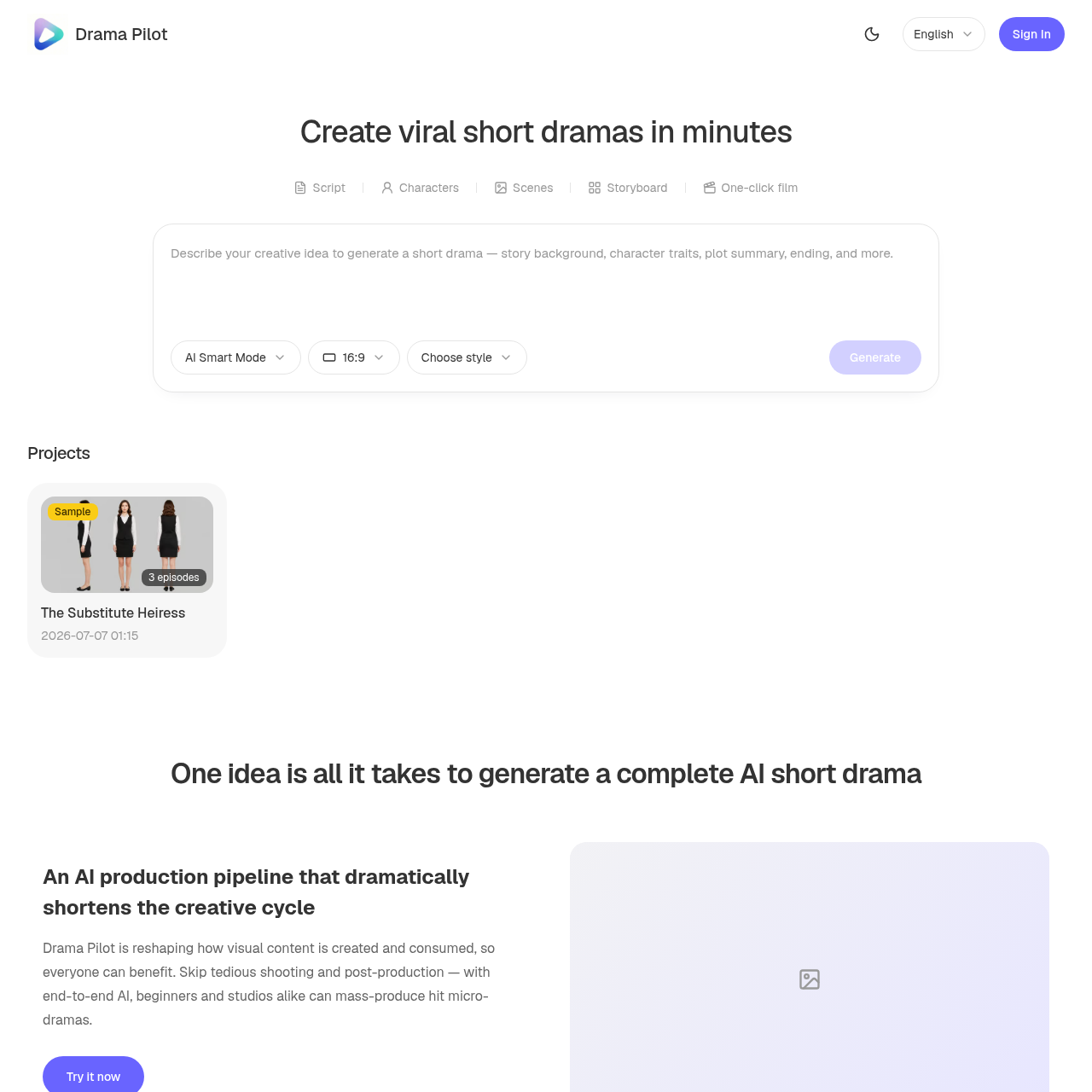
Drama Pilot's overview
Drama Pilot is a next-generation AI creative platform designed for drama and video production, catering to beginners and studios alike. It enables users to create stunning visual stories in minutes, from text to video to cinematic motion control.
What You Can Do With Drama Pilot
- AI Script Generation — Automatically generate character profiles, episode outlines, storyboards, and dialogue & narration from a one-line idea.
- Character and Scene Art — Generate three-view character sheets and 720° panoramic scenes, keeping each character's features and styling consistent across the entire series.
- AI Storyboard Parsing — Automatically split scripts into episodes, break down each one, map out characters, and generate base storyboards.
- Director-Level Shots — Create automatic shot sizes, camera moves, lighting color temperature, and lighting angles for a professional look.
- End-to-End Video Creation — Create stunning visual stories in minutes, skipping tedious shooting and post-production, and mass produce hit micro dramas.
Drama Pilot's Key Features
🔥 AI Script Generation
⚡️ Character Art
✨ Storyboard Parsing
🚀 Director Level Shots
Drama Pilot's FAQ
What is Drama Pilot and how does it work?
Drama Pilot is a next generation AI creative platform for drama and video production that allows users to create stunning visual stories in minutes, from text to video to cinematic motion control.
Who is Drama Pilot designed for?
Drama Pilot is designed for beginners and studios alike, allowing anyone to mass produce hit micro dramas without the need for tedious shooting and post production.
How do I create a short drama with Drama Pilot?
To create a short drama with Drama Pilot, users can enter a one-line idea and automatically generate character profiles, episode outlines, storyboards, and dialogue and narration, and then follow a four-step process to unify characters and scenes, generate storyboards, and render clips.
What kind of support does Drama Pilot offer?
Users can reach out to Drama Pilot's support team at [email protected] for any questions or issues.
Can I edit a video after it's been generated with Drama Pilot?
The source does not provide information on editing a video after it's been generated, but users can contact [email protected] for more information.