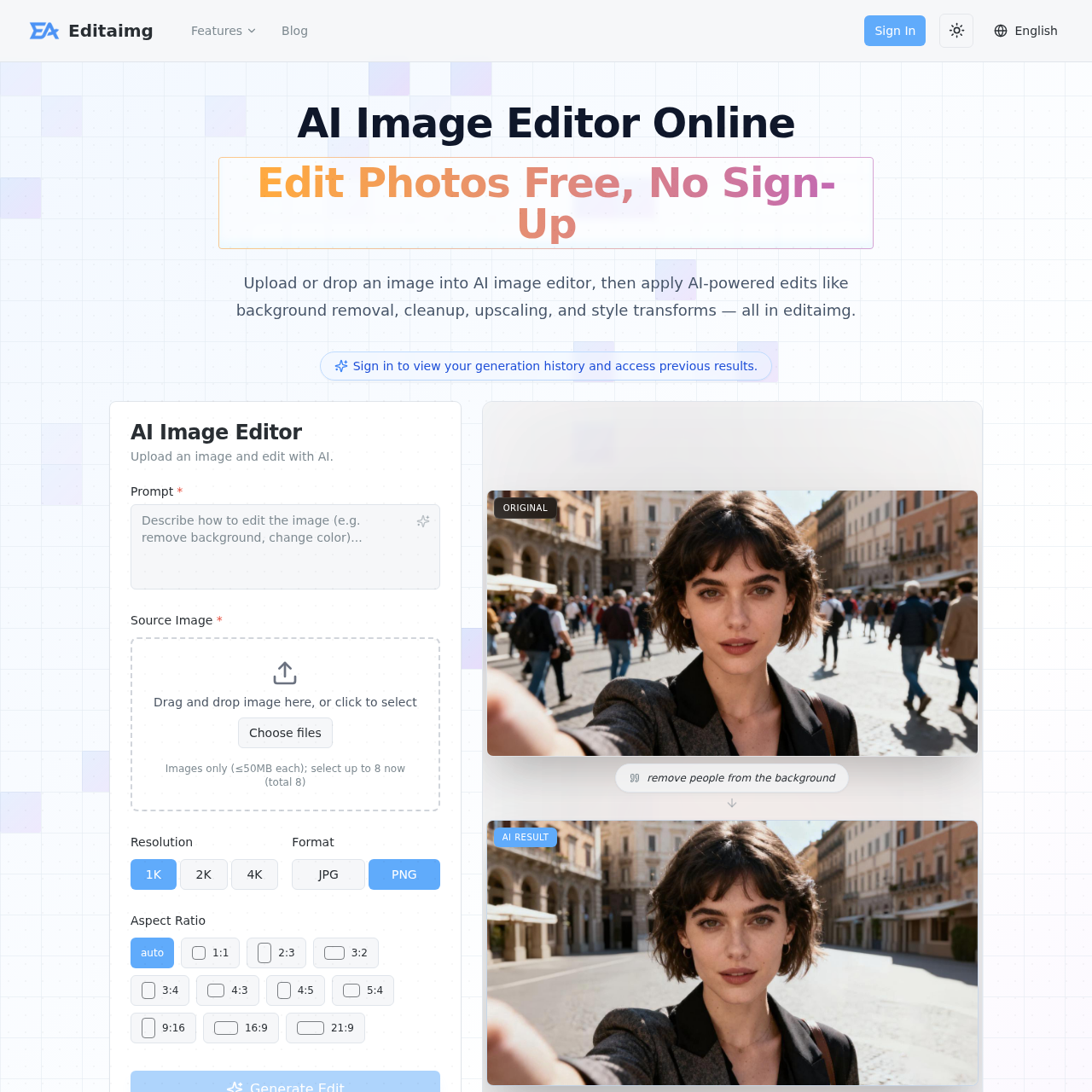
Editaimg's overview
Editaimg is an AI image editor designed for professionals and creators who want to enhance their images without needing extensive photo editing skills.
What You Can Do With Editaimg
- Background Removal — Remove backgrounds from images with a single click, preserving the original image quality.
- Upscaling — Enlarge photos to 1K, 2K, or 4K while preserving sharpness, texture, and fine detail.
- Style Transforms — Change a photo's background, style, outfit, color, or object with one plain language prompt.
- Text Editing — Add, edit, or remove text from images while matching fonts, colors, and texture.
- Object Removal — Remove unwanted objects from images, seamlessly reconstructing the background to give a clean and uncluttered final image.
- Image Translation — Translate text in images to over 130 languages while preserving the original style and formatting.
Editaimg's Key Features
🔥 Background Removal
⚡️ Upscaling
✨ Object Removal
🚀 Text Editing
Editaimg's FAQ
What is the Editaimg AI Image Editor and what can it do?
The Editaimg AI Image Editor is an online tool that allows users to apply AI-powered edits to their images, including background removal, cleanup, upscaling, and style transforms, without requiring professional photo editing skills.
How do I use the Editaimg AI Image Editor to edit my photos?
To use the Editaimg AI Image Editor, users can drag and drop their image into the editor, use the prompt box to specify the desired edits, fine-tune the output with advanced settings, and then hit the 'Edit' button to transform their photo.
What are the pricing options for the Editaimg AI Image Editor?
The Editaimg AI Image Editor offers three pricing options: a basic pack with 160 credits, a standard pack with 800 credits, and a premium pack with 4000 credits, with no subscription required and no expiration date for the credits.
Can I use the Editaimg AI Image Editor to remove backgrounds or objects from my images?
Yes, the Editaimg AI Image Editor can be used to remove backgrounds or objects from images, as well as to upscale image resolution, remove watermarks, and translate text in images.
Do I need to sign up or have any photo editing experience to use the Editaimg AI Image Editor?
No, the Editaimg AI Image Editor is free to start and does not require sign up or professional photo editing skills, making it accessible to everyone.