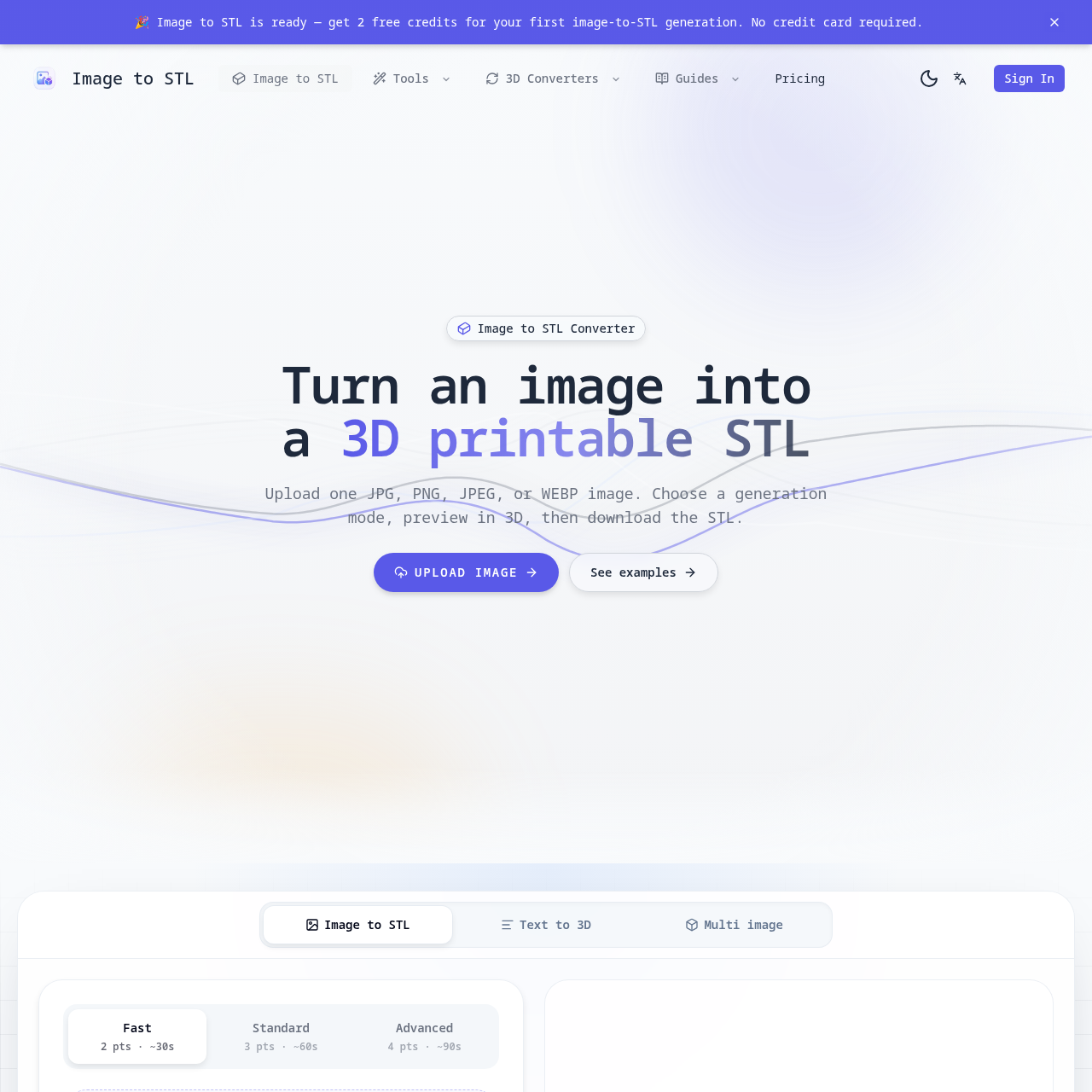
imagetostl's overview
imagetostl is an online tool designed for makers and hobbyists to convert images into 3D printable STL files. It is intended for individuals who want to create custom 3D models from their favorite images.
What You Can Do With imagetostl
- Generate 3D Models — Create printable STL drafts from images with visible subjects and simple backgrounds.
- Preview and Refine — Rotate the 3D preview in the browser and decide whether the STL is worth downloading or refining.
- Choose Generation Modes — Select from Fast, Standard, or Advanced modes to suit your needs, with options for PBR textures, custom face count, and smart decimation.
- Use for Gifts or Product Ideas — Test charms, ornaments, keepsakes, decor, and product concepts using the generated STL files.
- Work with Multiple Images — Add extra views when one photo is not enough to help with subjects that need more shape information.
- Convert Existing 3D Files — Support for workflows such as OBJ, GLB, or FBX to STL and other downloadable formats.
imagetostl's Key Features
🔥 Image Upload
⚡️ Generation Modes
✨ 3D Preview
🚀 STL Download
imagetostl's FAQ
What is the purpose of the Image to STL Converter?
The Image to STL Converter is a focused online tool for turning images into 3D printable STL drafts quickly, useful for creating charms, ornaments, reliefs, and keepsakes.
How do I get started with the Image to STL Converter?
To get started, upload one JPG, PNG, JPEG, or WEBP image, choose a generation mode, preview the 3D result, and then download the STL file.
What kind of images work best with the Image to STL Converter?
Images with a clear subject, visible edges, and a simple background work best, and it is recommended to crop away clutter before uploading when possible.
Can I use the Image to STL Converter for free?
Yes, you can get 2 free credits for your first image to STL generation, and credits are returned automatically if generation fails.
What are the generation modes available in the Image to STL Converter?
The converter offers Fast, Standard, and Advanced generation modes, with varying levels of detail and processing time, and the choice of mode depends on the desired level of detail and complexity of the 3D model.