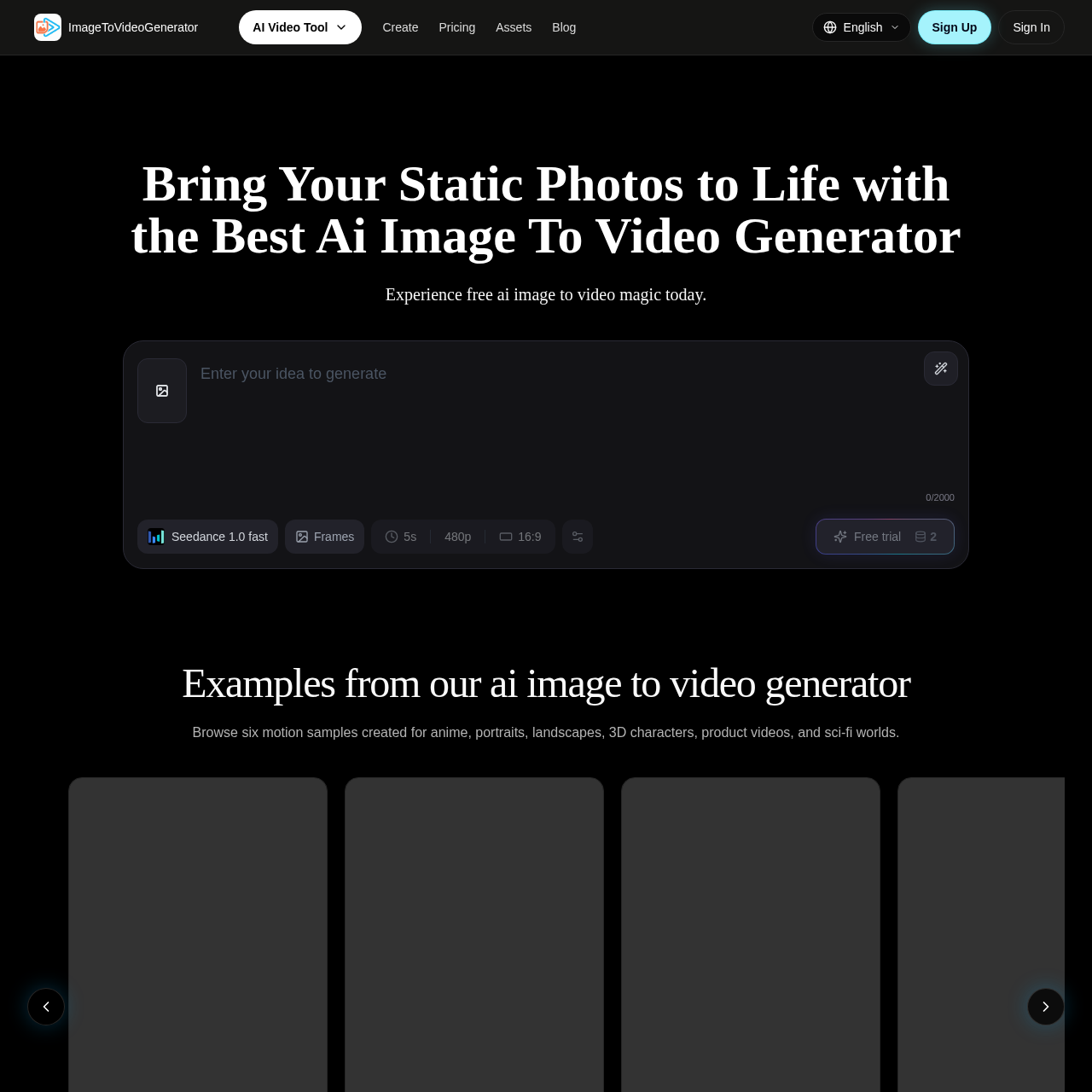
image to video generator's overview
An image to video generator is a tool that enables creators to transform static images into dynamic videos. It is designed for creators who want to add motion to their photos without requiring extensive video production experience.
What You Can Do With image to video generator
- Transform Static Images — Turn static illustrations into dynamic anime masterpieces with smooth, authentic cel-shaded motion and vibrant visual effects.
- Create Cinematic Sequences — Elevate simple headshots into breathtaking cinematic sequences with subtle micro expressions, dramatic lighting shifts, and shallow depth of field for emotional impact.
- Animate Landscapes — Turn beautiful nature photography into immersive living environments with flowing water, rustling leaves, and dynamic time-lapse cloud movements.
- Bring 3D Renders to Life — Generate realistic physics, cloth simulations, and smooth skeletal movements for games and other applications.
- Create Commercial Aesthetics — Showcase luxurious textures, dynamic camera tracking, and studio-quality lighting to grab consumer attention.
- Construct Futuristic Worlds — Seamlessly integrate glowing neon aesthetics, volumetric fog, and dynamic vehicles for a stunning cyberpunk experience.
image to video generator's Key Features
🔥 Multi Model Workspace
⚡️ Automated Workflows
✨ Flexible Subscriptions
🚀 Commercial Rights
image to video generator's FAQ
What is the ai image to video generator used for and who is it best suited for?
The ai image to video generator is used to create cinematic motion from a single image and is best suited for creators, agencies, marketers, and artists who need to match the model to the brief instead of forcing every project into one look.
How does the ai image to video generator workflow process work?
The workflow process involves uploading a photo, typing a prompt, and then previewing and exporting the generated video masterpiece, with the option to choose the best model for realism, stylized motion, product shots, or character animation.
What are the subscription tiers and generation limits for the ai image to video generator?
The subscription tiers include Lite, with 5 AI credits, and higher tiers with 150, 350, and 1,500 credits per month, each with varying storage and download limits, and the ability to unlock more models, saved history, and stronger workspace continuity.
What happens to the copyright of the generated content from the ai image to video generator?
Copyright depends on plan status, with free access outputs potentially being retained by the platform, and paid subscribers being granted permanent commercial rights to the files they create, allowing them to publish without attribution requirements.
How does the ai image to video generator ensure model consistency and prevent structural deformation during rendering?
The ai image to video generator tracks facial landmarks, body structure, and color cues before motion is applied, reducing warping, identity drift, and flicker, and preserving subject integrity to minimize post-correction and speed up delivery.