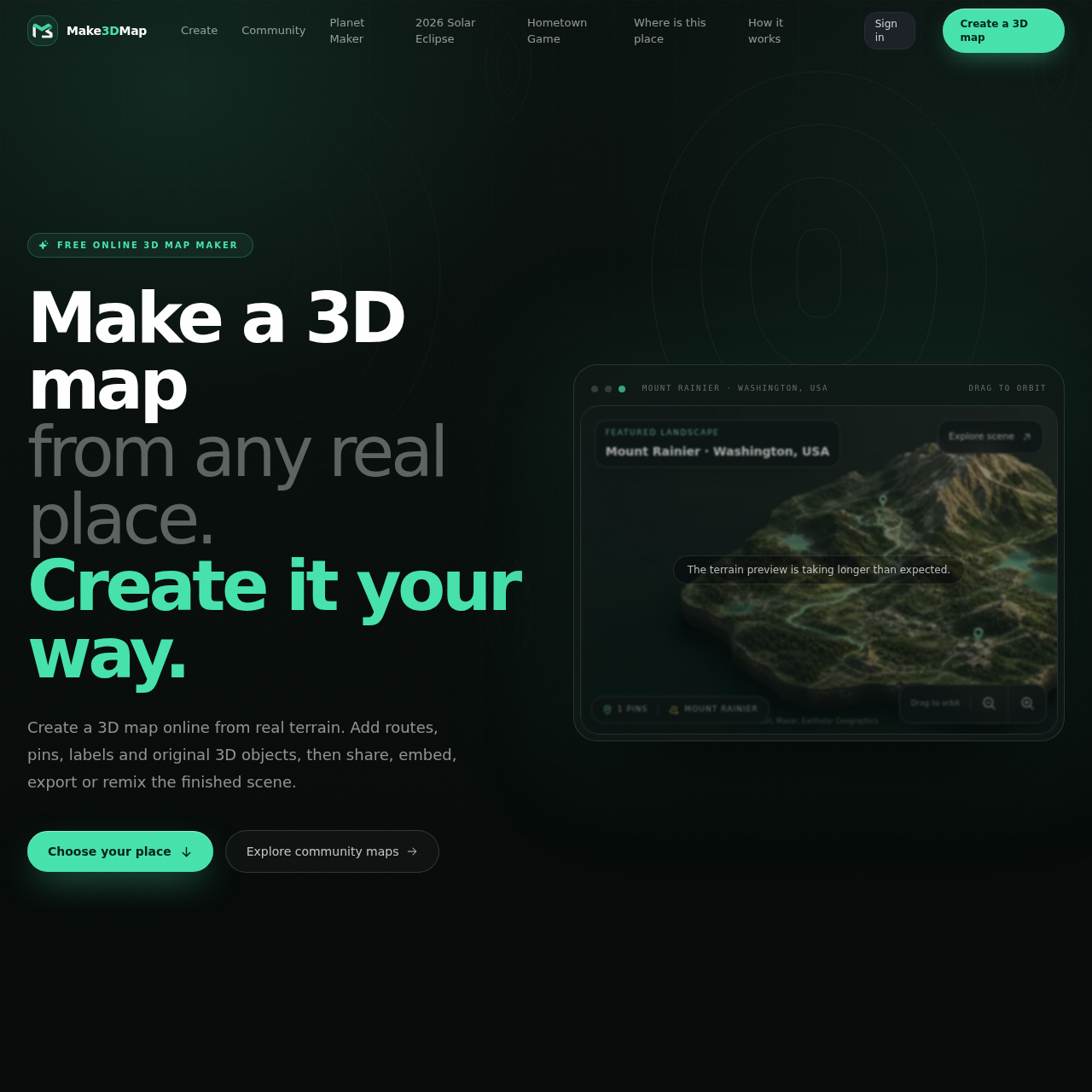
Make3DMap's overview
Make3DMap is a browser-based 3D map maker designed for creators who want to turn real world elevation into editable scenes. It allows users to add objects, routes, pins, text, atmosphere, and custom assets to their maps.
What You Can Do With Make3DMap
- Create Custom Maps — Turn any place into a living 3D scene with real terrain and add routes, pins, labels, and original 3D objects.
- Upload Custom Assets — Upload terrain images, surface textures, and 3D models up to 250 MB and reuse them across maps.
- Share and Embed Maps — Share maps as a clean URL, embed them on other websites, or export images, 3D scene files, or files for 3D printing.
- Remix and Collaborate — Allow others to create an independent copy of a published map without changing the original, enabling collaboration and remixing of maps.
- Export for Further Editing — Export terrain as GLB or STL and continue editing in tools like Blender, Unity, or Unreal.
- Use for Various Purposes — Utilize Make3DMap for purposes such as travel and route stories, games and worldbuilding, education and exhibits, event and destination maps, and 3D printing and production.
Make3DMap's Key Features
🔥 Real World Terrain
⚡️ Custom 3D Objects
✨ Map Export
🚀 Scene Sharing
Make3DMap's FAQ
What is Make3DMap and what does it do?
Make3DMap is a browser-based 3D map maker that turns real-world elevation into an editable scene, allowing users to add objects, routes, pins, text, atmosphere, and custom assets.
How do I make a 3D map online using Make3DMap?
To make a 3D map online, search for any real place, frame the area you need, and create the terrain, then style the map, add routes, pins, labels, and 3D objects, and publish or export the finished scene.
Can I upload my own 3D models to Make3DMap?
Yes, signed-in creators can upload complete GLB model files up to 250 MB and reuse them across maps.
What file formats can I export my 3D map as using Make3DMap?
Users can export terrain as GLB or STL and continue working on it in Blender, Unity, or Unreal.
Can other people remix my 3D map created with Make3DMap?
Yes, after signing in, anyone can create an independent copy of a published map without changing the original.