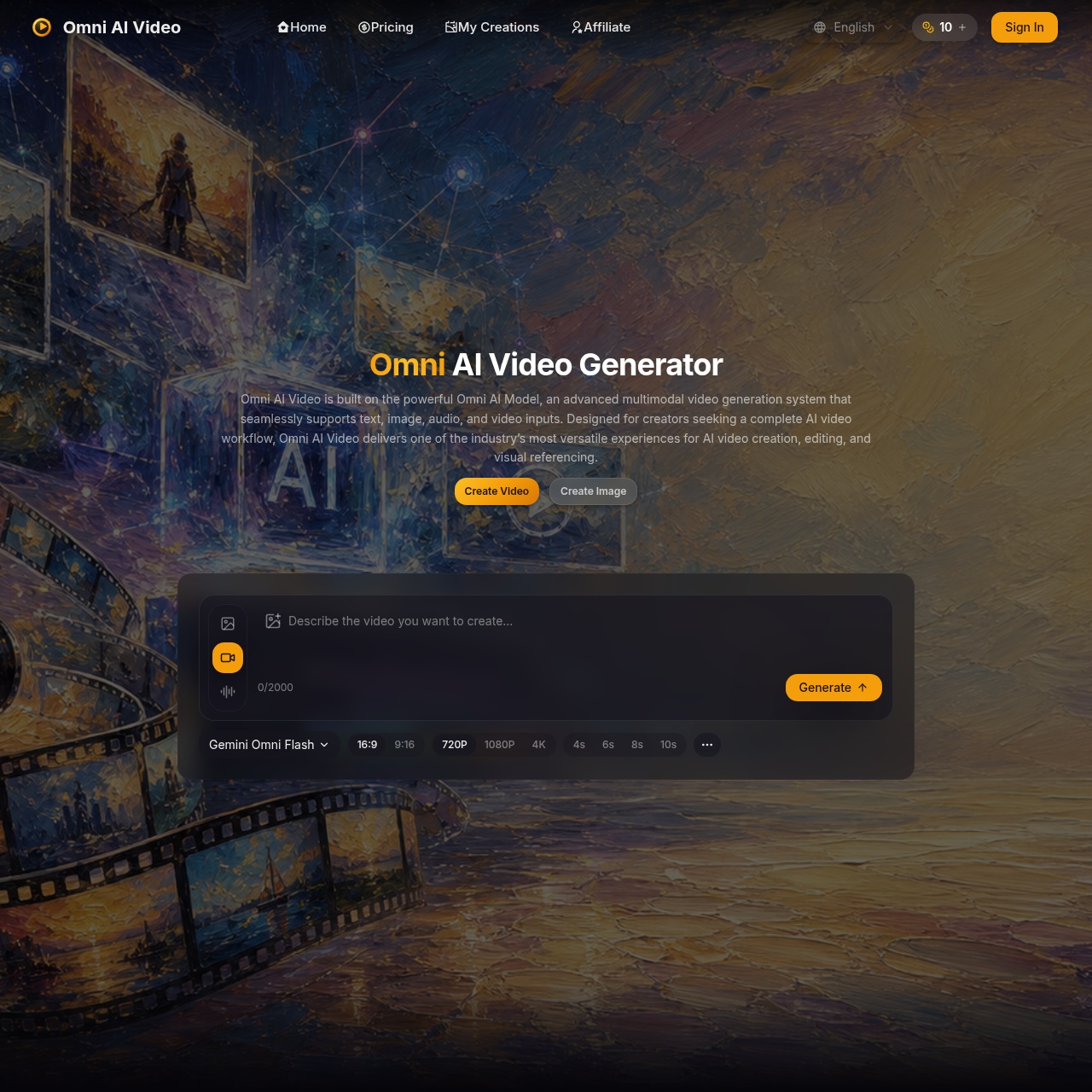
Omni AI Video's overview
Omni AI Video is a multimodal AI video generator designed for creators seeking a complete AI video workflow. It delivers a versatile experience for AI video creation, editing, and visual referencing.
What You Can Do With Omni AI Video
- Text to Video — Generate clean, high-quality video from text prompts with clear motion, composition, and visual direction every time.
- Image to Video — Animate reference images into dynamic video while preserving the subject, style, and creative intent across every frame.
- Reference Generation — Use natural language prompts, visual references, and audio cues to control the look, subject, motion, and style of your video.
- Video Editing — Iterate from prompt to preview to final export with a streamlined generation workflow, suitable for marketing, social media, product visuals, and creative experiments.
- Multimodal Input — Handle text, image, audio, and video prompts in a single unified pipeline, allowing for mixed inputs to produce coherent video output.
- Production Ready Output — Generate high-quality video ready for social content, ads, product showcases, and commercial work.
Omni AI Video's Key Features
🔥 Multimodal Input Support
⚡️ Unified Video Generation
✨ Customizable Resolution
🚀 Commercial Output
Omni AI Video's FAQ
What is Omni AI Video used for?
Omni AI Video is a multimodal AI video generator used for creating, editing, and referencing videos from text, image, audio, and video inputs.
Can I use the Omni Video Model for commercial work?
Yes, paid plan Omni Video Model outputs can be used for commercial work according to the plan terms and site policies.
How do I get started with creating AI videos on Omni AI Video?
To create AI videos, start with an idea, pick a model, and generate your video in three quick steps on omniaivideo.ai.
What types of files are supported by the Omni Video Model?
The Omni Video Model supports JPG, PNG, WEBP, MP4, MOV, and WEBM files, with specific size and duration limits.
Are there any limits to the number of videos I can generate with the Omni Video Model?
The number of videos you can generate depends on your plan, with options ranging from up to 15 videos per month to up to 150 videos per month.