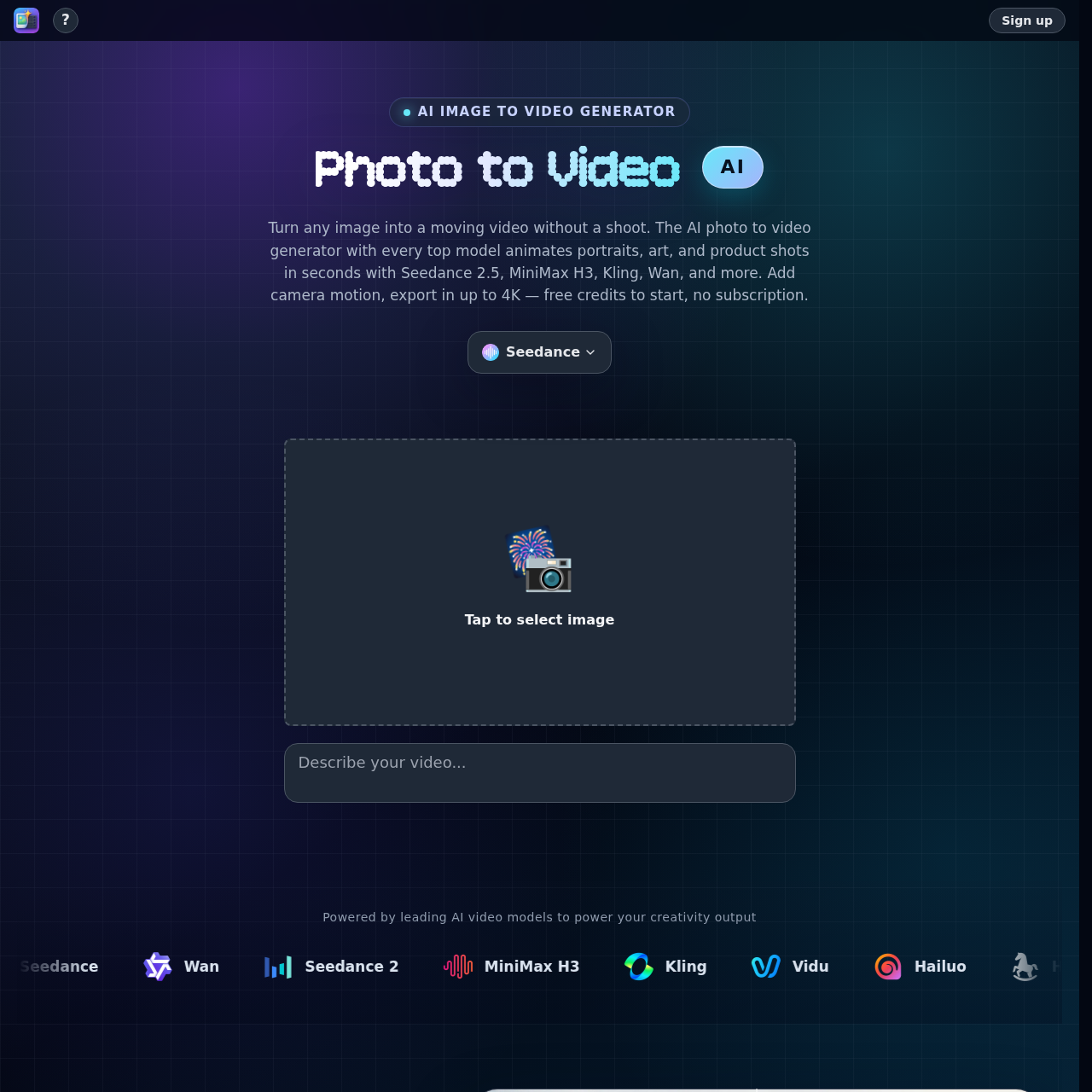
Photo to Video's overview
Photo to Video is an AI-powered image to video generator designed for creators who want to bring their still photos to life. It is a tool that uses leading AI video models to power creativity output.
What You Can Do With Photo to Video
- Animate Images — Turn a photo, illustration, or plain prompt into finished motion with camera movement and lighting effects, all from one input image.
- Bring Portraits to Life — Make faces blink and smile, and give illustrations gentle motion, while keeping every detail true to the original image.
- Direct Motion — Direct a snap push in, a hero close up, or an orbit, and brush the exact detail you want to highlight, with the option to add handheld energy or lock the frame off.
- Rotate Subjects — Rotate a subject on a clean loop from one shot, showing every angle, which is ideal for listings and showcases.
- Drop Subjects into Scenes — Drop your subject into any setting in motion, with lighting and perspective that match the image.
- Animate Backdrops — Animate or swap the backdrop behind your subject, with clean edges and realistic movement.
Photo to Video's Key Features
🔥 Animates Portraits
⚡️ Adds Camera Motion
✨ Upscales Videos
Photo to Video's FAQ
What is the Photo to Video AI Generator used for?
The Photo to Video AI Generator is used to turn any photo into a video with AI, animating portraits, art, and product shots in seconds.
What models are supported by the Photo to Video AI Generator?
The Photo to Video AI Generator supports every leading video model, including Seedance 2.5, MiniMax H3, Kling, Wan, and more.
Do I need a subscription to use the Photo to Video AI Generator?
No, the Photo to Video AI Generator offers free credits to start and does not require a subscription, allowing users to pay per video.
What is the output quality of the Photo to Video AI Generator?
The Photo to Video AI Generator can export videos in up to 4K resolution.