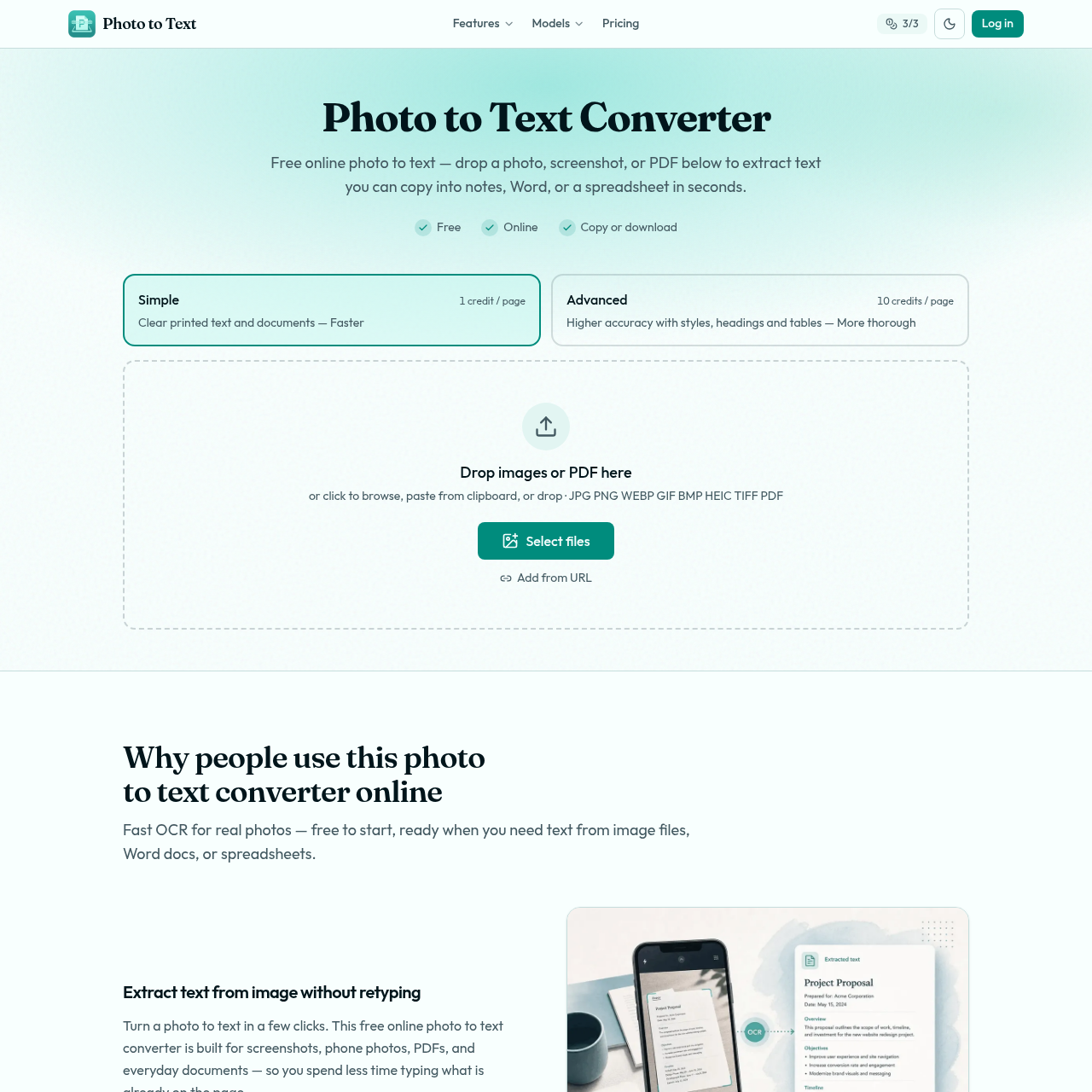
Photo to Text's overview
Photo to Text is a free online tool designed for individuals and professionals who need to extract text from various image formats, including JPG, PNG, and PDF. It helps users save time by eliminating the need to retype text from images, screenshots, and documents.
What You Can Do With Photo to Text
- Extract Text — Extract text from images, PDFs, and screenshots without retyping, using Optical Character Recognition (OCR) technology for clear and accurate results, including support for common formats like WEBP, HEIC, TIFF, and more.
- Convert to Word or Excel — Copy extracted text into Word, Docs, or email, or open it directly in Word or Excel for further editing and formatting.
- Handle Complex Layouts — Use Advanced mode for trickier shots, including blurry photos, tilted pages, handwriting, crowded layouts, or table images, to achieve higher accuracy with styles, headings, and tables.
- Work with Various Formats — Convert picture to text from phone albums, crisp screenshots, or PDF scans, handling common types without requiring reformatting first.
- Save Time — Reduce time spent typing what is already on the page by quickly extracting text and copying it into notes, Word, or a spreadsheet.
- Edit and Download — Edit extracted text in Word or Excel and download it in various formats, including DOCX, XLSX, CSV, or TSV, for easy reuse and sharing.
Photo to Text's Key Features
🔥 OCR Technology
⚡️ Image Conversion
✨ Text Extraction
🚀 Document Editing