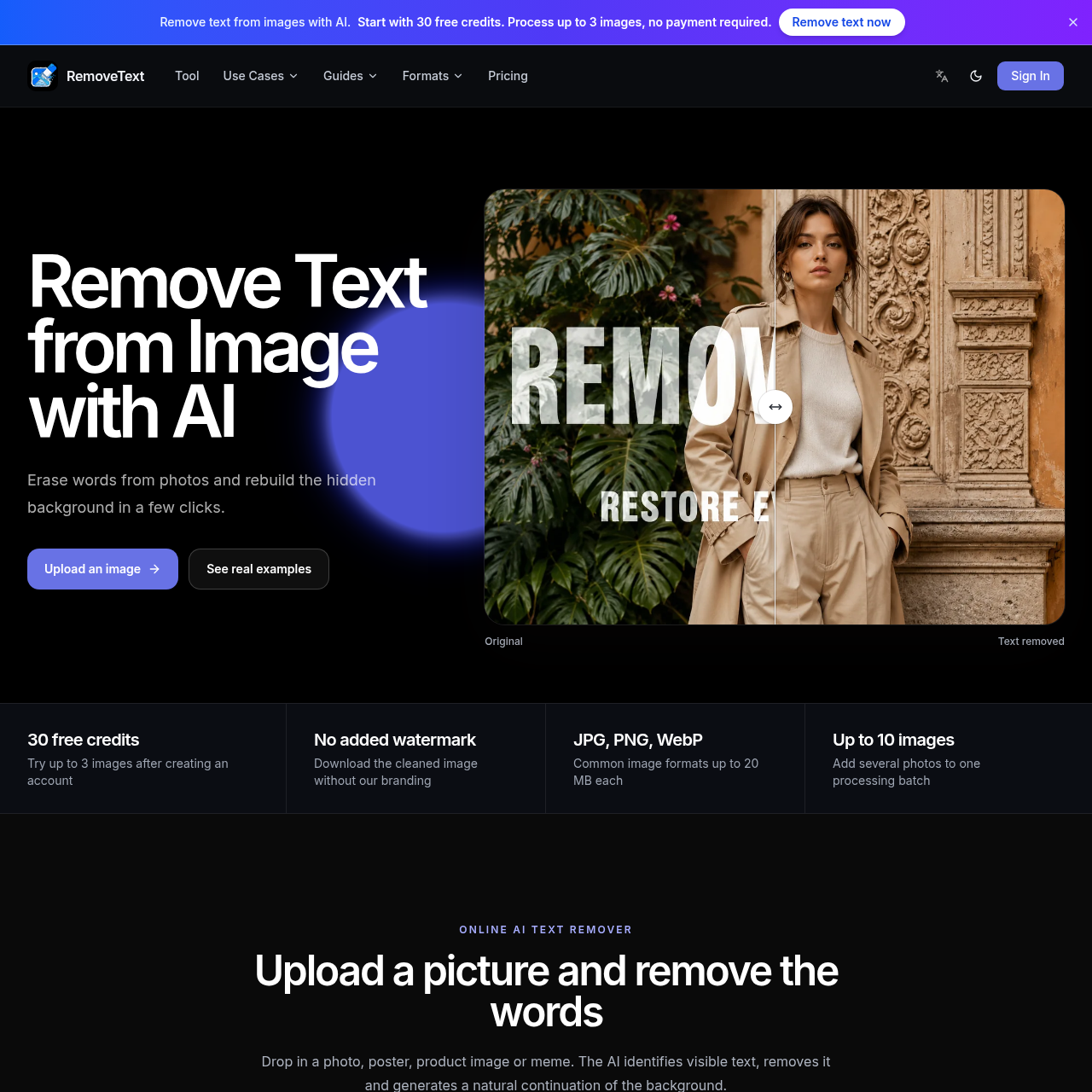
RemoveText's overview
RemoveText is an online tool designed for individuals and businesses looking to remove unwanted text from images. It utilizes AI technology to identify and erase visible text, generating a natural continuation of the background in the process.
What You Can Do With RemoveText
- Remove Unwanted Text — Remove visible text from images, including posters, memes, and product photos, without leaving a flat blur behind.
- Reconstruct Backgrounds — The AI generates new pixels that follow nearby colors, texture, lighting, and shapes to create a natural-looking background.
- Edit Images Online — Upload images in common formats such as JPG, PNG, or WebP, and download the cleaned image without any watermark.
- Selective Text Removal — Add custom instructions to remove specific text while preserving other details in the image.
- Batch Processing — Add up to 10 supported images to a batch, with each image up to 20 MB in size.
- Preserve Original Aspect Ratio — The cleaned image retains its original aspect ratio, ensuring it looks natural and untouched.
RemoveText's Key Features
🔥 AI Text Removal
⚡️ Custom Instructions
✨ Natural Background Reconstruction
RemoveText's FAQ
What is RemoveText and how does it work?
RemoveText is an online AI text remover that erases visible text from images and reconstructs the covered area, allowing users to review and download a clean result.
Can I use RemoveText for free and what are the limitations?
Yes, a new verified account starts with 30 free credits, enough to try up to 3 images without entering payment details, with each image costing 10 credits.
How does RemoveText handle image formats and sizes?
RemoveText supports JPG, JPEG, PNG, and WebP files, with each image limited to 20 MB and up to 10 images per batch, preserving the original aspect ratio.
What happens if the AI text removal task fails in RemoveText?
If the AI task fails, the reserved credits are automatically returned, allowing users to adjust the instruction or image and try again.