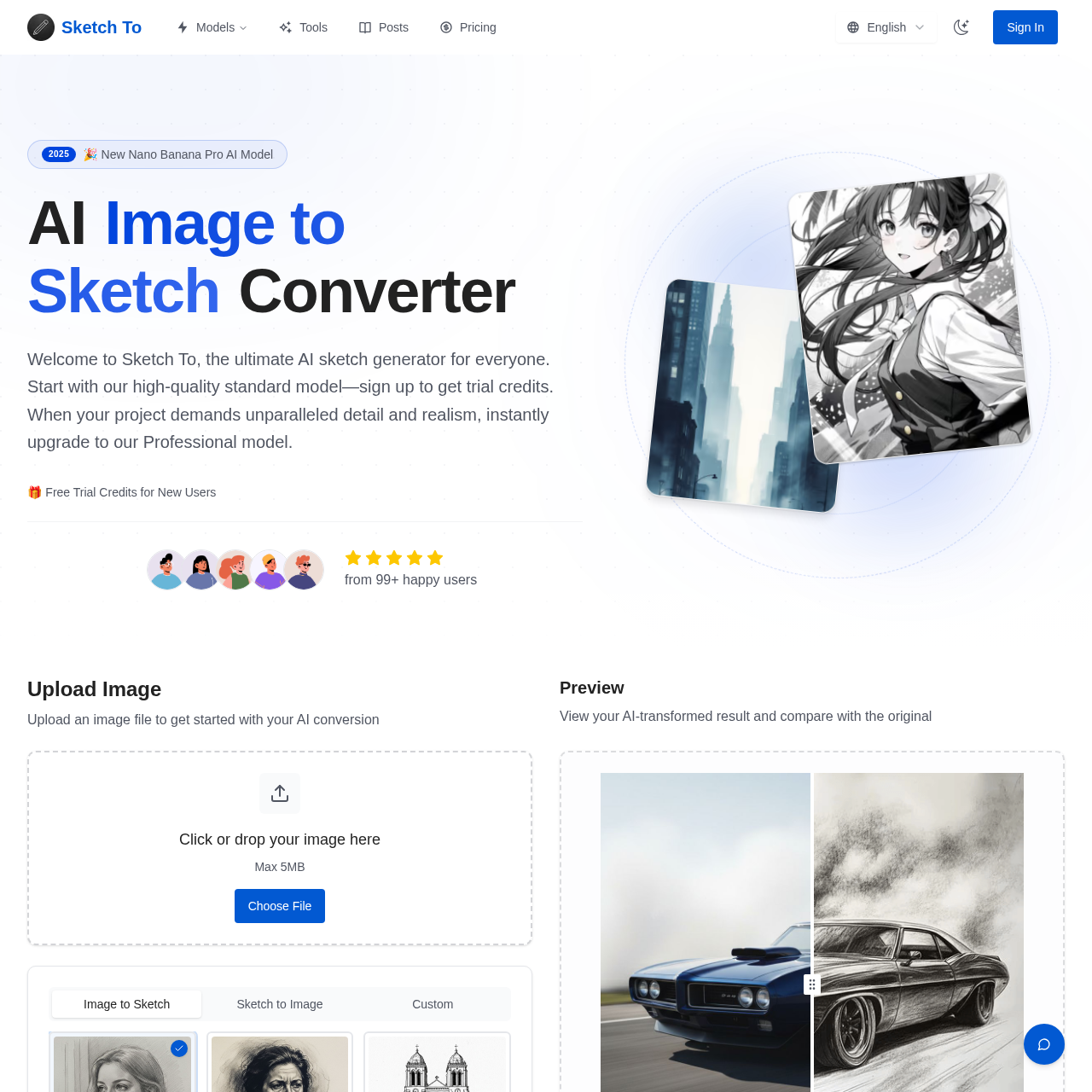
Sketch To's overview
Get instant results with Sketch To's advanced AI technology, suitable for artists, designers, and creatives. With its user-friendly interface and flexible pricing plans, Sketch To is the go-to tool for converting images to sketches and sketches to images, enhancing creativity and productivity. From social media posts to professional projects, unlock your full creative potential with Sketch To. With its powerful AI models and instant processing, users can easily convert images to stunning sketches and sketches to realistic images, all in seconds. Whether you're a hobbyist or professional, Sketch To is the perfect tool for unlocking your creativity and taking your work to the next level.
Sketch To's Key Features
🌟 🔥 Image to Sketch Conversion
💫 ⚡ Instant Processing
🔥 ✨ High Resolution Output
Sketch To's Use cases
Here are 3 practical use cases for the Sketch To product:
🎨 Digital Art and Illustration Sketch To's AI-powered tool enables artists to quickly and easily convert photos into stunning pencil sketches, saving time and effort in the creative process.
📊 Marketing and Advertising Use Sketch To to generate professional-looking sketches and illustrations for marketing materials, such as product images, social media posts, and advertisements, without requiring extensive illustration skills.
📈 Education and Research Students and researchers can utilize Sketch To to create detailed, high-quality sketches from images, facilitating the study and analysis of complex subjects, such as anatomy, architecture, and historical buildings.
Sketch To's FAQ
What are the differences between the Standard and Professional models in Sketch To?
The Standard model is perfect for everyday creativity, offering high-quality conversions for hobbies and personal projects. New users receive trial credits to get started. The Professional model, on the other hand, uses advanced AI technology, delivering superior detail and realism, ideal for commercial projects and professional use.
How do I upload my image to use the Sketch To tool?
To use the Sketch To tool, simply drag and drop your image file onto the canvas. You can upload images in various formats, including JPG, PNG, and more. The tool supports files up to 10MB in size.
Can I use Sketch To for commercial purposes?
Yes, the Professional model is specifically designed for commercial use, offering industry-leading results perfect for client work and business projects. With the Professional model, you can rest assured that your creations are protected by a commercial license.
How long does it take to process an image using Sketch To?
Most conversions are completed within seconds. The exact processing time depends on the image size and complexity, but Sketch To's cloud-based infrastructure ensures fast processing for all users.