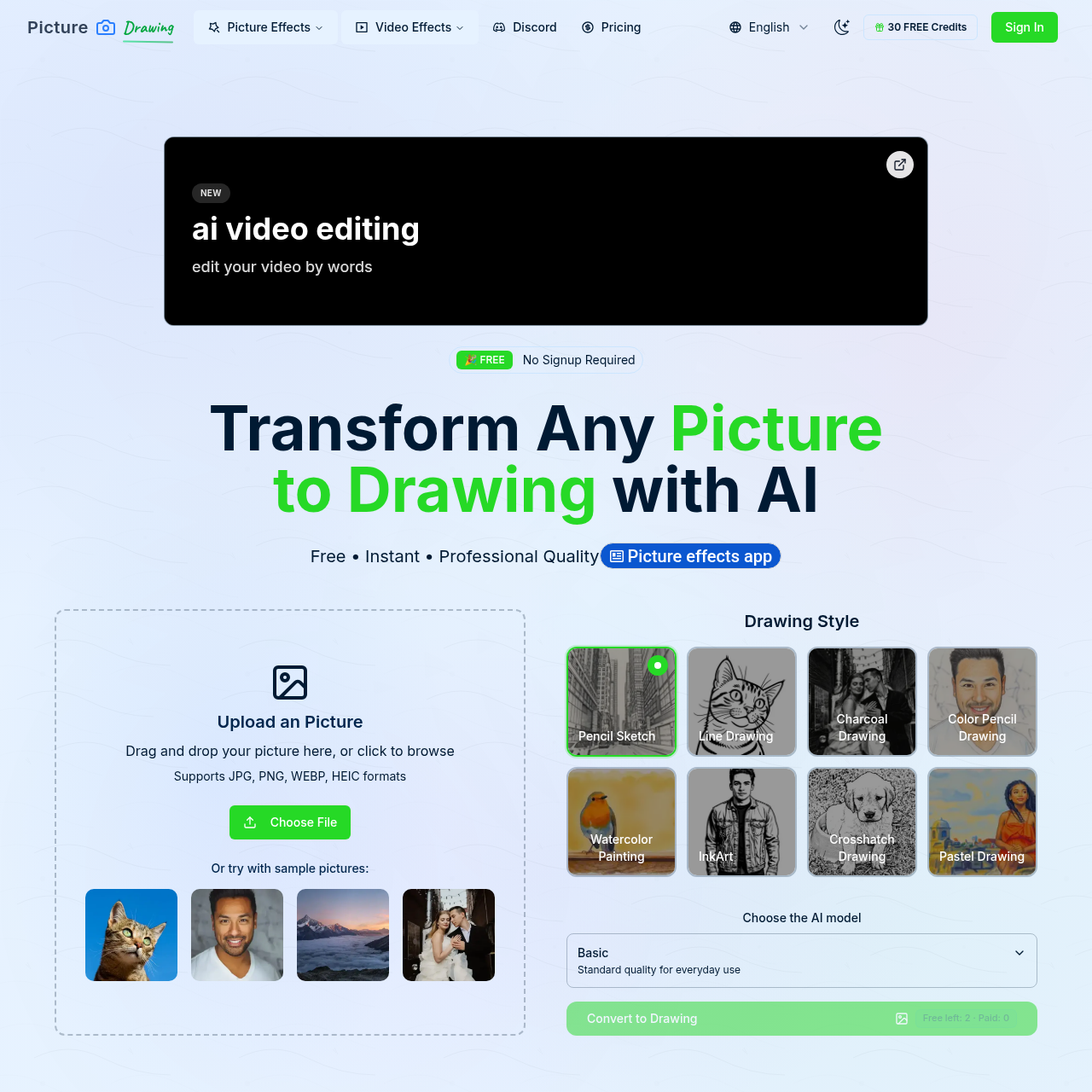
Picture to Drawing's overview
Picture to Drawing With AI 100% Free No Sign Up Picture Effects Video Effects English 30 FREE Credits Sign In New ai video editing edit your video by words](https://aivideoediting.io/) 🎉 FREE No Signup Required Transform Any Picture to Drawing with AI Free • Instant • Professional Quality Picture effects app Upload an Picture Drag and drop your picture here, or click to browse Supports JPG, PNG, WEBP, HEIC formats Choose File Or try with sample pictures: Drawing Style Pencil Sketch Line Drawing Charcoal Drawing Color Pencil Drawing Watercolor Painting InkArt Crosshatch Drawing Pastel Drawing Choose the AI model Basic Standard quality for everyday use Convert to Drawing Free left: 2 · Paid: 0 Advertisement Discover more Digital art tutorials Line drawing tool Painting What is Picture to Drawing AI Picture to Drawing is a revolutionary AI powered tool that transforms any picture to drawing with stunning artistic results. Our advanced picture to drawing algorithm creates beautiful sketches, pencil drawings, and artistic renditions from your photos. AI drawing tool Instant Picture to Drawing Upload any photo and watch our AI transform your picture to drawing in seconds.
Picture to Drawing's Key Features
🎯 🔥 Instantly convert photos to drawings with AI
⚡️ ⚡ Choose from multiple artistic styles
🌟 ✨ High-quality, professional results
🎯 🌟 Free to use with no registration required
Picture to Drawing's Use cases
🎨 Artistic Photo Editing Effortlessly convert personal or professional photographs into stunning, shareable artwork in various styles without any artistic skills.
📚 Educational Tool Help students understand and explore different artistic styles and techniques by transforming their photos into various drawing styles.
📸 Social Media Engagement Create unique, eye-catching content for social media platforms by transforming photos into artistic drawings, increasing engagement and shares.
Picture to Drawing's FAQ
What image formats does Picture to Drawing support for uploads?
Picture to Drawing supports various image formats for uploads, including JPG, PNG, WEBP, and HEIC. This allows users to convert a wide range of photos into artistic drawings.
How many artistic styles can I choose from for my picture to drawing conversion?
Picture to Drawing offers multiple artistic styles for your picture to drawing conversion. You can choose from styles such as pencil sketch, line drawing, charcoal drawing, color pencil drawing, watercolor painting, ink art, crosshatch drawing, and pastel drawing.
Is there a limit to the number of pictures I can convert using the free version of Picture to Drawing?
The free version of Picture to Drawing allows for unlimited picture to drawing conversions without any hidden fees. However, free models may have longer generation times and occasional stability issues. For faster processing and more reliable service, premium models are available.
How can I contact support if I have issues or questions about Picture to Drawing?
If you have any issues or questions about Picture to Drawing, you can contact their support team at [email protected]. Additionally, you can join their Discord community for further assistance and discussions.