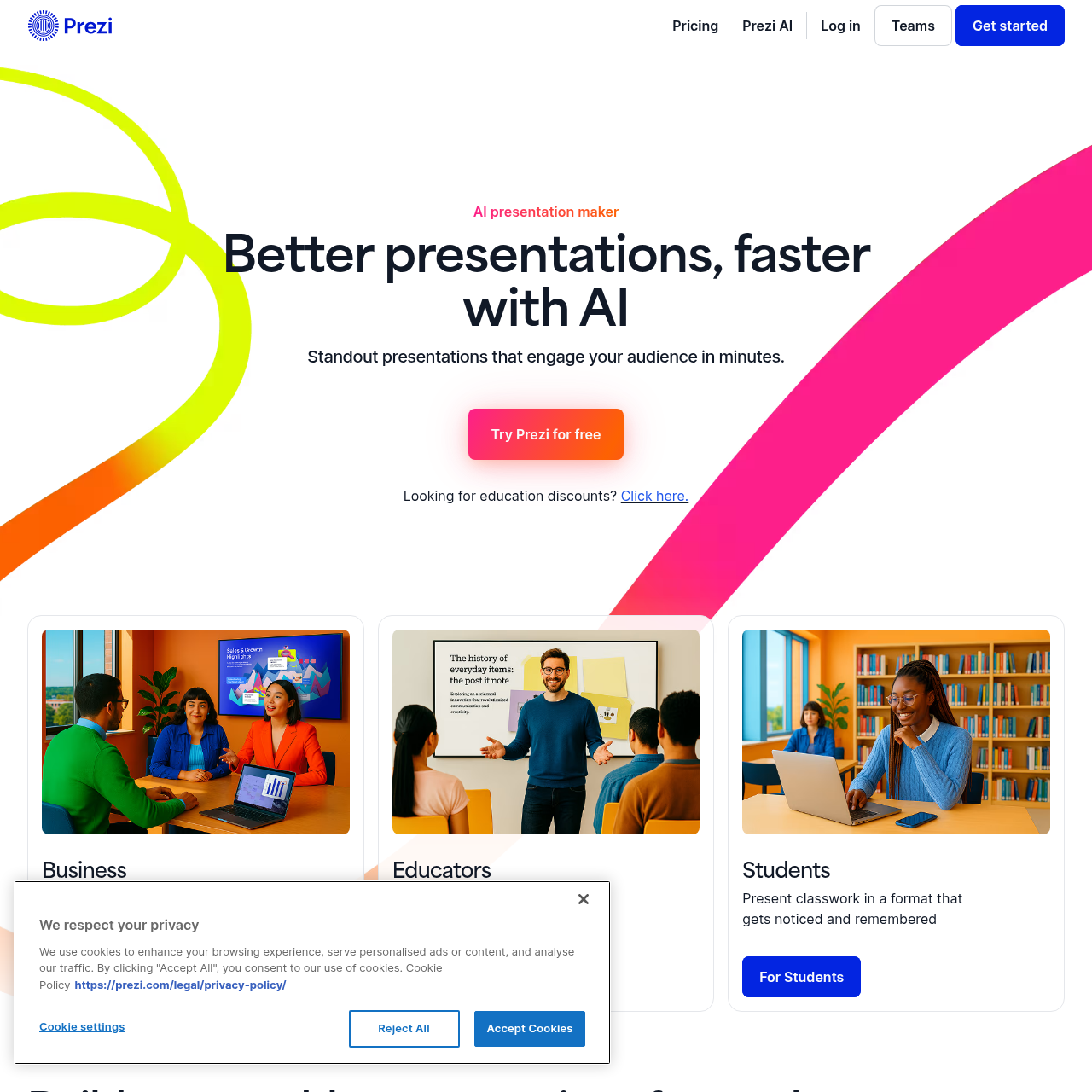
Prezi's overview
Prezi | The AI presentation maker for engaging presentations Use cases AI presentation maker Better presentations, faster with AI Standout presentations that engage your audience in minutes. Start for free. No credit card required. Looking for education discounts? Build memorable presentations for modern teams and schools with Prezi’s AI presentation tool. Create with AI Prezi has set the standard for amazing presentations for 15 years. Now, we’re redefining the future of presenting with AI. From idea to presentation, effortlessly Present bold ideas, create attention grabbing visuals, and bring any idea to life with Prezi AI. Design with AI Enter a prompt and get a full presentation. Expert advice Personalized recommendations from AI each step of the way. Visualize anything AI customized templates give you the perfect start. Everything you need to create what you want Make amazing presentations with layouts, assets, and AI assistance that make creating easier than ever. Transform content Enter your prompt and get a full presentation. Show it perfectly 1M+ images, GIFs, and more to visualize any idea. Design beautifully Frame designs that look beautiful and make presenting easy.
Prezi's Key Features
🚀 🔥 AI-Powered Presentation Creation: Generate complete presentations from prompts or uploaded files with custom design and visuals.
🚀 ⚡ Interactive and Dynamic Presentations: Stand out with Prezi's unique open canvas and dynamic movement, leaving boring slides behind.
🚀 ✨ Engaging and Memorable Content: Prezi is 25% more effective at capturing audience attention, with features like AI-generated visuals and personalized recommendations.
⭐️ 🌟 Collaborative and Team-Friendly: Ideal for collaborative workflows, allowing multiple people to review, refine, and align on messaging.
Prezi's Use cases
Here are three practical use cases for Prezi's AI presentation maker:
📈 Sales Pitch Enhancement Elevate sales pitches with dynamic, engaging visuals that highlight key product features and benefits, making presentations more persuasive and memorable.
🎓 Educational Lectures Create interactive and visually appealing lectures that enhance student engagement and retention, making complex topics easier to understand.
🏢 Corporate Training Develop compelling training modules that effectively communicate company policies, procedures, and skills, ensuring consistent and impactful learning experiences.
Prezi's FAQ
How does Prezi AI assist in creating presentations?
Prezi AI helps users create presentations by generating a structured draft with suggested slide titles, key points, and design themes based on a prompt or uploaded file. It automates the process of organizing ideas into a logical flow and creating a consistent design, allowing users to focus on refining the content and delivery.
Can Prezi AI be used to convert existing presentations from other software?
Yes, Prezi AI can transform existing PowerPoint presentations, Google Slides, or Keynote presentations into dynamic Prezi presentations. Users can upload their slide decks, and Prezi's tools will help convert them into interactive Prezi presentations.
What are the benefits of using Prezi AI for team collaborations?
Prezi AI is well-suited for collaborative workflows where multiple team members need to review, refine, and align on messaging. It ensures consistent presentations across the organization with shared collaboration features and team-friendly controls, making it an ideal solution for teams.
How does Prezi AI help in engaging audiences during presentations?
Prezi AI creates presentations that are 25% more effective at capturing audience attention compared to traditional slides. It allows users to navigate straight to what the audience wants to see, present anywhere with Prezi Video, and use dynamic movement and visuals to keep the audience engaged.
Can beginners use Prezi AI to create professional-looking presentations?
Yes, Prezi AI is designed to help beginners get a high-quality first draft quickly. It provides suggested structure and slide content, reducing the time spent on organizing ideas and allowing beginners to focus on accuracy and delivery.