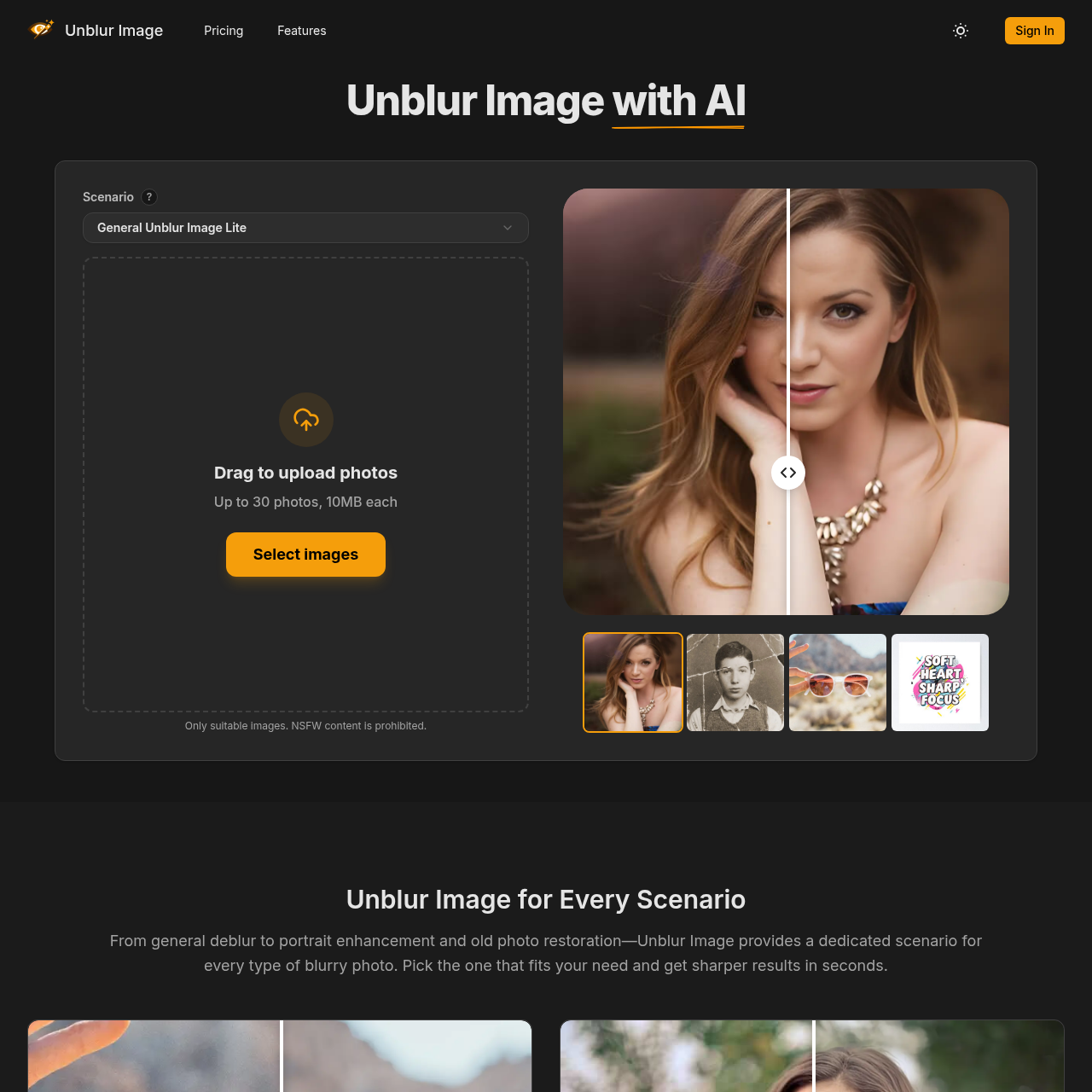
Unblur Image's overview
Unblur Image Remove Blur From Images Online Sign In Unblur Image Unblur Image with AI Scenario ? General Unblur Image Pro 10 Best for products and non portrait images. Portrait Enhancer 10 Best for portraits and selfies. Restore Old Photo 10 Best for restoring old or damaged photos. General Unblur Image Lite 1 Budget friendly option with moderate enhancement quality. General Unblur Image Lite Drag to upload photos Up to 30 photos, 10MB each Select images Only suitable images. NSFW content is prohibited. Scenario ? General Unblur Image Pro 10 Best for products and non portrait images. Portrait Enhancer 10 Best for portraits and selfies. Restore Old Photo 10 Best for restoring old or damaged photos. General Unblur Image Lite 1 Budget friendly option with moderate enhancement quality. General Unblur Image Lite Only suitable images. NSFW content is prohibited. Select images Unblur Image for Every Scenario From general deblur to portrait enhancement and old photo restoration—Unblur Image provides a dedicated scenario for every type of blurry photo. Pick the one that fits your need and get sharper results in seconds.
Unblur Image's Key Features
🚀 🔥 AI-Powered Blur Removal: Automatically reduce blur caused by motion, focus errors, or low resolution.
🔥 ⚡ Multiple Scenarios: Choose from general deblur, portrait enhancement, old photo restoration, and more.
⭐️ ✨ Batch Processing: Upload up to 30 images at once and process them in parallel for efficiency.
🎯 🌟 Web-Based Workflow: Use directly in your browser on desktop or mobile with no download required.
Unblur Image's Use cases
📸 E-commerce Product Photography Enhance product images to make details crisp and clear, increasing customer trust and reducing return rates.
👨👩👧👦 Family Photo Restoration Revive and preserve old family photos by repairing damage and restoring lost details, keeping memories alive for future generations.
📈 Professional Marketing Materials Sharpen logos and text in marketing materials to ensure brand consistency and professionalism across all platforms.
Unblur Image's FAQ
What types of images can Unblur Image process?
Unblur Image supports various scenarios, including general deblur for everyday photos, portrait enhancement for selfies and headshots, old photo restoration for damaged or faded images, and sharpening logos and text. It can handle up to 30 images at once in JPG, PNG, or WebP formats.
Do I need to install any software to use Unblur Image?
No, Unblur Image is a web-based tool. You can use it directly in your browser on both desktop and mobile devices without needing to install any software. This makes it convenient for users who prefer not to download additional applications.
How does the batch processing feature work, and how are credits charged?
The batch processing feature allows you to upload up to 30 images at once, and Unblur Image will process them all in parallel. Credits are charged based on the number of images processed in a batch. For example, if you upload 30 images, you will use the corresponding number of credits for that batch size. This is ideal for users who need to enhance multiple photos quickly, such as for product shoots or event galleries.
Can Unblur Image handle very blurry photos?
Unblur Image is designed to fix common blur issues caused by motion, focus errors, or low-quality captures. While it can significantly improve many blurry photos, the effectiveness may vary depending on the severity of the blur. For very blurry photos, the results might still show some residual blur, but the tool aims to enhance the image as much as possible.
What are the core features of Unblur Image?
Unblur Image offers several core features, including AI blur removal to automatically detect and reduce blur artifacts, image sharpening to improve edges and fine details, resolution boost to upscale low-resolution photos, noise reduction to clean unwanted grain, and face detail enhancement to improve facial features in portraits and profile photos. Additionally, it provides a web-based workflow for easy access and processing.