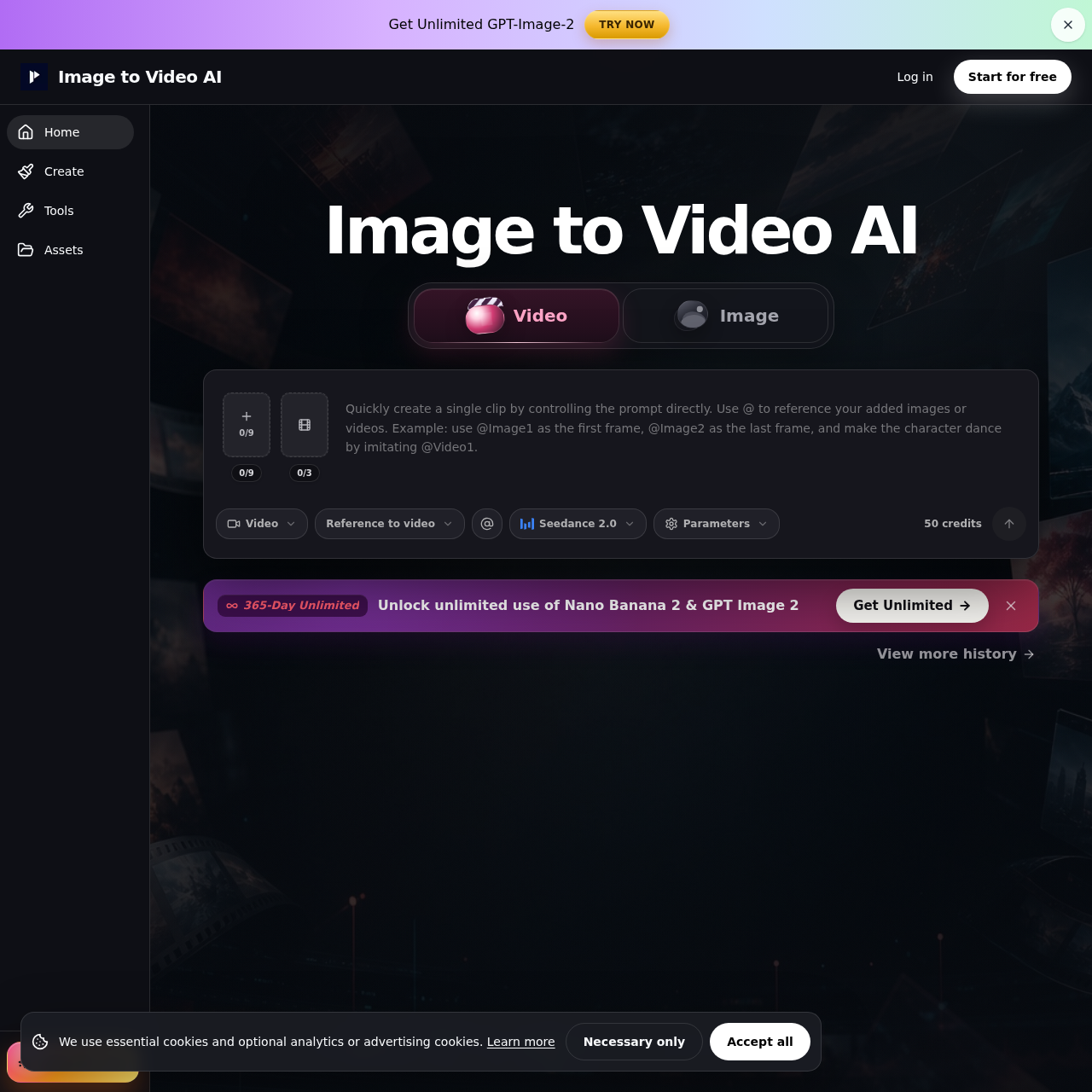
Image to Video AI's overview
Image to Video AI Generator for Product Clips and Social Media We use essential cookies and optional analytics or advertising cookies. Necessary only Accept all Get Unlimited GPT Image 2 Try now Log in Start for free Upgrade now Image to Video AI Video Image 0/9 0/9 0/3 Video Seedance 2.0 Reference to video Seedance 2.0 Parameters 50 credits 365 Day Unlimited Unlock unlimited use of Nano Banana 2 & GPT Image 2 Get Unlimited Use cases What you can create with Image to Video AI Turn product photos, portraits, posters, and AI art into short clips for product pages, ads, Reels, Shorts, and creative reviews. Product images into short demos Use a clean product shot as the first frame, then add a push in, reveal, lighting shift, or gentle rotation for product pages and ads. Portraits and characters with subtle motion Add controlled eye line, hair, fabric, or camera motion to portraits and character concepts without rewriting the whole scene from text. Posters, thumbnails, and AI art animations Animate campaign visuals, posters, thumbnails, and generated images when you need a short motion layer for a landing page or social post.
Image to Video AI's Key Features
⚡️ 🔥 Turn images into short video clips with AI
⭐️ ⚡ Add motion prompts and preview results easily
⚡️ ✨ Start with free credits and upgrade for unlimited use
💎 ✨ Suitable for product pages, ads, Reels, Shorts, and creative reviews
Image to Video AI's Use cases
🛍️ Product Marketing
Quickly create engaging product demo videos for e-commerce sites and social media ads, enhancing customer experience and driving sales.
📈 Social Media Management
Efficiently produce eye-catching short videos for platforms like Instagram Reels and TikTok, boosting engagement and follower growth.
🎨 Creative Agencies
Streamline the creation of animated posters and social media clips for clients, accelerating project turnaround and reducing production costs.
Image to Video AI's FAQ
What types of images can I use with Image to Video AI?
You can use a variety of images with Image to Video AI, including product photos, portraits, posters, and AI-generated art. The supported formats include JPG, PNG, JPEG, and WebP. Ensure your image is clean, well-lit, and not heavily cropped for the best results.
How do I choose the right workflow for my project?
The choice of workflow depends on your specific needs:
- Use Text/Image to Video for quick animations from a single image, such as product clips or portrait motion.
- Use Frames to Video when you have a clear start and end frame, like product reveals or before-and-after transitions.
- Use Reference to Video when you want uploaded images, video, or audio to guide the style and appearance of the generated video.
Can I use the videos generated by Image to Video AI for commercial purposes?
While you can start with free credits after signup, paid plans are better suited for commercial use as they offer features like watermark-free exports and privacy controls. Always review the usage terms for the specific workflow and plan you are using before commercial use.
How can I ensure the consistency of a product or face in the generated video?
To maintain consistency, use a clean and sharp source image where the subject is fully visible. Keep your motion prompt simple, focusing on one subject action and one camera move. Match the aspect ratio of your source image to the desired output format to reduce unwanted cropping.
What should I do if the generated video does not meet my expectations?
If the result is not as expected, you can preview the clip before exporting and compare different workflow options. If consistency matters, regenerate only the clips that need improvement. Failed generations do not consume credits, allowing you to iterate until you achieve the desired outcome.