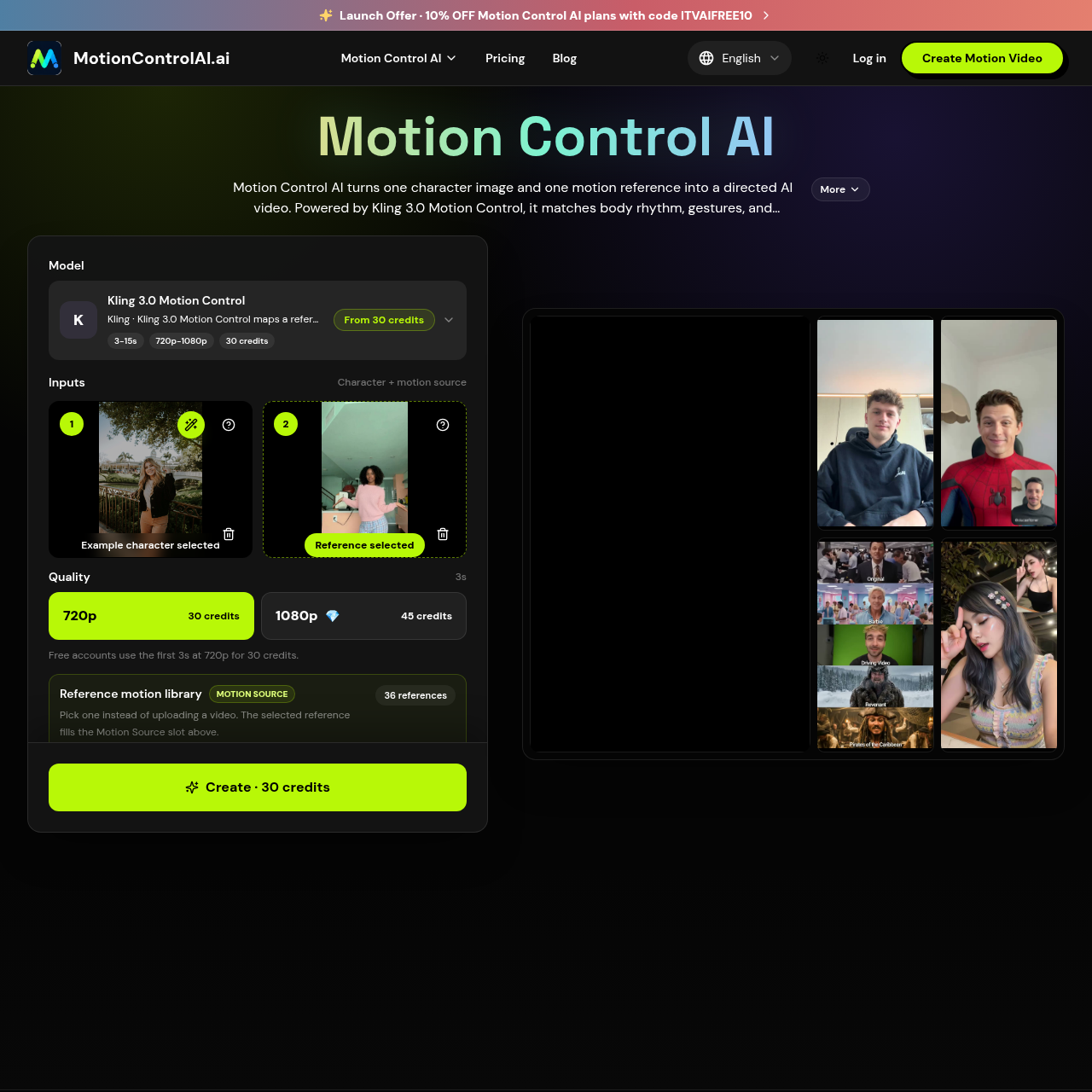
Motion Control AI's overview
Motion Control AI is a video generation tool designed for creators, allowing them to produce high-quality character animations from a single image and reference motion video.
What You Can Do With Motion Control AI
- Transfer Body Movement — Map dance choreography, walking loops, athletic moves, and full body timing from a reference video onto a new character image while keeping the subject recognizable.
- Guide Hand Movements — Use a real motion clip to guide pointing, waving, arm movement, head turns, posture shifts, and creator style actions that prompts alone often miss.
- Carry Facial Performance — Carry smiles, attitude, eye direction, head rhythm, and performance energy into the generated clip so the result feels directed instead of random.
- Add Cinematic Camera Energy — Pair motion transfer with controlled pacing, camera feel, lighting consistency, and 720p or 1080p output settings for polished character video.
- Reuse Trending Moves — Reuse a trending move, pose sequence, or gesture across different characters and brand assets while keeping the final clip aligned with your own visual style.
- Create Instructor Style Clips — Create instructor style clips where hand movement, body rhythm, and presenter timing match the lesson, tutorial, onboarding flow, or internal training script.
Motion Control AI's Key Features
🔥 Motion Control
⚡️ Gesture Transfer
✨ Facial Performance
🚀 Cinematic Camera
Motion Control AI's FAQ
What is Motion Control AI and what does it do?
Motion Control AI is a video generator that creates motion control AI videos from one character image and a reference motion video, transferring body rhythm, gestures, and performance into a new video.
Who can benefit from using Motion Control AI?
Motion Control AI is suitable for creators, marketers, educators, and producers who need to create character videos, social media shorts, explainers, and ads, and want to reuse reference motions across different characters and brand assets.
How do I set up and use Motion Control AI?
To use Motion Control AI, upload a character image and a motion reference, either from the built-in library or by uploading an MP4 or MOV clip, and generate a new video that follows the source movement, with options to control output resolution, aspect ratio, and orientation.
What are the limitations of Motion Control AI?
Motion Control AI has limitations on reference video duration, which should be at least 3 seconds and no longer than 30 seconds, and output resolution, which can be 720p or 1080p, with aspect ratios including 9:16, 16:9, and 1:1.
How is Motion Control AI priced?
Motion Control AI is credit-based, with costs calculated from the reference duration and output resolution, at 10 credits per second for 720p and 15 credits per second for 1080p, rounded up to whole seconds.