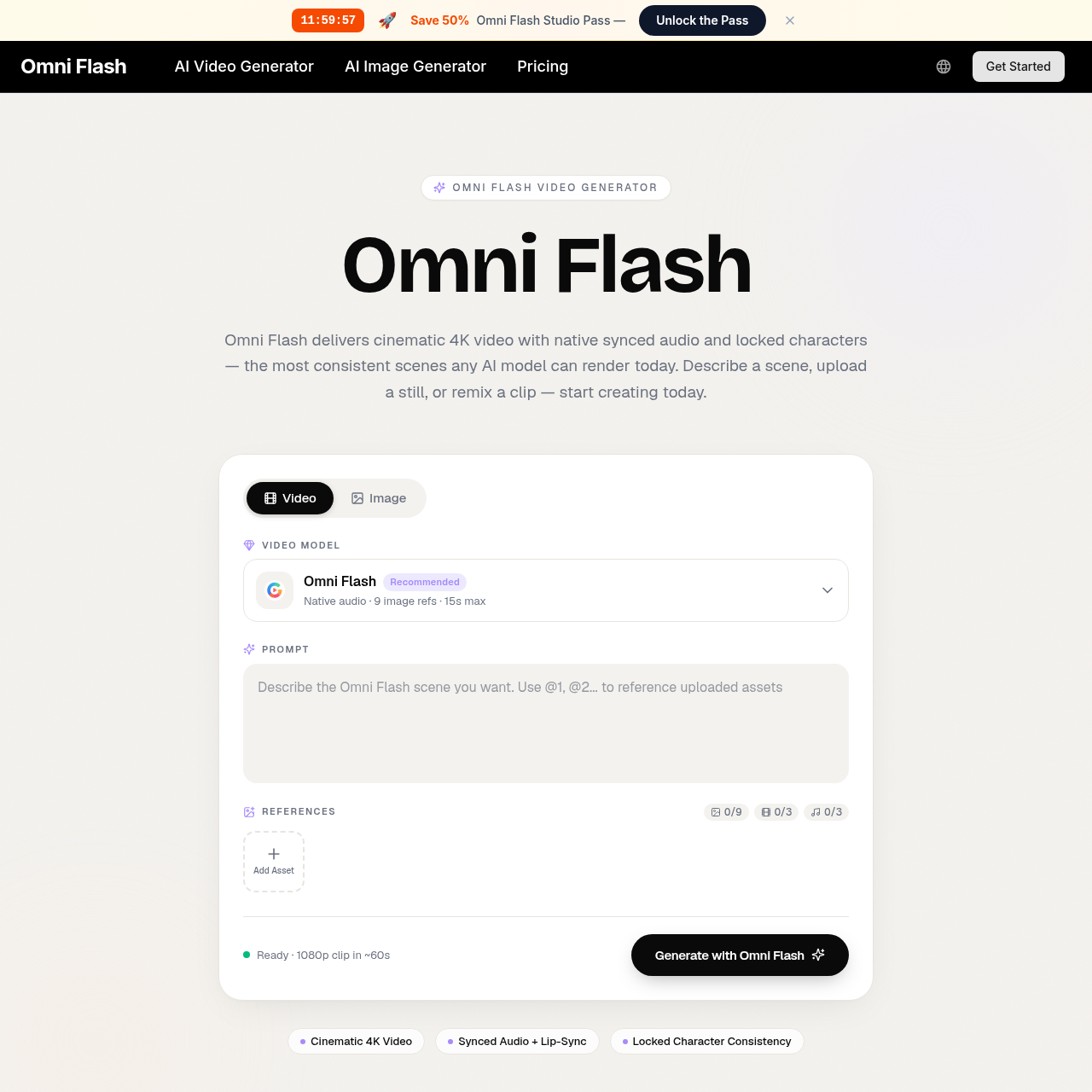
Omni Flash's overview
Omni Flash — Free AI Video Editor Online Sign In Omni Flash AI Video Editor Edit any video through natural, step by step conversation. Think of Omni Flash like Nano Banana, but for video: every edit builds on the one before, keeping the scene consistent, coherent, and ready for storytelling. Image prompt Describe the video edit you want Omini Flash 16:9 480p 5 s Audio Search Refs 99 credits 0/12 refs Omni Flash Bonus Sign in to claim 100 free credits and start editing with Omni Flash Claim Credits // metrics Conversation first video editing Omni Flash turns prompts, references, images, video, and audio into coherent video edits that build naturally across multiple turns. 0 1 Multi turn Refine action, style, characters, camera, and environments step by step Multi turn Refine action, style, characters, camera, and environments step by step 0 2 Any reference Guide edits with images, text, video, audio, sketches, motion, or style inputs Any reference Guide edits with images, text, video, audio, sketches, motion, or style inputs 0 3 Coherent Keep scenes consistent while changing specific objects, actions, or effects Coherent Keep scenes consistent while changing specific objects,
Omni Flash's Key Features
✨ 🔥 Conversational video editing through natural language
✨ ⚡ Multi-turn refinement for consistent scenes
⚡️ ✨ Reference-guided creation with images, videos, audio, text, sketches, styles, and motion
✨ ✨ Physics-aware movement and real-world context for believable scenes
Omni Flash's Use cases
🎬 Film and Video Production
Streamline the editing process by using natural language to make precise adjustments to scenes, characters, and environments while maintaining consistency across edits.
🎨 Advertising and Marketing
Create compelling promotional videos by easily swapping characters, objects, or styles based on reference images or text prompts, ensuring brand consistency and saving time on revisions.
🎓 Educational Content Creation
Develop engaging educational videos by transforming sketches or simple prompts into coherent, physics-aware scenes, making complex concepts more accessible and visually appealing.
Omni Flash's FAQ
How does Omni Flash ensure consistency across multiple edits?
Omni Flash maintains consistency by allowing users to edit videos through natural, step-by-step conversations. Each edit builds on the previous one, ensuring that characters, objects, motion, and scenes remain coherent throughout the editing process. This multi-turn refinement approach helps preserve the scene's foundation while making specific changes.
Can I use Omni Flash to create videos from scratch, or do I need a source video?
Omni Flash is designed to work with various input types, including videos, images, sketches, audio cues, and text briefs. You can start with a source video or use other references to guide the creation of your video. This flexibility allows for a wide range of creative workflows, from editing existing footage to generating new content from scratch.
How does Omni Flash handle character and object replacement?
Omni Flash enables natural character and object swaps using plain language descriptions or reference images. When you replace a character or object, the AI preserves the original motion, timing, and dialogue, ensuring that the new element fits seamlessly into the scene. This feature makes it easy to update specific elements without disrupting the overall coherence of the video.
Is Omni Flash suitable for users who are not familiar with complex video editing software?
Yes, Omni Flash is designed to be user-friendly, even for those who are not experienced with traditional video editing software. The platform uses a conversational editing approach, allowing users to describe the changes they want in plain language. This intuitive interface makes it accessible for beginners while still offering powerful editing capabilities for more advanced users.
How does Omni Flash incorporate real-world knowledge into video edits?
Omni Flash grounds its edits in real-world logic, including physics, history, science, math, cultural context, and narrative structure. This means that the AI understands and applies principles like gravity, kinetic energy, fluid dynamics, and more to create believable and meaningful scenes. By drawing on this world knowledge, Omni Flash helps users create videos that feel authentic and engaging.