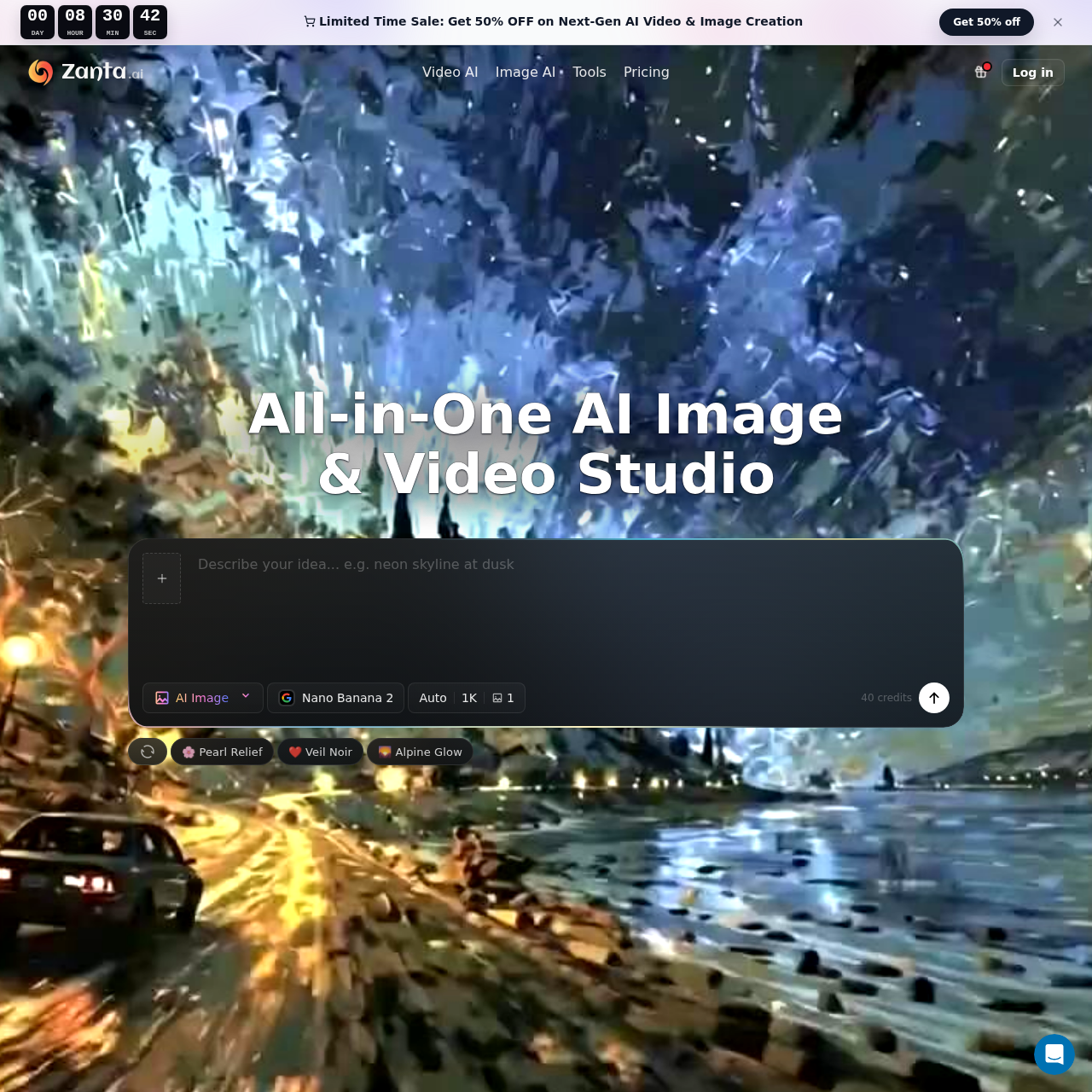
Zanta AI's overview
Zanta AI is an all-in-one AI video and image generator designed to streamline the creative process. It offers a comprehensive suite of tools for generating high-quality videos and images, making it ideal for creators, marketers, and e-commerce professionals. With models like Nano Banana Pro for polished visuals and Veo 3.1 for realistic motion, Zanta AI ensures that every output is ready for commercial use. Whether you're drafting beauty concepts, testing ad hooks, or creating product visuals, Zanta AI provides the flexibility and precision needed to bring your ideas to life. Start generating with top AI models in one browser studio and keep the results that are actually ready to use.
Zanta AI's Key Features
🔥 🔥 All-in-One AI Video & Image Studio
🌈 ⚡ Generate videos and images from text or source images
⭐️ ✨ Supports multiple AI models for various creative needs
⭐️ 🌟 Ideal for creators, paid media teams, ecommerce, and product marketing
Zanta AI's Use cases
🎬 Ad Campaign Development Efficiently create and test multiple ad concepts and variations in minutes, accelerating the campaign planning process.
🛍️ E-commerce Product Visuals Quickly generate high-quality product images and videos for online stores, enhancing listings and boosting sales.
📈 Marketing Asset Generation Streamline the creation of marketing materials like banners, social media posts, and promotional videos, ensuring consistent branding and faster turnaround times.
Zanta AI's FAQ
What are the key differences between Nano Banana Pro and Nano Banana 2 for image generation?
Nano Banana Pro is designed for high-resolution, polished visual outputs suitable for posters, product mockups, and campaign layouts where typography and factual structure are important. It offers stronger reasoning and better text rendering within images. On the other hand, Nano Banana 2 is optimized for faster creative exploration, providing multiple usable options from a single brief, making it ideal for campaign concepts and product still drafts.
Can I use Zanta AI to create both images and videos, and how do I choose the right model for my project?
Yes, Zanta AI supports both image and video generation. To choose the right model, consider the type of output you need. For realistic text-to-video and image-to-video clips, Veo 3.1 is recommended. For character scenes and narrative clips, Kling 3.0 is suitable. For director-style video prompts with strong motion direction, Seedance 2.0 is the best choice. For detailed still images and edits, GPT Image 2 is ideal.
How does Zanta AI handle commercial use of the generated content?
Yes, the outputs generated by Zanta AI can be used for commercial work. Teams use Zanta for various commercial purposes such as ads, landing pages, product marketing, thumbnails, concept work, and campaign visuals. However, the final usage depends on the plan and model terms tied to your account. It's important to review these terms to ensure compliance with commercial use policies.
What file types and sizes are supported for uploading images to Zanta AI?
Zanta AI supports common still-image uploads such as PNG, JPG, JPEG, WEBP, and GIF. The maximum upload size for AI source images is 64 MB per file. This allows users to upload high-quality images for video motion or still-image transformations, including portraits, product photography, and approved campaign stills.
How can I optimize my prompts to get the best results from Zanta AI?
To get the best results, start with a clear and specific prompt. If the scene is still conceptual, use text. If you have an approved source frame, upload an image. Narrow the request to one clear scene, still, or controlled edit. For better text rendering and subject consistency, use models like Nano Banana Pro or Nano Banana 2. For precise briefs with composition and object placement, GPT Image 2 is recommended. For motion, specify the type of camera movement and action you want.