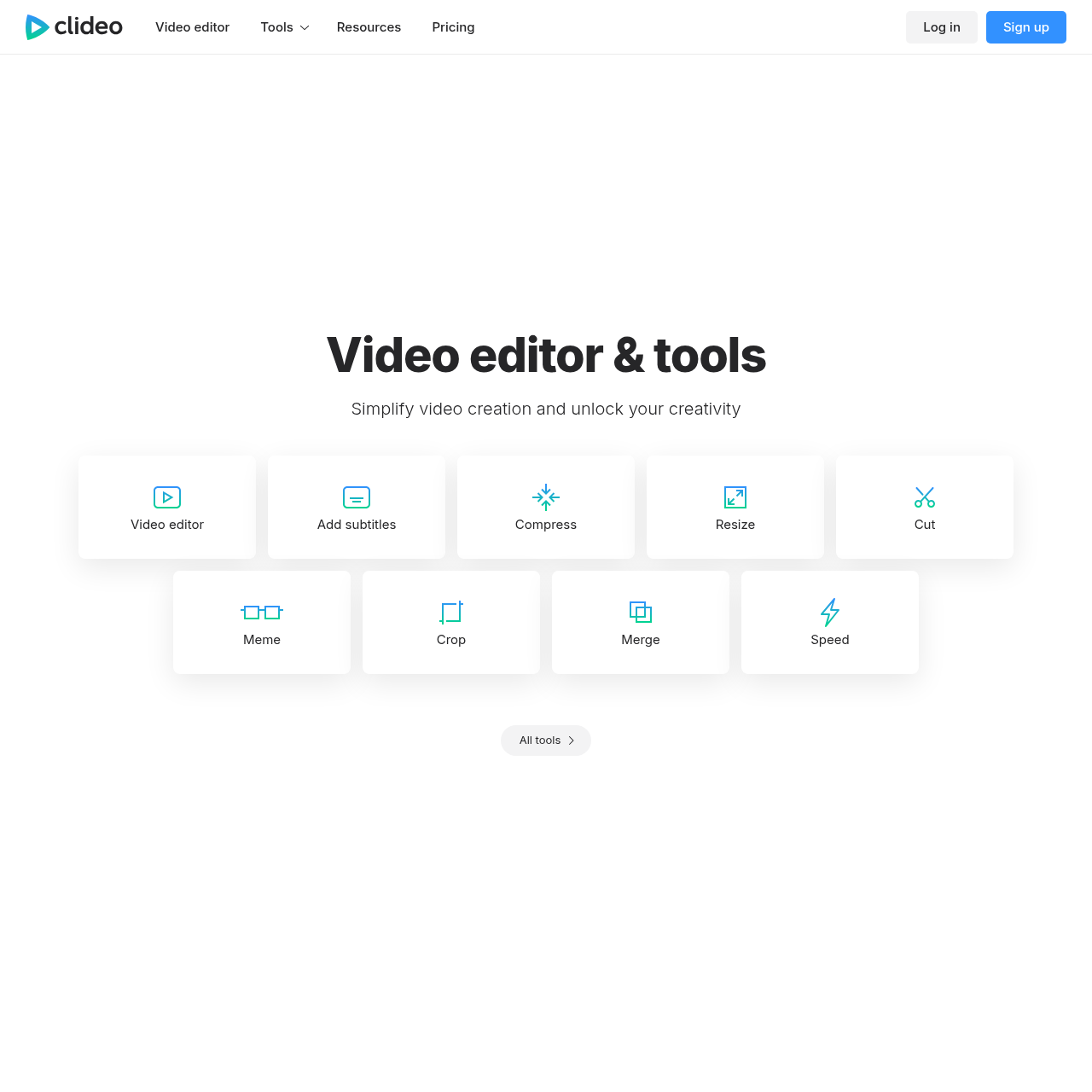
Clideo's overview
Clideo — Online Video Tools Tools Log in Sign up Video editor & tools Simplify video creation and unlock your creativity Made with our tools Loop Stop motion Reverse Meme Speed 5 M Monthly users 359 M Videos made © 2019 – 2026 Clideo ltd. All rights reserved English Upgrade your account Get unlimited storage time and create projects without watermarks Monthly USD$ 9 per month cancel anytime Continue Most popular Annual Save $36 USD$ 6 per month, $72 / year cancel anytime Continue By submitting payment information, you are acknowledging our . Sign up Log in Tools
Clideo's Key Features
🚀 🎬 Video editing tools for cutting, merging, and resizing videos.
💎 🔊 Add subtitles, text, and audio to enhance your videos.
⭐️ 🌐 Cloud-based platform for easy access and storage.
🔥 💡 User-friendly interface for seamless video creation and editing.
Clideo's Use cases
🎬 Social Media Content Creation Easily create and edit engaging video content for platforms like Instagram, TikTok, and Facebook without needing advanced software.
🌐 Online Course Production Quickly compress, resize, and add subtitles to video lectures to ensure they load fast and are accessible to a global audience.
📹 Professional Presentations Enhance presentations by adding text, images, and shapes to videos, or by creating stop-motion animations to make complex ideas more engaging.
Clideo's FAQ
What kind of video editing tools does Clideo offer?
Clideo provides a wide range of online video editing tools, including a video editor, subtitle adder, video compressor, resizer, cutter, meme maker, cropper, merger, and speed changer. Additionally, it offers tools for creating loops, stop motion videos, reversing videos, and more.
How can I add subtitles to my video using Clideo?
Clideo offers an "Add subtitles" tool that allows you to upload your video and either manually input subtitles or upload a subtitle file. The tool supports various subtitle formats and makes it easy to synchronize text with your video.
Is there a limit to the number of videos I can create or edit with Clideo?
Clideo offers both free and paid plans. With the free plan, there might be limitations on the number of videos you can create or edit, as well as the duration of storage. Upgrading to a paid plan provides unlimited storage time and allows you to create projects without watermarks.
Can I translate my videos using Clideo?
Yes, Clideo offers a "Video Translator" tool that allows you to translate your videos into different languages. This tool can be useful for reaching a broader audience or making your content accessible to non-native speakers.
What are the benefits of upgrading to a paid plan on Clideo?
Upgrading to a paid plan on Clideo offers several benefits, including unlimited storage time for your projects, the ability to create videos without watermarks, and access to premium features. The paid plans are available on a monthly or annual basis, with the annual plan offering a discounted rate.