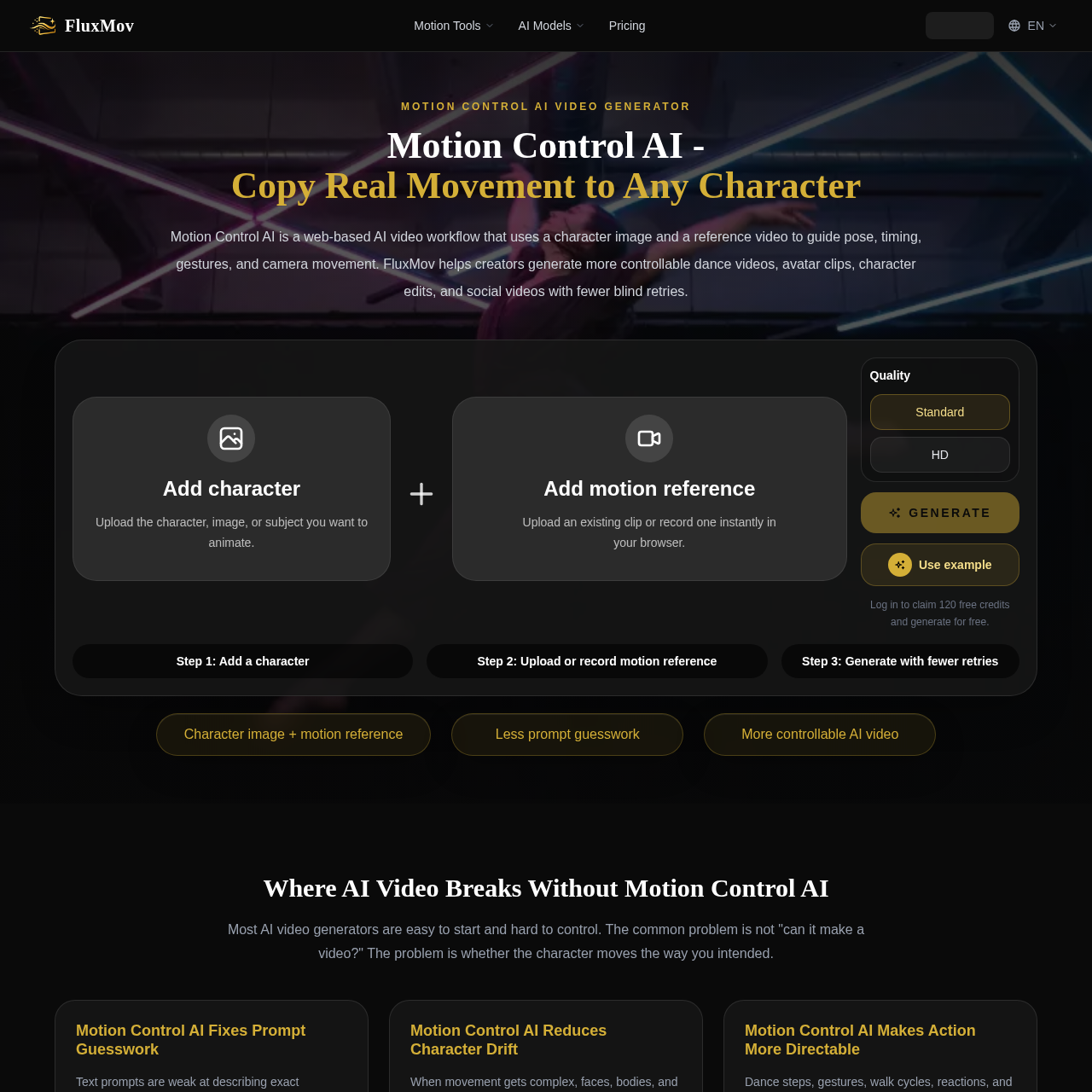
FluxMov's overview
FluxMov is a web-based AI video workflow designed for creators, teams, and studios to produce more controllable character animations and videos.
What You Can Do With FluxMov
- Direct Movement Control — Guide character movement with a reference video to reduce prompt guesswork and failed retries.
- Character Stability — Use a character image and motion reference to keep the subject stable across frames and prevent character drift.
- Action Directability — Control dance steps, gestures, walk cycles, reactions, and camera moves by following a real performance instead of inventing motion from words.
- Reusable Motion — Turn motion into a workflow by reusing a dance, gesture, walk, or performance reference across characters, campaigns, and short video scenes.
- Faster Publishing — Publish faster by turning the AI video creation process into a clearer sequence with fewer blind retries and easier review.
FluxMov's Key Features
🔥 Motion Control
⚡️ Character Stabilization
✨ Reference Video
🚀 Prompt Guidance
FluxMov's FAQ
What is Motion Control AI and how does it work?
Motion Control AI is a web-based AI video workflow that uses a character image and a reference video to guide pose, timing, gestures, and camera movement, allowing for more controllable AI video generation.
Who can benefit from using Motion Control AI?
Creators, teams, and studios can benefit from using Motion Control AI, particularly those who need to generate dance videos, avatar clips, character edits, and social videos with more control over character movement.
How do I get started with Motion Control AI and what are the input requirements?
To get started with Motion Control AI, users can upload a character image and a reference video, and then guide the motion with a prompt, following the input requirements such as JPEG or PNG character images and MP4 or MOV reference videos with specific format and quality guidelines.
What are the limitations of Motion Control AI and when does it work best?
Motion Control AI works best with clean movement sources, short output goals, and visible body motion, and may not work well with heavy occlusion, overlapping bodies, fast cuts, and noisy backgrounds, requiring more review and careful use in such cases.
Are there any free credits or trials available for Motion Control AI?
Yes, users can log in to claim 120 free credits and generate AI videos for free, allowing them to try out the Motion Control AI workflow before spending credits on further generations.