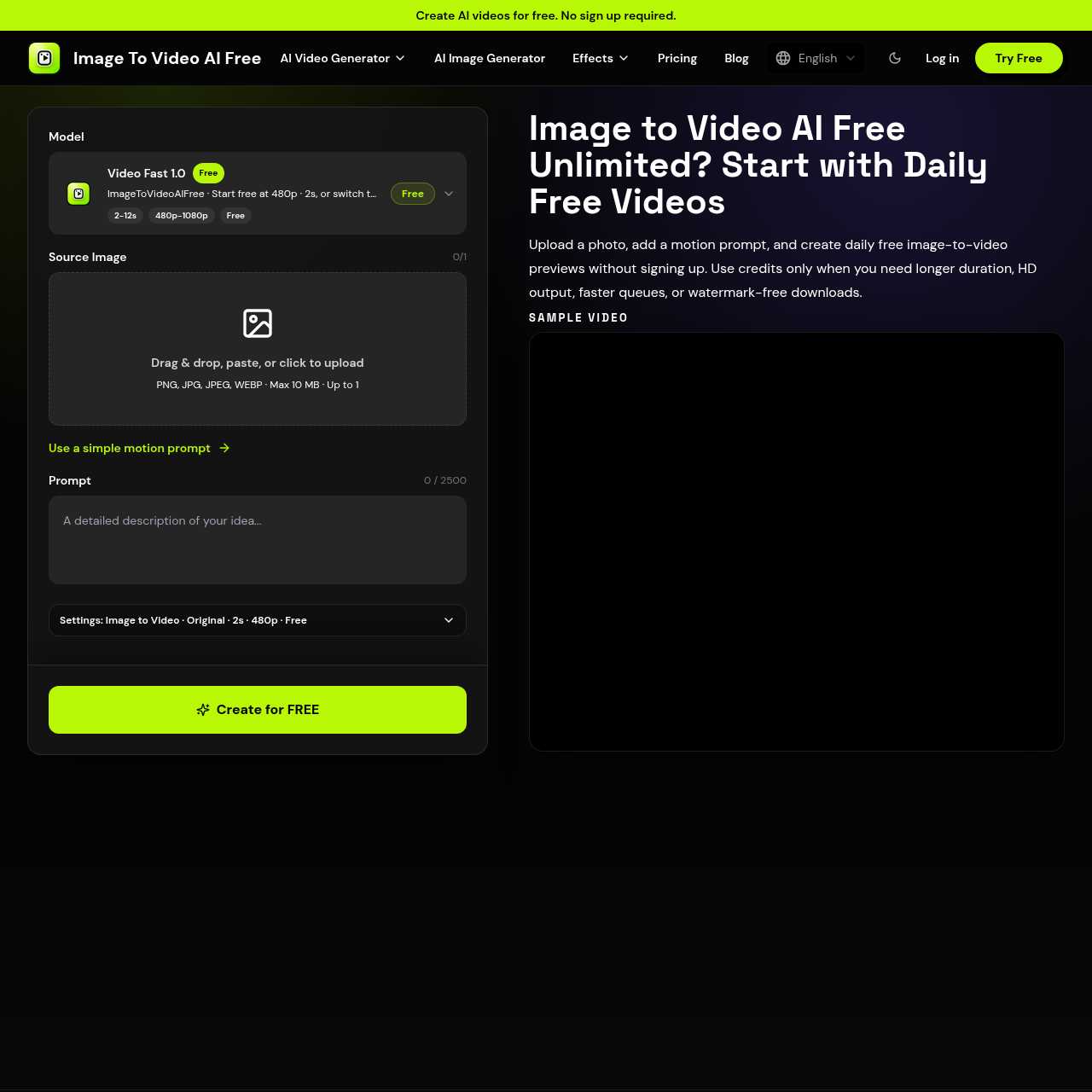
ImageToVideoAIFree's overview
ImageToVideoAIFree is an AI-powered tool designed for creators and marketers who want to turn still images into moving videos. It allows users to upload a photo, add a motion prompt, and generate daily free image to video previews without signing up.
What You Can Do With ImageToVideoAIFree
- Animate Photos — Turn still photos into vertical clips for social media platforms like TikTok, Instagram Reels, and YouTube Shorts.
- Create Product Videos — Turn product shots, packaging, and ecommerce images into short promo videos with camera movement and studio lighting.
- Enhance Property Listings — Add slow pans, depth, and cinematic motion to property photos for listings, landing pages, and client previews.
- Bring Portraits to Life — Create subtle facial movement, hair motion, parallax backgrounds, or editorial portrait clips from a single image.
- Animate Character Art — Animate character art, concept designs, and illustrated scenes while keeping the original style recognizable.
- Create Food Videos — Create appetizing food promo videos from menu photos, recipe images, restaurant shots, and product photography.
ImageToVideoAIFree's Key Features
🔥 Daily Free Previews
⚡️ Motion Prompts
✨ Advanced Models
🚀 Watermark Removal
ImageToVideoAIFree's FAQ
What is ImageToVideoAIFree and what does it do?
ImageToVideoAIFree is an AI image to video generator that turns still photos into moving video clips, allowing users to create daily free image to video previews without signing up.
How do I get started with ImageToVideoAIFree and what are the limitations of the free version?
Users can start with daily free previews by uploading a photo and adding a motion prompt, with limitations including a daily free allowance and one active free generation at a time, and paid upgrades available for longer duration, higher resolution, and advanced models.
What types of users can benefit from using ImageToVideoAIFree and what kinds of videos can be created?
ImageToVideoAIFree is suitable for users who want to create videos for social media, ads, stories, product demos, or creative tests, and can be used to animate photos into vertical clips, turn product shots into promo videos, and create cinematic real estate videos, among other use cases.
Are there any paid options or upgrades available for ImageToVideoAIFree?
Yes, paid credits can be used for longer duration, higher resolution, queue acceleration, watermark removal, and advanced models, with users able to choose paid duration, resolution, queue priority, and model options when a clip needs production-level output or more daily generation.
How does ImageToVideoAIFree handle video creation and what are the options for customizing the output?
ImageToVideoAIFree allows users to control motion with prompts, choose advanced AI video models, and customize the output with options such as camera movement, subject action, lighting, and mood directions, with preset options also available as a starting point.