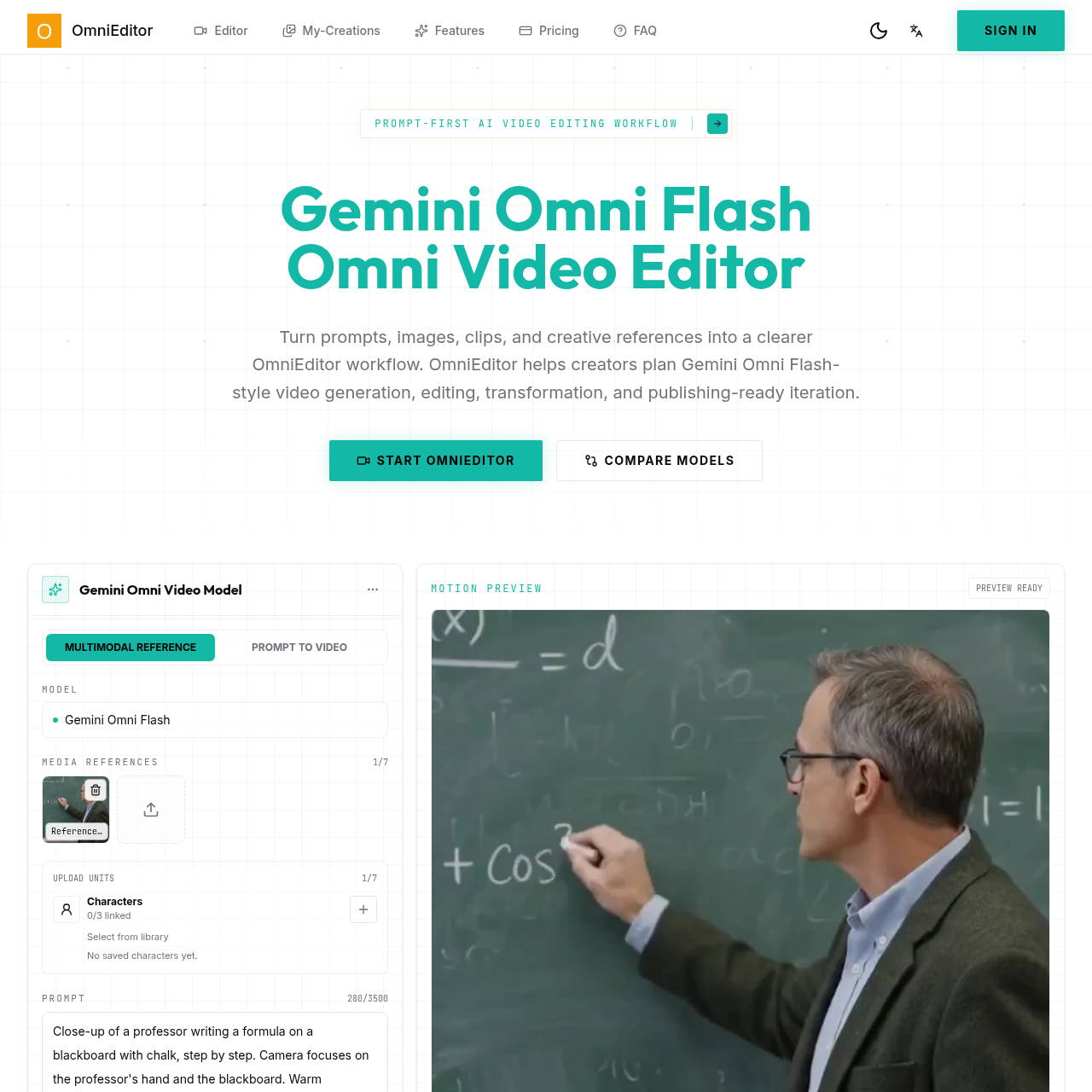
gemini omni's overview
Gemini Omni is a video editing tool designed for creators, allowing them to generate, edit, and refine short-form videos using AI technology and multimodal references.
What You Can Do With gemini omni
- Text to Video — Start from a scene prompt and define subject, action, location, camera motion, style, and destination format.
- Image to Video — Use a still image, product shot, storyboard frame, or character reference to guide the first motion pass.
- Video to Video Editing — Keep the useful parts of an existing clip while asking for targeted changes in natural language.
- Reference Consistency — Preserve products, characters, layouts, and style references across variations and follow-up edits.
- Audio Aware Direction — Plan ambience, music, speech timing, lip sync, sound effects, and beat-matched visual motion.
- Creator Ready Iteration — Compare prompt versions, refine the edit brief, and move from rough idea to a cleaner publishing plan.
gemini omni's Key Features
🔥 Prompt Led Editing
⚡️ Multimodal Inputs
✨ Audio Aware Direction
🚀 Reference Consistency
gemini omni's FAQ
What is the Gemini Omni Flash Omni Video Editor used for?
The Gemini Omni Flash Omni Video Editor is a prompt-first AI video workflow for generating, editing, transforming, and refining short-form video ideas with multimodal creative references.
Can I use the OmniEditor for editing videos with natural language prompts?
Yes, the OmniEditor allows you to make targeted refinements using plain English prompts, without forcing you to regenerate an entire image or rebuild a complex scene.
How does the Gemini Omni Flash Omni Video Editor compare to Seedance 2.0?
Gemini Omni Flash and Seedance 2.0 can both support multimodal AI video work, but they fit different creative jobs, with Gemini Omni Flash suited for iterative edit thinking and Seedance 2.0 for production-oriented video generation with polished output goals.
What types of inputs can guide an OmniEditor workflow?
OmniEditor workflows can be guided by prompts, images, videos, audio references, and style notes.
What kind of users is the Gemini Omni Flash Omni Video Editor best suited for?
The Gemini Omni Flash Omni Video Editor is suitable for creators, marketers, education teams, and product teams who need to generate and edit short-form videos for social posts, ads, demos, explainers, intros, and campaign variants.