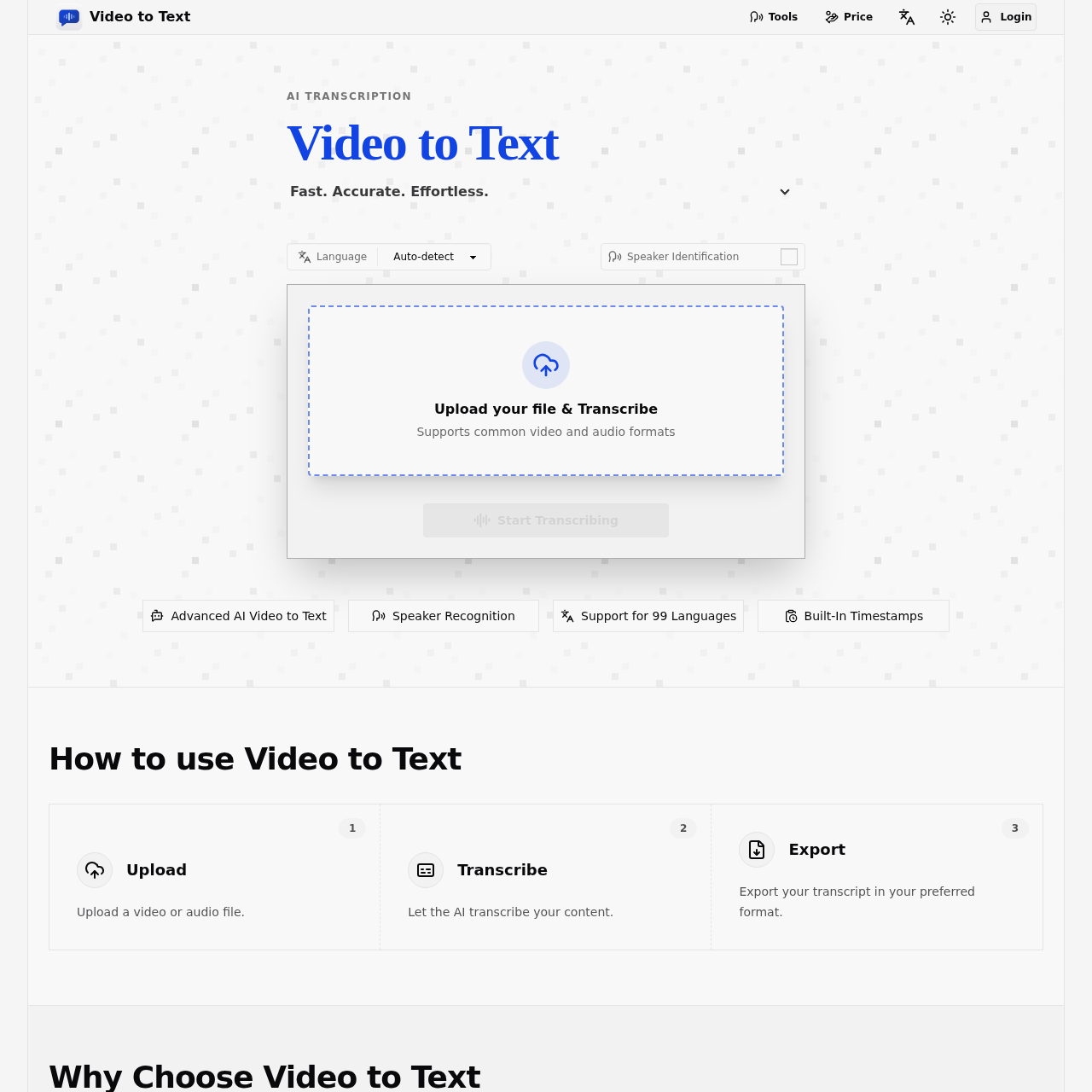
Video to Text's overview
Video to Text AI Converter Transcribe Video to Text Free ✕ Tools [x] Login AI Transcription Video to Text Fast. Accurate. Effortless. Video to Text transforms video and audio into accurate text transcripts with speaker labels, timestamps, and support for 99 languages including English, Spanish, Portuguese, French, and Chinese. Ideal for subtitles, meeting notes, interviews, courses, podcasts, and multilingual content workflows. Language Speaker Identification [x] Upload your file & Transcribe Supports common video and audio formats Start Transcribing Advanced AI Video to Text Speaker Recognition Support for 99 Languages Built In Timestamps How to use Video to Text 1 Upload Upload a video or audio file. 2 Transcribe Let the AI transcribe your content. 3 Export Export your transcript in your preferred format. Why Choose Video to Text High accuracy video to text AI transcription Convert video and audio into accurate, searchable text in minutes. Video to text in 99 languages with automatic language detection Convert video to text in 99 languages with automatic language detection, including English, Spanish, Portuguese, French, German, Italian, Chinese, and Japanese.
Video to Text's Key Features
⚡️ 🔥 Transcribe video and audio to text in 99 languages with automatic language detection
🚀 ⚡ Identify different speakers with speaker diarization
✨ ✨ Generate timestamped transcripts for easy navigation and editing
🚀 ✨ Export transcripts in various formats including TXT, SRT, VTT, and CSV
Video to Text's Use cases
🎬 Video Accessibility Easily create accurate subtitles for videos, improving accessibility and reaching a wider audience.
📝 Meeting Efficiency Quickly convert meeting recordings into searchable transcripts with speaker labels, ensuring no important details are missed.
🎓 Educational Support Transform lecture recordings into organized notes with timestamps, helping students review and study more effectively.
Video to Text's FAQ
How does Video to Text handle multilingual content?
Video to Text supports transcription in 99 languages and can handle multilingual conversations within a single file. It uses automatic language detection and multi-language recognition to ensure better accuracy for real-world speech scenarios where multiple languages might be spoken.
What happens if the transcription process fails or is interrupted?
If an error occurs during file upload or transcription, your balance will not be deducted. The system only charges you after confirming that the transcription has been completed successfully. This ensures that you only pay for successful transcriptions.
Can I try Video to Text before committing to a purchase?
Yes, Video to Text offers a free trial for new users. You get 30 minutes of transcription time for free after signing up. This allows you to test the full video-to-text workflow and see if it meets your content needs before making any payments.