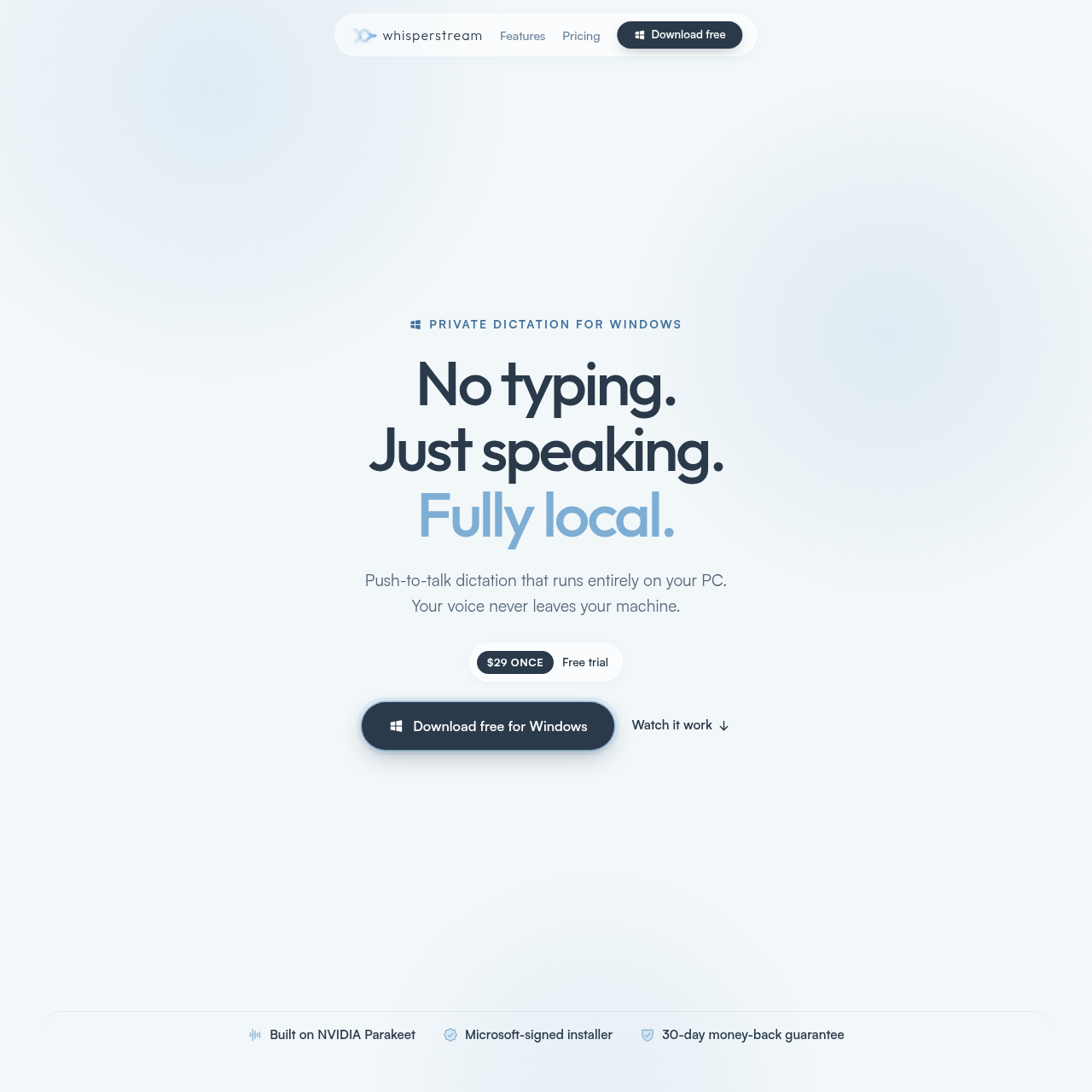
Whisperstream's overview
Private dictation for Windows No typing.Just speaking.Fully local. Push to talk dictation that runs entirely on your PC.Your voice never leaves your machine. $29 once Free trial Copy download link for your PC Built on NVIDIA Parakeet·Microsoft signed installer·30 day money back guarantee You think faster than you type. Typing caps you at 40 to 60 words a minute. You think and speak at roughly three times that. Whisperstream closes the gap without sending a syllable to the cloud . Typing 0 wpm Speaking 0 wpm See it work Watch it type what you say. Punctuated text lands wherever your cursor is. Dictated Gmail Slack Dictated live. Transcribed on the CPU, typed in. No cloud round trip. Works in the apps you already use No account needed Everything dictation needs. Every feature can run on your PC. No account, no subscription. . AI cleanup Cleans up what you said You said hey um can you help me with the the report by Friday, sorry Saturday Cleaned up Hey, can you help me with the report by Saturday? A local model cuts filler and applies your spoken corrections. Free optional cloud fallback for older hardware.
Whisperstream's Key Features
🌈 🔥 100% on-device transcription, no cloud required
🌟 ⚡ Works offline and in multiple languages
💫 ✨ Supports push-to-talk and custom dictionaries
🌈 🌟 Types in any app with no add-in or setup
Whisperstream's Use cases
💻 Efficient Coding Quickly write and edit code in any programming language using voice commands, increasing productivity and reducing the strain of typing.
📝 Note-Taking Capture ideas and notes during meetings or lectures without the need for manual typing, ensuring no important information is missed.
📧 Email Composition Draft and send emails hands-free, allowing for faster communication and multitasking while maintaining professionalism and accuracy.
Whisperstream's FAQ
How does Whisperstream ensure the privacy of my dictations?
Whisperstream ensures privacy by keeping all dictation processes local on your PC. Your microphone captures audio, which is then converted to text by a local NVIDIA model. The text is typed into your active window, and the audio is discarded from RAM. Nothing is saved or sent to the cloud. The only network connections Whisperstream opens are for license checks and app updates, and none carry your voice or your words.
Can I use Whisperstream offline?
Yes, Whisperstream can be used offline. Once you have downloaded the speech model and activated your license, the software runs entirely on your PC. This means you can use it on a flight, on a train, or whenever you don't have an internet connection.
What are the system requirements for running Whisperstream?
Whisperstream requires Windows 10 or 11 (64-bit) with a minimum of 8 GB RAM (16 GB recommended). It works on the CPU, so no GPU is required. For near-instant transcription, a modern processor such as an Intel 8th gen+ or AMD Ryzen 3000+ is recommended.
How many languages does Whisperstream support, and can I switch between them?
Whisperstream supports 25 languages, including English, Spanish, French, German, Italian, Portuguese, Russian, Polish, and 17 more. You can switch between these languages as needed, and all transcription processes run locally on your PC.
What happens if I am not satisfied with Whisperstream?
Whisperstream offers a 30-day money-back guarantee. If you are not satisfied with the product, you can email [email protected] for a refund, no questions asked. This ensures that you can try the software risk-free.