AI Photo Editor's overview
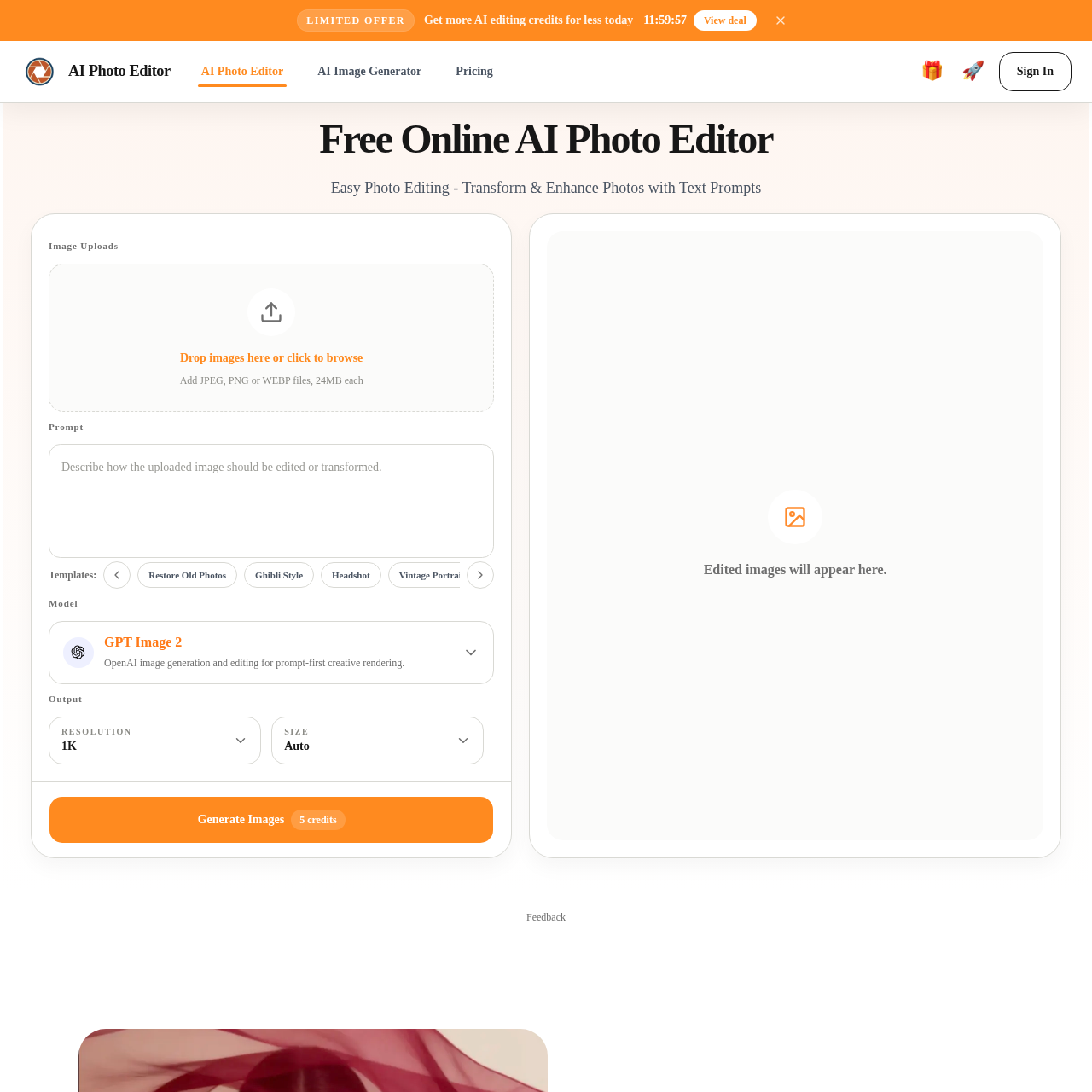
Free AI Photo Editor Online Edit Image with AI 🎁🚀Sign In Sign In Free Online AI Photo Editor Easy Photo Editing Transform & Enhance Photos with Text Prompts Model GPT Image 2 OpenAI image generation and editing for prompt first creative rendering. Image Uploads Drop images here or click to browse Add JPEG, PNG or WEBP files, 24MB each Prompt Templates: Restore Old Photos Ghibli Style Headshot Vintage Portrait Cinematic Portrait Skin Enhancement Output Resolution 1K Size Auto Generate Images 5 credits Edited images will appear here. Feedback Control image content precisely Our AI photo editor makes more targeted changes to people, objects, areas, and small details so the image matches your real editing goal more closely. Whether you want to adjust local elements, improve subject focus, or reorganize visual attention, AI photo editor gives you a more flexible way to edit the frame. Replace backgrounds with prompts An AI photo editor online free can turn an ordinary setting into a cleaner, more premium, or more brand aligned background while keeping the subject edges and overall image feel natural.
AI Photo Editor's Key Features
⭐️ 🔥 Edit images with simple text prompts
✨ ⚡ Remove, replace, or enhance image elements effortlessly
🎯 ✨ Transform photos with various styles and effects
🔥 🌟 Streamlined workflow for quick and consistent results
AI Photo Editor's Use cases
📸 E-commerce Product Enhancement
Quickly improve product images with consistent, professional-quality edits to boost sales and customer engagement.
👥 Professional Portrait Polishing
Effortlessly enhance headshots and team portraits for a consistent and polished personal brand image across all platforms.
🎨 Marketing Asset Iteration
Rapidly test and refine marketing visuals with AI-driven edits, ensuring high-quality, on-brand content for campaigns and social media.
AI Photo Editor's FAQ
How do I get started with the AI Photo Editor?
To get started, simply sign in using your Google account for one-click authorization. Once logged in, you can upload an image in JPG, PNG, or WebP format, describe the changes you want using a text prompt, and generate the edited image. You can claim 20 free credits every 24 hours to begin editing.
What are the different AI models available, and how do they differ?
The AI Photo Editor offers several models to cater to different creative needs. GPT Image 2 is ideal for flexible image creation and editing with natural language prompts, making it suitable for iterative workflows. Nano Banana Pro provides premium commercial output with stronger consistency and visual discipline, perfect for high-stakes projects. Seedream is designed for advanced image generation in specialized creative workflows, while Qwen offers intelligent editing with enhanced understanding for complex scenes.
Can I use the AI Photo Editor for commercial projects?
Yes, the images created using the AI Photo Editor can be used for various commercial projects, including ecommerce, marketing, social media, and websites. The editor is designed to preserve photo quality and provide professional-looking results, making it a valuable tool for businesses and content creators.
How does the AI Photo Editor ensure the safety and privacy of my data?
The AI Photo Editor handles uploads through secure workflows and limits access to what is necessary to operate the service. For detailed information on data storage and processing, you can refer to the privacy policy available on the website. The platform is designed to keep your data safe while providing a seamless editing experience.
What are some practical use cases for the AI Photo Editor?
The AI Photo Editor is versatile and can be used for various purposes, such as cleaning up travel photos, enhancing ecommerce product images, polishing portraits and headshots, and updating marketing assets. It is particularly useful for teams that need to iterate quickly and maintain consistent visual standards across their projects. The editor's prompt-based editing feature makes it accessible for users with varying levels of design expertise.