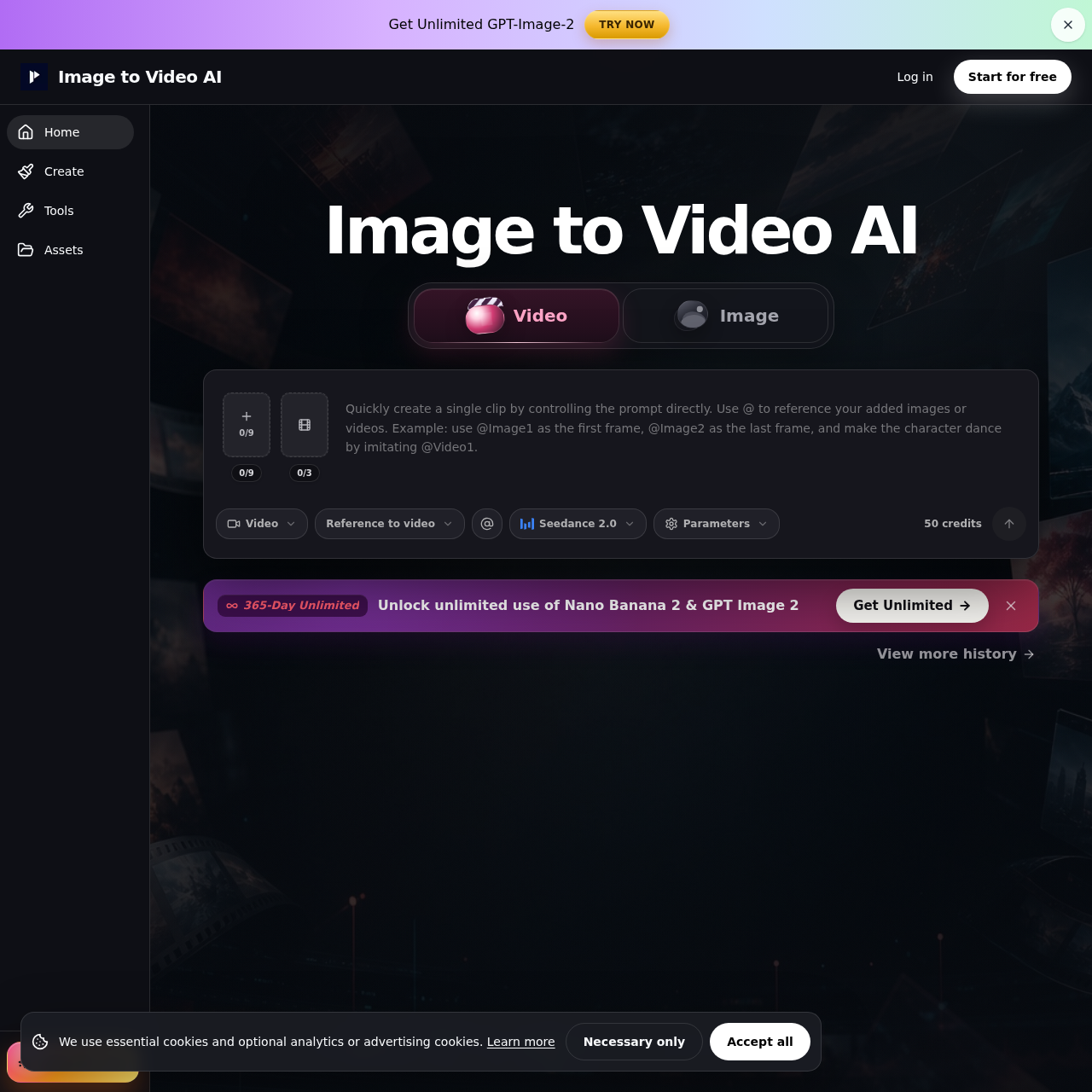
Image to Video AI's overview
Image to Video AI — Free AI Image to Video Generator Online (No Sign Up) New Unlimited Model: Free Users Get 10 Daily Videos. Subscribers Get . AI Video Tools Models Image Drag & Drop, Paste, or Click to Upload PNG, JPG, JPEG, WEBP. Max 20 MB Prompt Prompt Optimizer Duration 4 s 6 s Create for FREE Sample Video AI Powered Video Generation Free Image to Video AI — Turn Images into Videos with the Best AI Image to Video Generator The Best Image to Video AI Generator for Stunning AI Powered Videos Looking for the best image to video AI? Our free image to video AI generator turns static photos into stunning, cinema quality videos in seconds. Simply upload any image — JPG, PNG, or WEBP — describe the motion you want with a text prompt, and let our AI image to video engine bring your visuals to life. Whether you are a content creator producing social media clips, a marketer crafting video ads from product photos, or a storyteller turning travel pictures into cinematic reels, this image to video AI tool makes professional video creation effortless. As a leading AI image to video generator, we deliver crisp HD output with smooth, realistic motion that rivals paid alternatives.
Image to Video AI's Key Features
🌈 🔥 Turn static images into dynamic, high-quality videos with customizable motion effects.
🎯 ⚡ Combine images and text prompts for precise video generation.
⚡️ ✨ Generate professional-grade HD video output without watermarks.
🚀 ✨ Lightning-fast processing for quick content creation.
Image to Video AI's Use cases
🏠 Real Estate Marketing
Effortlessly create engaging property walkthrough videos from static photos to attract more potential buyers and increase listing views.
📈 E-commerce Product Showcase
Boost online sales by transforming product images into dynamic videos that enhance customer engagement and drive conversions.
📸 Social Media Content Creation
Quickly turn static photos into captivating videos with AI-driven motion effects, making your social media posts stand out and increase engagement.
Image to Video AI's FAQ
What file formats and sizes are supported for image uploads?
The Image to Video AI generator supports PNG, JPG, JPEG, and WEBP file formats. The maximum file size allowed for uploads is 20 MB.
How does the prompt optimizer work, and how can I use it to improve my video results?
The prompt optimizer helps you create more effective text prompts to guide the AI in generating the desired motion and effects in your video. By using specific keywords and descriptive language, you can achieve more precise and context-aware animations. For example, you can use prompts like 'slow camera zoom', 'wind blowing through trees', or 'gentle water ripples' to guide the AI.
Can I use the Image to Video AI generator without creating an account?
Yes, the Image to Video AI generator offers a no-sign-up option. Free users can generate up to 10 videos daily without needing to create an account or provide credit card information. However, free tier outputs may include a small watermark.
What are the key features that make this image to video AI generator stand out?
The Image to Video AI generator offers several standout features, including versatile AI motion styles for various visual needs, the ability to combine images with text prompts for precise video generation, high-quality HD video output without watermarks, and lightning-fast processing times. These features make it an excellent choice for content creators, marketers, and anyone looking to turn static images into dynamic videos quickly and easily.
How can I ensure the best results when using the Image to Video AI generator?
To achieve the best results, start by uploading a high-quality image in one of the supported formats. Use the prompt optimizer to create detailed and specific text prompts that describe the motion and effects you want. Experiment with different prompts and settings to see what works best for your particular image. Additionally, take advantage of the preview feature to make any necessary adjustments before downloading your final video.