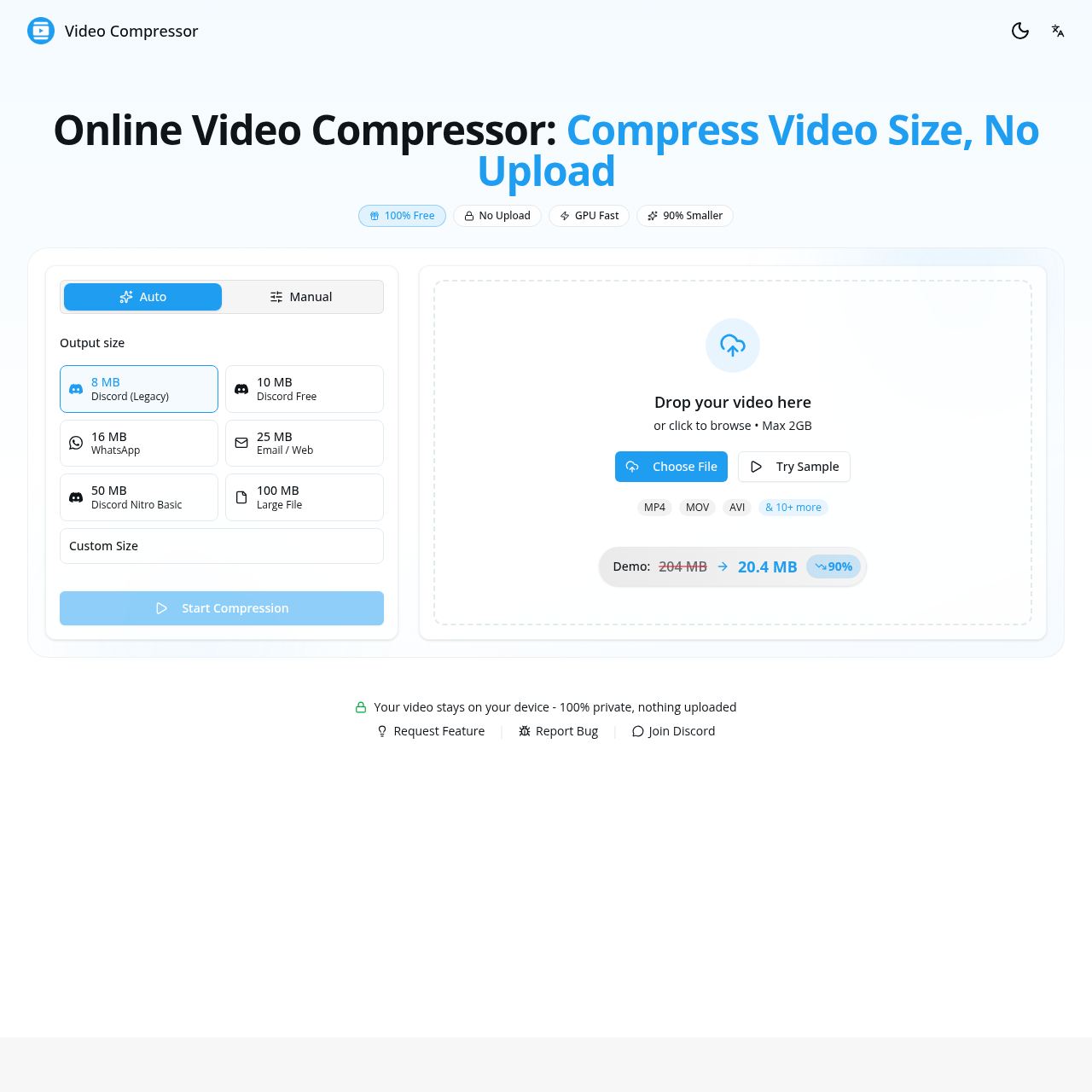
Video Compressor's overview
Online Video Compressor: Compress Video Size, No Upload Online Video Compressor: Compress Video Size, No Upload 100% Free No Upload GPU Fast 90% Smaller Auto Manual Output size 8 MB Discord (Legacy) 10 MB Discord Free 16 MB WhatsApp 25 MB Email / Web 50 MB Discord Nitro Basic 100 MB Large File Custom Size Start Compression Drop your video here or click to browse • Max 2GB Choose File Try Sample MP4 MOV AVI& 10+ more Demo:204 MB 20.4 MB 90% Your video stays on your device 100% private, nothing uploaded | | Trusted Worldwide The Video Compressor Trusted by Thousands Join creators who compress videos daily with our tool 0 Videos Compressed And counting... 0 GB Data Saved Storage freed up 0% Average Reduction File size savings "This video compressor is exactly what I needed — no uploads, total privacy. I compress video files for clients without worry!" Sarah M. Content Creator "I use this video compressor to compress videos for Discord every day. Fast, free, no quality loss!" Alex K. Gamer & Streamer "Reduced my iPhone videos from 200MB to under 25MB in seconds. The GPU acceleration is real!" Michael T.
Video Compressor's Key Features
✨ 🔥 Compress videos locally in your browser for 100% privacy
🌈 ⚡ GPU-powered compression up to 10x faster than traditional methods
✨ ✨ Supports all major video formats with optimized MP4 output
⚡️ 🌟 Presets for popular platforms like Discord, WhatsApp, and Email
Video Compressor's Use cases
🎬 Social Media Sharing
Quickly reduce video file sizes for seamless sharing on platforms like Discord, Twitter, and WhatsApp without losing quality.
📧 Email Attachments
Compress videos to ensure they meet email size limits, making it easy to send large files via email.
📱 Mobile Device Storage
Free up space on your smartphone by compressing large videos, allowing you to store more content without compromising quality.
Video Compressor's FAQ
How does the GPU-powered compression work, and how does it benefit me?
The GPU-powered compression utilizes your device's graphics processing unit to accelerate the video compression process. This results in significantly faster compression times compared to traditional CPU-based methods. By leveraging the GPU, you can compress video files up to 10 times faster, making the process more efficient and convenient, especially for longer videos or higher resolutions.
Can I compress videos for platforms other than Discord and WhatsApp?
Yes, the video compressor supports various platforms and use cases. You can compress videos for email attachments, social media platforms like Twitter, and messaging apps such as Telegram and WeChat. The tool offers presets for common file size limits on these platforms, ensuring your videos meet the required specifications without quality degradation.
What happens if I need to compress a video larger than 2GB?
While the tool supports a maximum file size of 2GB for a single compression task, you can work around this limitation by splitting your video into smaller segments. Compress each segment individually and then use a video editing tool to merge them back together. This approach allows you to handle larger videos while still benefiting from the efficient and private compression process offered by the tool.
How does the "Auto" mode work, and when should I use it?
The "Auto" mode in the video compressor intelligently adjusts the bitrate and other settings to reduce the file size while preserving the visual quality of the video. This mode is ideal for users who want a quick and easy compression process without manually tweaking settings. It's particularly useful when you need to compress videos for sharing on social media, messaging apps, or email, where maintaining a good balance between file size and quality is essential.
Is there a way to further customize the compression settings for specific needs?
Yes, the video compressor offers manual control over various settings, allowing you to fine-tune the resolution, bitrate, and frame rate according to your specific requirements. This feature is useful for users who need more control over the compression process, such as those working with professional video content or preparing videos for specific platforms with unique size and quality requirements. By adjusting these settings, you can achieve the desired balance between file size and video quality.