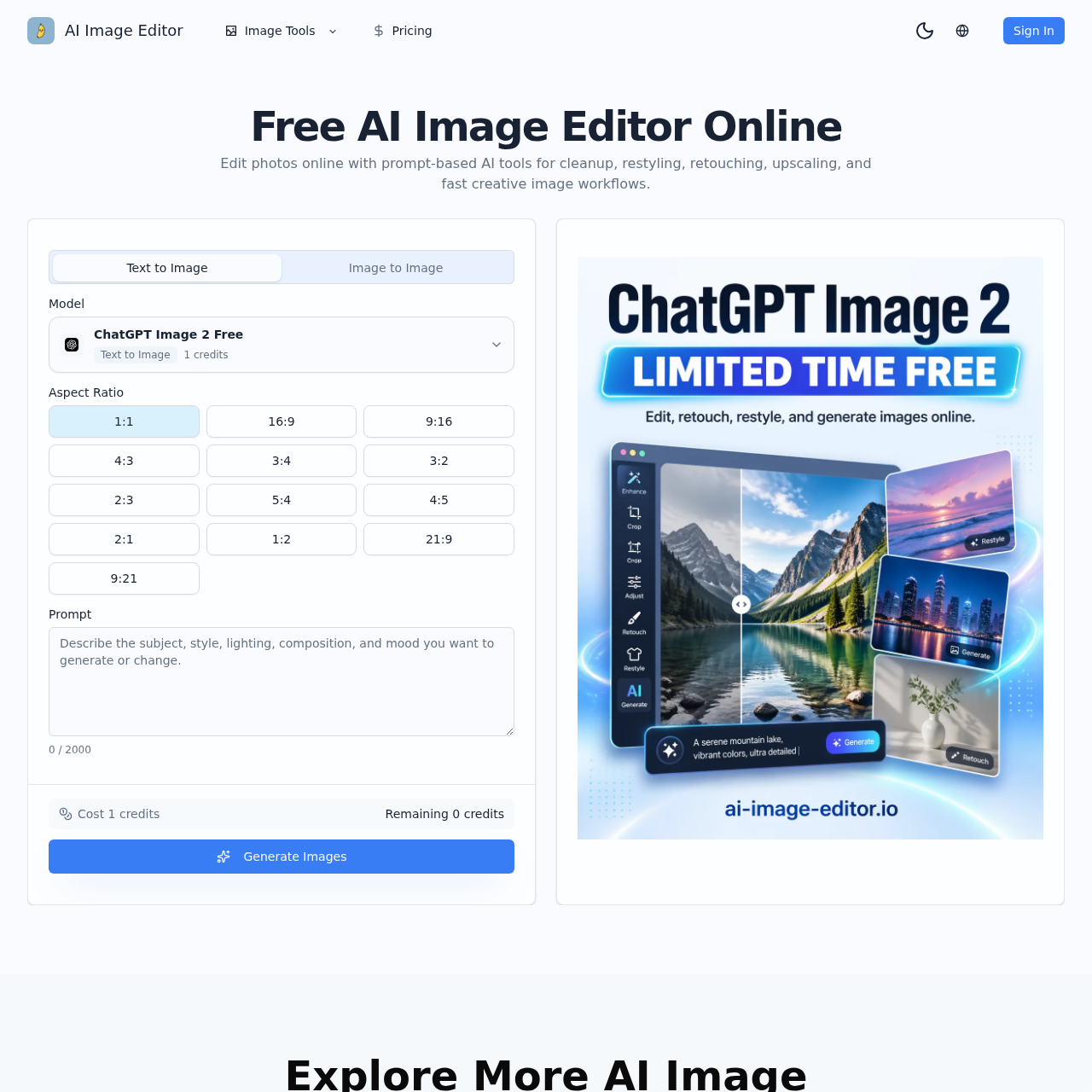
AI Image Editor's overview
Free AI Image Editor – Edit Photo Online with Prompt Image Tools Sign In Free AI Image Editor Online Edit photos online with prompt based AI tools for cleanup, restyling, retouching, upscaling, and fast creative image workflows. AI Photo Editor and AI Image Editing Workspace Text to Image Image to Image Model ChatGPT Image 2 Free Text to Image 1 credits Aspect Ratio 1:1 16:9 9:16 4:3 3:4 3:2 2:3 5:4 4:5 2:1 1:2 21:9 9:21 Prompt 0 / 2000 Cost 1 credits Remaining 0 credits Generate Images Explore More AI Image Inspirations AI Image Editor Create Similar Dina Elyaas 100 AI Image Editor Create Similar Alessandro Viviani 107 AI Image Editor Create Similar Alessandro Viviani 114 AI Image Editor Create Similar Alessandro Viviani 121 AI Image Editor Create Similar Yuuki Muto 128 AI Image Editor Create Similar Niclas Einarsson 135 AI Image Editor Create Similar redante Dixon 142 AI Image Editor Create Similar Victor Gabriel 149 AI Image Editor Create Similar Pocket FM 156 AI Image Editor Create Similar purin Pompom 163 AI Image Editor Create Similar Murat Dagoglu 170 AI Image Editor Create Similar Jorge Alvarez 177 Load More AI Image Workflow How This AI Photo Editor Works Start from a
AI Image Editor's Key Features
🔥 🔥 Edit photos online with AI-driven tools for retouching, restyling, cleanup, and upscaling.
🚀 ⚡ Generate images from text prompts or modify existing images with image-to-image capabilities.
🌟 ✨ Maintain consistency in subjects, styles, and branding across multiple image generations.
🌈 ✨ Create high-quality images suitable for social media, ads, ecommerce, and brand campaigns.
AI Image Editor's Use cases
🎨 E-commerce Product Visualization
Quickly transform plain product shots into engaging lifestyle images for online stores, enhancing visual appeal and increasing sales.
📸 Marketing Campaign Variants
Efficiently create multiple ad variations from a single approved image, tailoring content for different channels and audiences to maximize campaign reach.
🖌️ Brand Consistency
Maintain a cohesive visual style across all brand materials by generating aligned images, ensuring a professional and recognizable brand identity.
AI Image Editor's FAQ
What are the main features of the AI Image Editor?
The AI Image Editor offers several key features, including text-to-image and image-to-image generation, prompt-based editing for cleanup, restyling, retouching, and upscaling. It allows users to start from a prompt, a reference image, or both, and refine the results to create usable images for campaigns, products, and content. The platform also supports multiple reference images, prompt-guided vibe control, fast creative iteration, and high-quality image output.
Can I use the AI Image Editor for commercial purposes?
Yes, the AI Image Editor is designed to be useful for commercial work. It allows teams to generate fast text-to-image ideation, controlled image-to-image edits, and repeatable vibe image production. The platform is suitable for creating polished visuals for social media, ad creative, ecommerce pages, and internal concept reviews, making it a valuable tool for commercial projects.
How does the image-to-image feature work, and what are its benefits?
The image-to-image feature allows users to start with an existing asset and transform its style, background, or mood while keeping the subject consistent. This is particularly useful for tasks like product background refreshes, campaign variants, cover redesigns, and art direction exploration. By uploading one or more reference images, users can combine subject, style, environment, or composition cues in a single generation, ensuring visual consistency across multiple outputs.
What is a vibe image workflow, and how can it be used?
A vibe image workflow involves using prompt-guided controls to change the mood, materials, color palette, lighting, or art direction of an image while keeping the prompt concise and intentional. This workflow is beneficial for fast creative iteration, allowing users to move from rough direction to usable creative quickly. It is particularly useful for ecommerce, creator content, and brand design, enabling teams to generate supporting visuals that stay stylistically aligned across a brand campaign or content series.
Can I upload multiple reference images, and if so, how does it help?
Yes, the AI Image Editor allows users to upload more than one reference image. This feature is helpful when you need to combine subject, style, environment, or composition cues in a single generation. By using multiple reference images, users can achieve tighter creative control and generate images that better match their desired outcome, whether it's for a specific campaign, listing, thumbnail, or brand system.