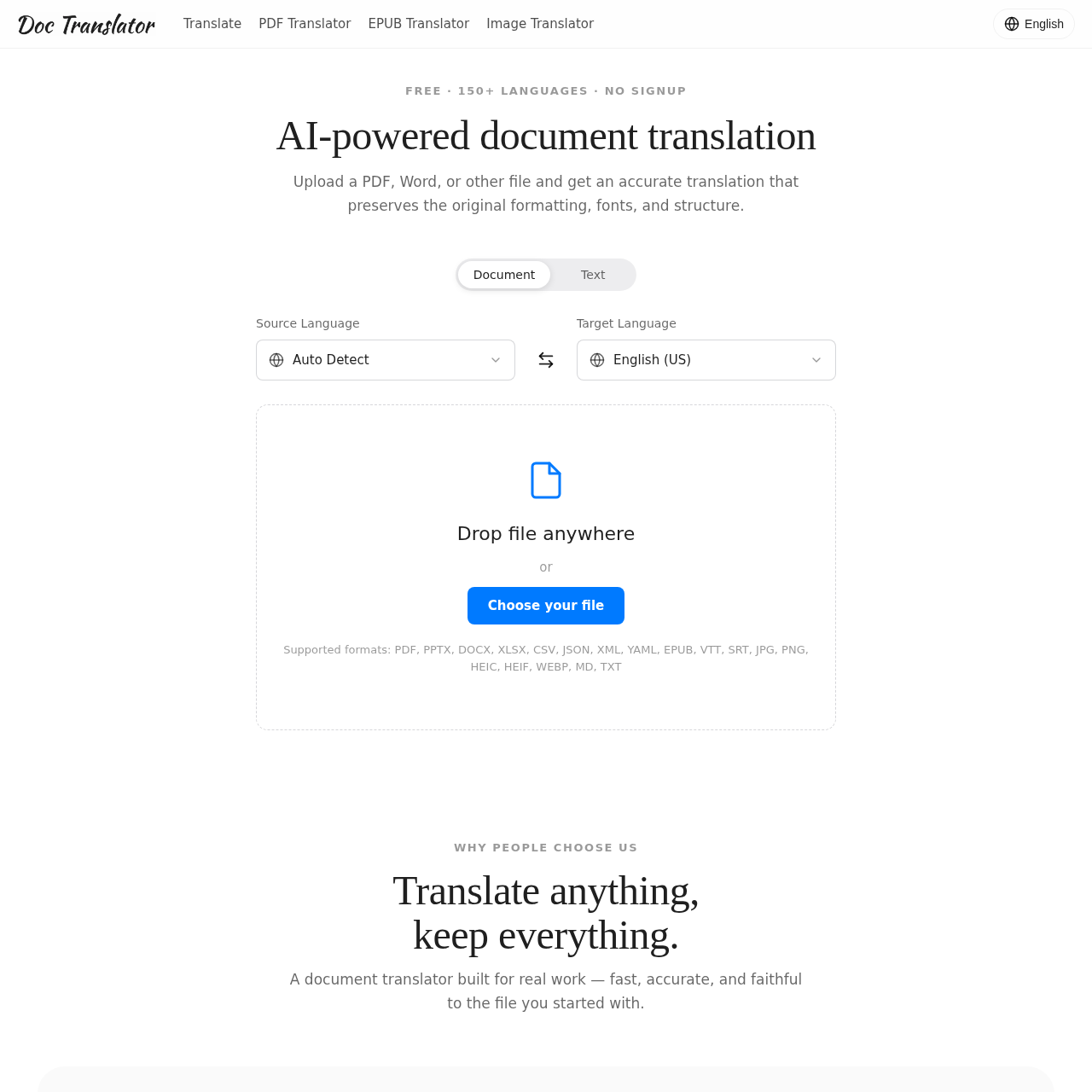
Doc Translator's overview
Doc Translator is a document translation tool designed for individuals and teams who need to translate various types of documents. It is particularly useful for those who work with multiple file formats and languages.
What You Can Do With Doc Translator
- Translate Documents — Translate PDFs, images, and slides across 50+ file types and 150+ languages with AI, keeping the original layout.
- Preserve Formatting — The translator rebuilds your document with the same layout, fonts, tables, images, and structure, making the translated file visually indistinguishable from the original.
- Supports Multiple File Types — Over 50 formats are supported, including PDF, Word, PowerPoint, Excel, CSV, EPUB, Markdown, TXT, JSON, XML, YAML, subtitle files, and images.
- Automatic Language Detection — More than 150 languages are supported, with automatic source language detection, allowing you to pick your target language or let it auto detect the source.
- Secure and Private — Your files are transferred over an encrypted connection and used only to produce your translation, ensuring your data is private and secure.
- No Signup Required — You can try it for free with no signup required, uploading a file, translating it, and downloading the result without an account or credit card.
Doc Translator's Key Features
🔥 File Format Support
⚡️ Language Detection
✨ Original Layout
🚀 AI Translation
Doc Translator's FAQ
What types of files can I translate using Doc Translator?
Doc Translator supports over 50 file formats, including PDF, Word, PowerPoint, Excel, CSV, EPUB, Markdown, TXT, JSON, XML, YAML, subtitle files, and images such as JPG, PNG, WebP, HEIC, and HEIF.
Will using Doc Translator preserve the original formatting of my documents?
Yes, the translator rebuilds your document with the same layout, fonts, tables, images, and structure, resulting in a translated file that is visually indistinguishable from the original.
Do I need to create an account to use Doc Translator?
No, you can try Doc Translator for free with no signup required, allowing you to upload a file, translate it, and download the result without an account or credit card.
How many languages does Doc Translator support?
Doc Translator supports more than 150 languages, with automatic source language detection, allowing you to pick your target language or let it auto detect the source and translate in either direction.
Is my data secure when using Doc Translator?
Yes, your files are transferred over an encrypted connection and used only to produce your translation, and uploads are removed automatically after processing.