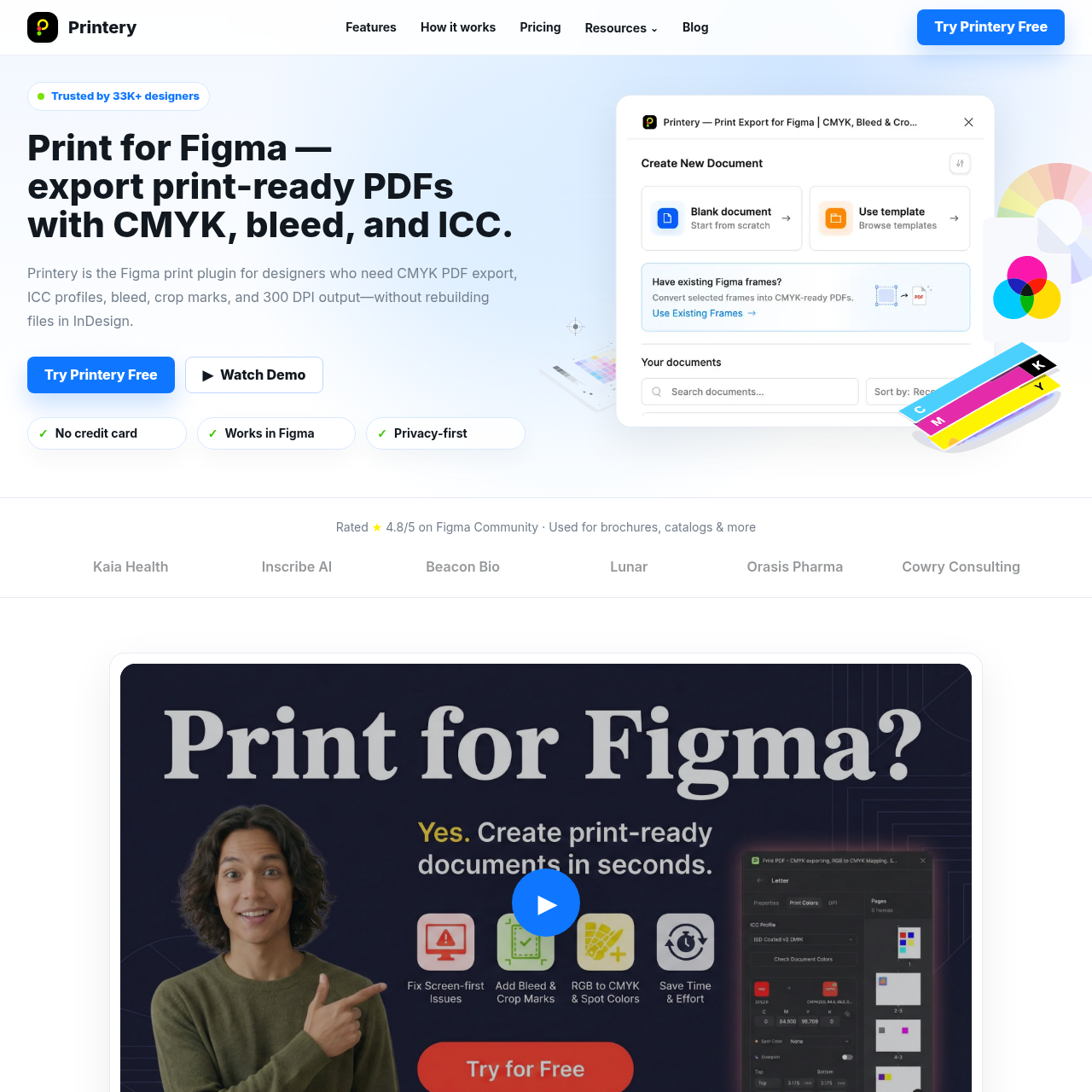
Printery - Print for Figma's overview
Print for Figma – Print Ready PDF Export with CMYK, Bleed & ICC | Printery Open navigation menu Trusted by 33K+ designers Print for Figma —export print ready PDFs with CMYK, bleed, and ICC. Printery is the Figma print plugin for designers who need CMYK PDF export, ICC profiles, bleed, crop marks, and 300 DPI output—without rebuilding files in InDesign. ▶Watch Demo ✓No credit card ✓Works in Figma ✓Privacy first Rated ★ 4.8/5 on Figma Community · Used for brochures, catalogs & more Kaia Health Inscribe AI Beacon Bio Lunar Orasis Pharma Cowry Consulting ▶ Print from Figma with real production export controls Everything you need to print from Figma properly: CMYK conversion, ICC profiles, bleed, crop marks, DPI control, and print ready PDF export in one workflow. Perfect for: brochures, catalogs, packaging, posters, and marketing materials. Live Demo See Print for Figma in Action Watch how Printery transforms your Figma designs into print ready masterpieces. Document Presets Page Layout & Margins CMYK & Spot Colors Fix DPI Document Presets Create print ready documents with preset sizes, bleed, and crop marks Standard sizes Custom bleed Crop marks Registration marks Why designers
Printery - Print for Figma's Key Features
🔥 🔥 Export true CMYK PDFs directly from Figma
🌈 ⚡ Add bleed presets and crop marks in one click
⚡️ ✨ Embed ICC profiles for consistent color output
🌈 ✨ Control DPI and overprint settings for professional results
Printery - Print for Figma's Use cases
📄 Print-Ready Brochures Effortlessly create and export professional, print-ready brochures directly from Figma with accurate CMYK colors and proper bleed settings.
📚 Catalog Production Streamline the creation of multi-page catalogs with consistent color profiles, crop marks, and high-resolution images, ensuring a smooth printing process.
📦 Packaging Design Design and export packaging materials with precise Pantone spot colors and overprint settings, maintaining brand consistency and print quality.
Printery - Print for Figma's FAQ
Can Printery handle multi-page documents and batch exports?
Yes, Printery supports multi-page PDF exports in a single run, including facing pages and spreads. You can also batch export multiple pages or frames at once, making it efficient for handling complete documents like brochures, manuals, and catalogs.
What kind of color management does Printery offer for print design in Figma?
Printery provides robust color management features for print design. It allows you to export true CMYK PDFs, map RGB colors to CMYK values for consistent brand output, embed ICC profiles required by your printer or region, and work with Pantone spot colors for packaging and identity jobs.
How does Printery ensure that my print-ready PDFs are set up correctly for professional printing?
Printery adds essential production export controls to Figma, including CMYK PDF export with RGB to CMYK mapping, ICC profile embedding, Pantone spot colors and overprint support, bleed and crop marks, DPI control, and multi-page PDF export. These features ensure that your files are ready for real printers, not just screens.
What are the differences between the Free and Pro plans of Printery?
The Free plan allows for 5 document creations per week and 2 PDF exports per month (CMYK or RGB), along with basic features like bleed, crop marks, safety zones, preset page sizes, and DPI checker. The Pro plan, available monthly or yearly, offers unlimited documents and exports, ICC profiles, custom color mappings, Pantone and spot color density control, overprint settings, multi-page PDFs, and priority email support.
Can I cancel my Printery subscription easily if needed?
Yes, you can cancel your Printery subscription anytime. When you subscribed, you received a confirmation email from PayPro Global (their payment provider) that includes a link to your Customer Panel. From there, you can manage and cancel your subscription. If you can't find the email, you can contact their support at [email protected] with your Order ID for assistance.