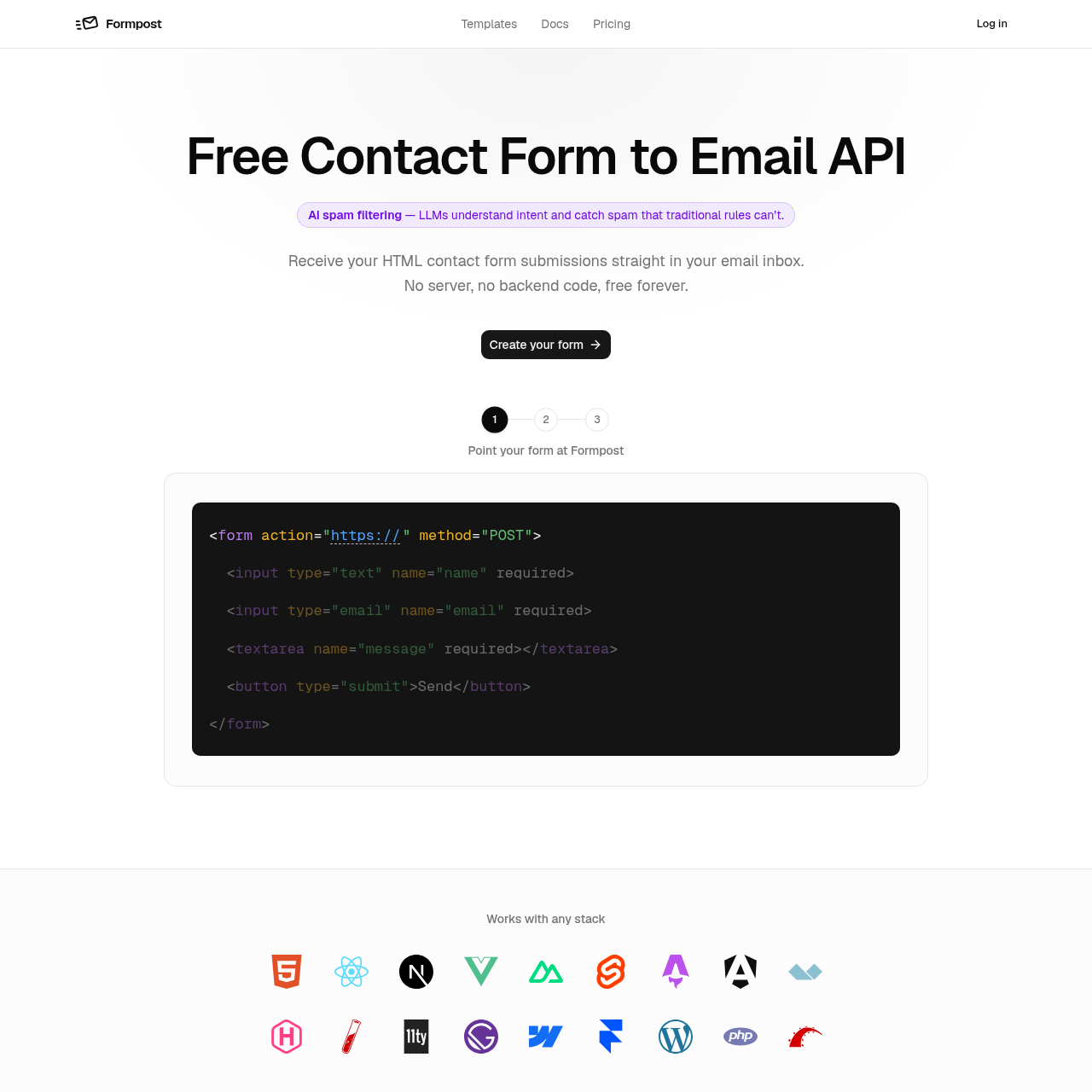
Formpost's overview
Formpost is a contact form to email API designed for developers and site owners who want to receive form submissions directly in their email inbox. It eliminates the need for backend code or server setup, making it a convenient solution for those who want to focus on building their site rather than managing infrastructure.
What You Can Do With Formpost
- Receive form submissions — get form submissions directly in your email inbox without requiring backend code or server setup
- Style your contact form — use your own markup and CSS to style your contact form, with no iframe or injected stylesheet required
- Send automated replies — automatically send replies to users who submit your contact form, with the option to customize the reply email
- Forward submissions to other services — forward form submissions to other services such as Slack, Discord, or Telegram, in addition to receiving them in your email inbox
- Keep submissions organized — keep form submissions organized and searchable, with the option to export them as needed
- Block spam submissions — block spam submissions using a combination of honeypot, Turnstile, and keyword rules, to prevent unwanted emails from reaching your inbox
Formpost's Key Features
🔥 AI Spam Filtering
⚡️ HTTPS Encryption
✨ Autoresponder
🚀 File Uploads
Formpost's FAQ
What is Formpost and how does it work?
Formpost is a free contact form to email API that allows users to receive contact form submissions directly in their email inbox without requiring backend code or a server.
How do I set up a contact form with Formpost?
To set up a contact form with Formpost, users can choose where submissions land, set the subject line, turn on spam filtering, autoresponder, and forwarding, all of which can be done in the dashboard.
What are the limits of the free plan for Formpost?
The free plan for Formpost has a limit of 250 messages per month and stores submissions for 30 days.
Can I use Formpost with my existing website and email?
Yes, Formpost can be used with any website and email, and it allows users to style their contact form as they like, with no iframe, injected stylesheet, or badge required.
How does Formpost handle spam filtering?
Formpost uses AI spam filtering, including honeypot, Turnstile, hCaptcha, reCAPTCHA, keyword rules, and domain locking to handle spam and prevent it from reaching the user's inbox.