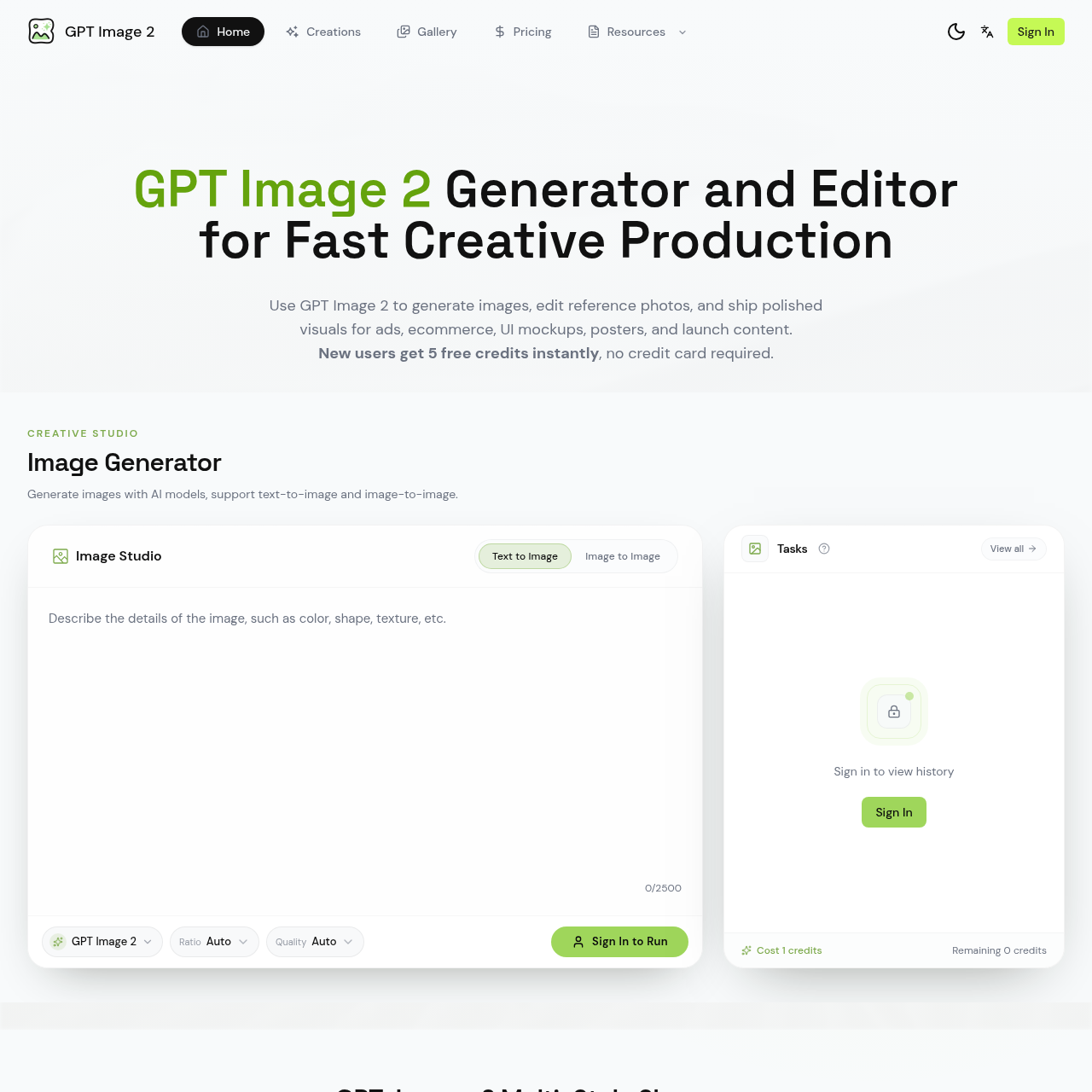
GPT Image 2's overview
Resources Sign In GPT Image 2 Generator and Editor for Fast Creative Production Use GPT Image 2 to generate images, edit reference photos, and ship polished visuals for ads, ecommerce, UI mockups, posters, and launch content. New users get 5 free credits instantly , no credit card required. Creative Studio Image Generator Generate images with AI models, support text to image and image to image. Image Studio Text to Image Image to Image 0/2500 GPT Image 2 Ratio Auto Quality Auto Sign In to Run Reference Image 0/2500 GPT Image 2 Ratio Auto Quality Auto Sign In to Run Tasks Sign in to view history Sign In Cost 1 credits Remaining 0 credits GPT Image 2 Multi Style Showcase A broader eight image mix covering lifestyle photography, fashion portraits, editorial covers, fantasy illustration, social style UI scenes, and launch event visuals. What You Can Do With a GPT Image 2 Workflow This platform turns your creative brief into a working production flow: image generation, reference image editing, creative iteration, and export ready assets. Image Generation Generate images by specifying subject, layout, lighting, typography, and aspect ratio — then compare results and iterate in one
GPT Image 2's Key Features
🌟 🔥 Generate images with AI models, supporting text-to-image and image-to-image.
🌟 ⚡ Edit reference photos and refine styles, copy space, props, or background.
🔥 ✨ Export high-resolution, campaign-ready assets for marketing, ecommerce, and branded content.
GPT Image 2's Use cases
🛍️ Ecommerce Product Imaging
Streamline the creation of high-quality, consistent product images for online stores, enhancing visual appeal and driving sales.
🎨 Marketing Campaign Visuals
Quickly produce a variety of on-brand visuals for advertising campaigns, ensuring cohesive messaging across multiple channels.
💻 UI/UX Design Prototyping
Generate realistic UI mockups and design elements, accelerating the prototyping process and improving the user experience.
GPT Image 2's FAQ
What types of images can I create with GPT Image 2?
With GPT Image 2, you can generate a wide variety of images including ads, ecommerce visuals, UI mockups, posters, and launch content. The platform supports both text-to-image and image-to-image generation, allowing you to create detailed and polished visuals for various purposes such as product ads, UI mockups, posters, menus, and more.
How does GPT Image 2 handle text within images?
GPT Image 2 is designed to handle text within images with near-accurate text rendering and clear typographic hierarchy. This makes it ideal for creating text-heavy visuals like posters, menus, labels, UI mockups, and screenshot-style visuals where precise text placement and readability are crucial.
Can I edit existing images using GPT Image 2?
Yes, GPT Image 2 allows you to upload an existing asset and guide changes to color, styling, copy area, props, or environment without starting from scratch. This feature is particularly useful for refining style, copy space, and other elements in reference images, making it a versatile tool for both creation and editing.
Who is the target audience for GPT Image 2?
GPT Image 2 is designed for creators and teams who need a streamlined workflow for fast creative production. It is ideal for marketing professionals, ecommerce managers, UI/UX designers, and anyone involved in creating visual content for ads, ecommerce, app launches, and branded content. The platform is built to provide speed, control, clean text, and practical output, making it suitable for daily creative tasks and large-scale projects.
Is there a cost associated with using GPT Image 2, and can I try it for free?
New users get 5 free credits instantly to try out the platform, with no credit card required. These credits can be used to generate images, compare styles, and see if the results fit your campaign, brand, or product direction. After the free credits are used, you can explore the pricing options to continue using the service for your creative needs.