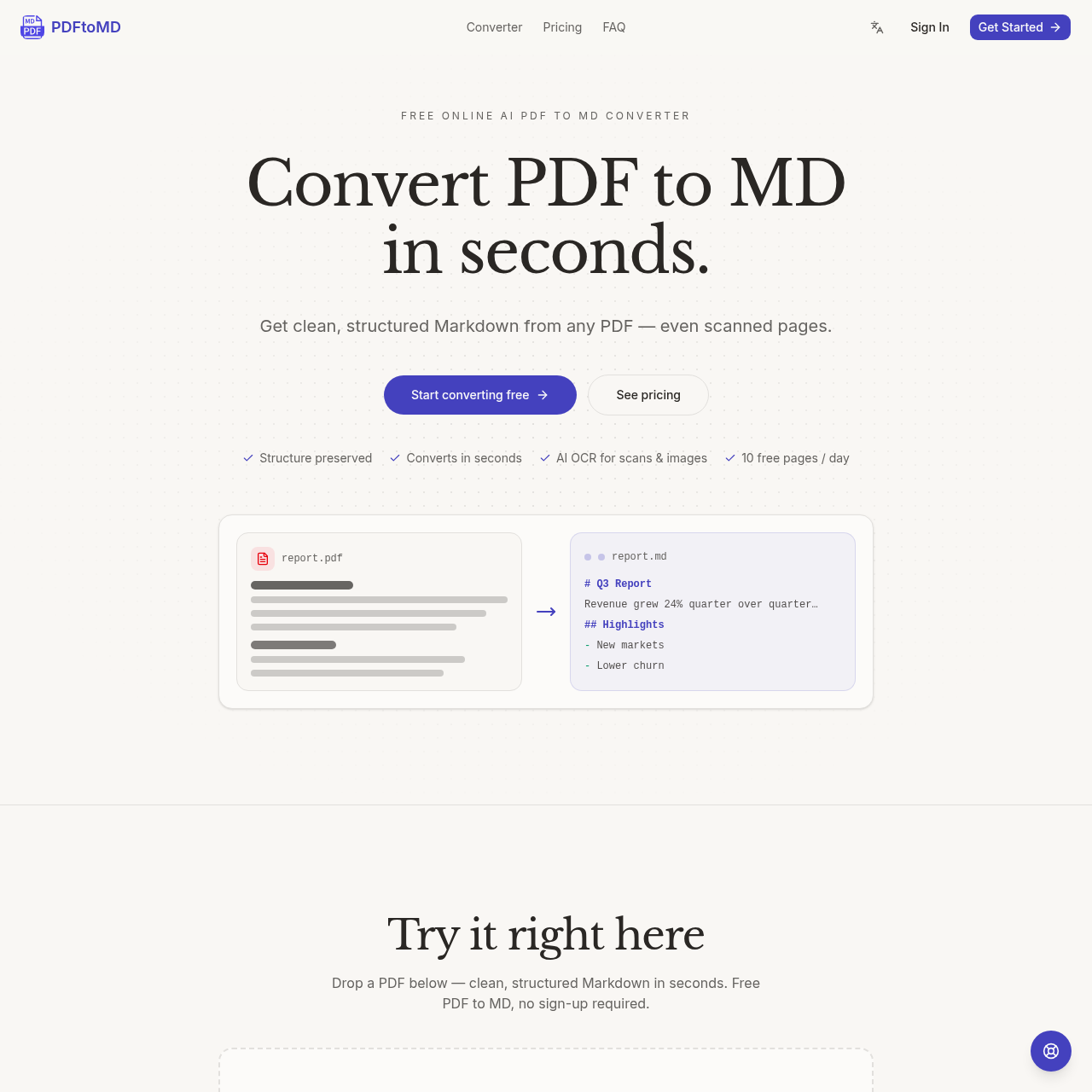
PDFtoMD's overview
PDFtoMD is a tool designed for professionals and developers who need to convert PDF files into Markdown format. It is particularly useful for those who work with digital documents and require a efficient way to extract text and structure from PDFs.
What You Can Do With PDFtoMD
- Convert Digital PDFs — extract text and structure from digital PDFs with high fidelity, preserving the original reading order and formatting.
- Convert Scanned PDFs — use AI-powered OCR to convert scanned PDFs into Markdown, including reconstruction of tables, formulas, and seals.
- Preserve Document Structure — convert headings, paragraphs, and lists into proper Markdown syntax, making it easy to edit and reuse the content.
- Work with Markdown Output — use the converted Markdown files in various tools and platforms, such as Obsidian, Notion, and GitHub wikis.
- Access Conversion History — keep a record of all conversions, allowing you to easily access and reuse previously converted files.
- Upgrade for More Features — choose from various paid plans that offer additional features, such as increased page limits and priority support.
PDFtoMD's Key Features
🔥 AI OCR
⚡️ Vision Mode
✨ Conversion History
🚀 Standard OCR
PDFtoMD's FAQ
What is the purpose of PDFtoMD and how does it work?
PDFtoMD is a tool that converts PDF documents into clean, structured Markdown, preserving the original structure and formatting, and it works by extracting text, headings, and lists from the PDF and rewriting them as Markdown.
Can I use PDFtoMD to convert scanned PDFs or images to Markdown?
Yes, PDFtoMD supports the conversion of scanned PDFs and images to Markdown, using state-of-the-art OCR and vision models to read and rewrite the content.
How much does PDFtoMD cost and is there a free trial?
PDFtoMD offers a free plan that allows 10 pages to be converted per day, and paid plans start at 1,000 pages per month, with no free trial mentioned but the ability to start free every day.
What tools and platforms can I use with the Markdown output from PDFtoMD?
The Markdown output from PDFtoMD can be used with any tool or platform that supports Markdown, including Obsidian, Notion, Logseq, VS Code, GitHub wikis, Hugo, and Jekyll.