vid2vid's overview
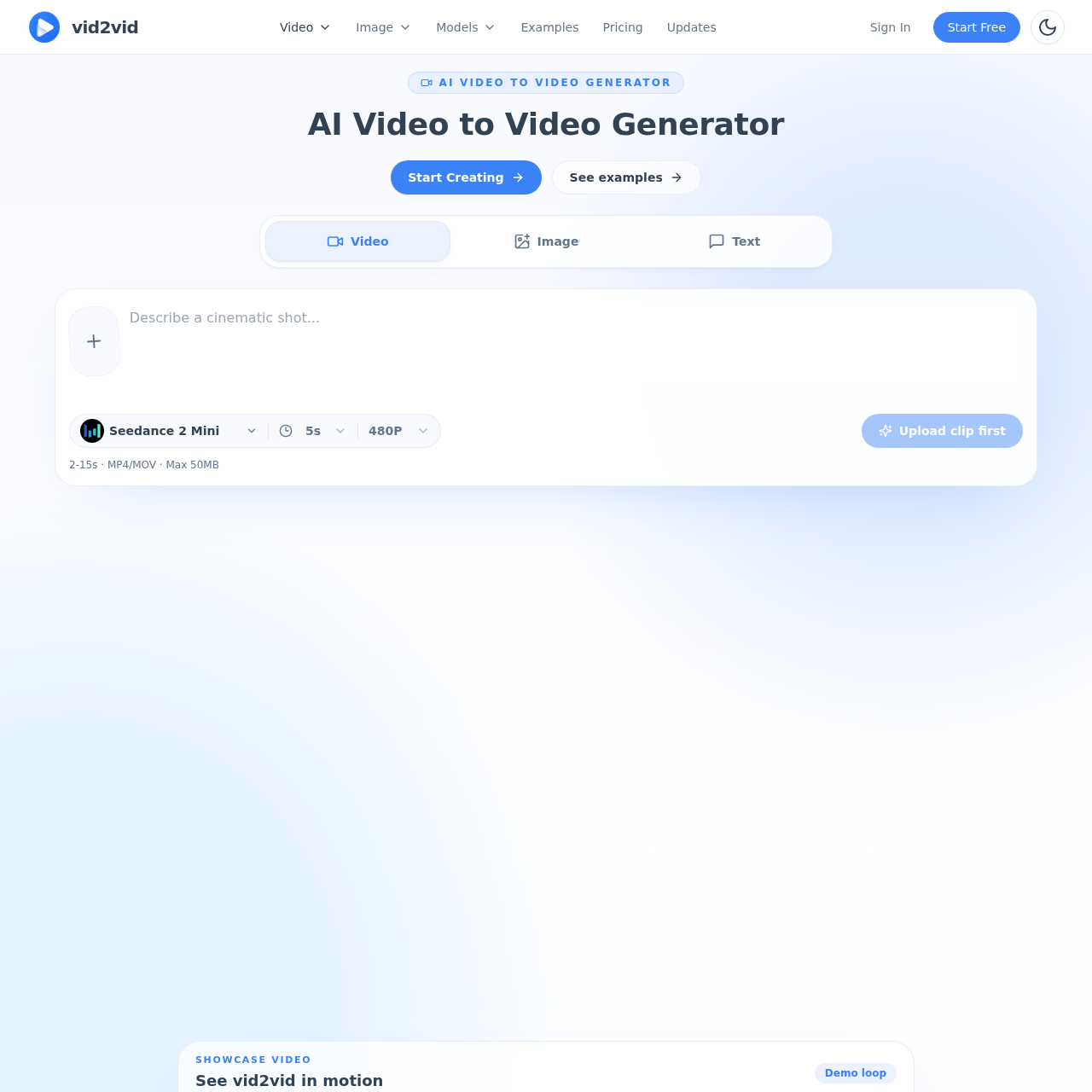
Video Image Models AI Video to Video Generator AI Video to Video Generator Use the AI video to video generator to upload a short clip, describe the new look, and create a remixed AI video while keeping the original motion, framing, and timing. Video Image Text Seedance 2 Mini 5s 480P Upload clip first 2 15s · MP4/MOV · Max 50MB Showcase video See vid2vid in motion Demo loop vid2vid demo Examples Explore real vid2vid examples See how creators turn product shots, still images, and campaign prompts into stylized AI videos you can remix. Product Ad · Image to Video Premium perfume launch clip A clean product still becomes a polished luxury ad shot with controlled camera motion and studio reflections. Product Ad · Beauty Skincare product hero motion A static ecommerce product frame gets a clean hero animation for landing pages and paid social. Product Ad · Social Short social campaign visual A product photo is restyled into a concise campaign clip for feed ads, launch teasers, and creative testing. Video remix AI Video to Video Generator for Clip Restyling Use the AI video to video generator to push existing clips into new visual directions while keeping the original timing, framing,
vid2vid's Key Features
💎 🔥 AI Video to Video Generator: Remix existing clips with new styles while preserving original motion and timing.
🌈 ⚡ Image to Video Animation: Bring still images to life with motion, depth, and rhythm.
💫 ✨ Text to Video Creation: Generate videos from text prompts for quick and creative content production.
vid2vid's Use cases
🎬 Music Video Production Quickly transform raw footage into stylized, cinematic scenes for music videos, enhancing visual appeal without extensive reshoots.
🛍️ E-commerce Product Visuals Create dynamic product videos from static images, improving online listings and increasing customer engagement.
📈 Advertising Campaigns Generate multiple visual styles for ad campaigns from a single reference, allowing for faster A/B testing and optimized performance.
vid2vid's FAQ
What types of videos can I create with the vid2vid AI video to video generator?
With vid2vid, you can create a variety of videos by uploading a short clip and describing the new look you want. This includes stylized, cinematic, or genre-driven videos for music videos and visual experiments, motion-rich product visuals for campaign assets, and consistent character or world videos for recurring content. You can also animate still images or use text prompts to generate videos.
How does the video to video generation process work?
The video to video generation process involves uploading a short clip (2-15 seconds, MP4/MOV, max 50MB), describing the desired new look, and letting the AI generator create a remixed video while preserving the original motion, framing, and timing. This allows for fast iteration and direct creative control through plain-language prompts.
Can I use vid2vid for commercial projects?
The provided information does not explicitly state whether vid2vid can be used for commercial projects. To clarify this, you should refer to the Terms of Service or contact the support team at [email protected].
What are the use cases for the vid2vid AI video to video generator?
The vid2vid AI video to video generator has several use cases, including creative direction for music videos and visual experiments, campaign motion for product promos and campaign assets, and world-building for recurring characters and branded worlds. It is designed to provide fast visual iteration, stronger style direction, and a clearer path from reference to final shot.
Can I use my own images or videos as references with vid2vid?
Yes, you can use your own images or videos as references with vid2vid. The platform supports image-to-video and video-to-video workflows, allowing you to upload your own clips or still images to create remixed or animated videos. This makes it useful for stylized concept work, promos, and product storytelling.