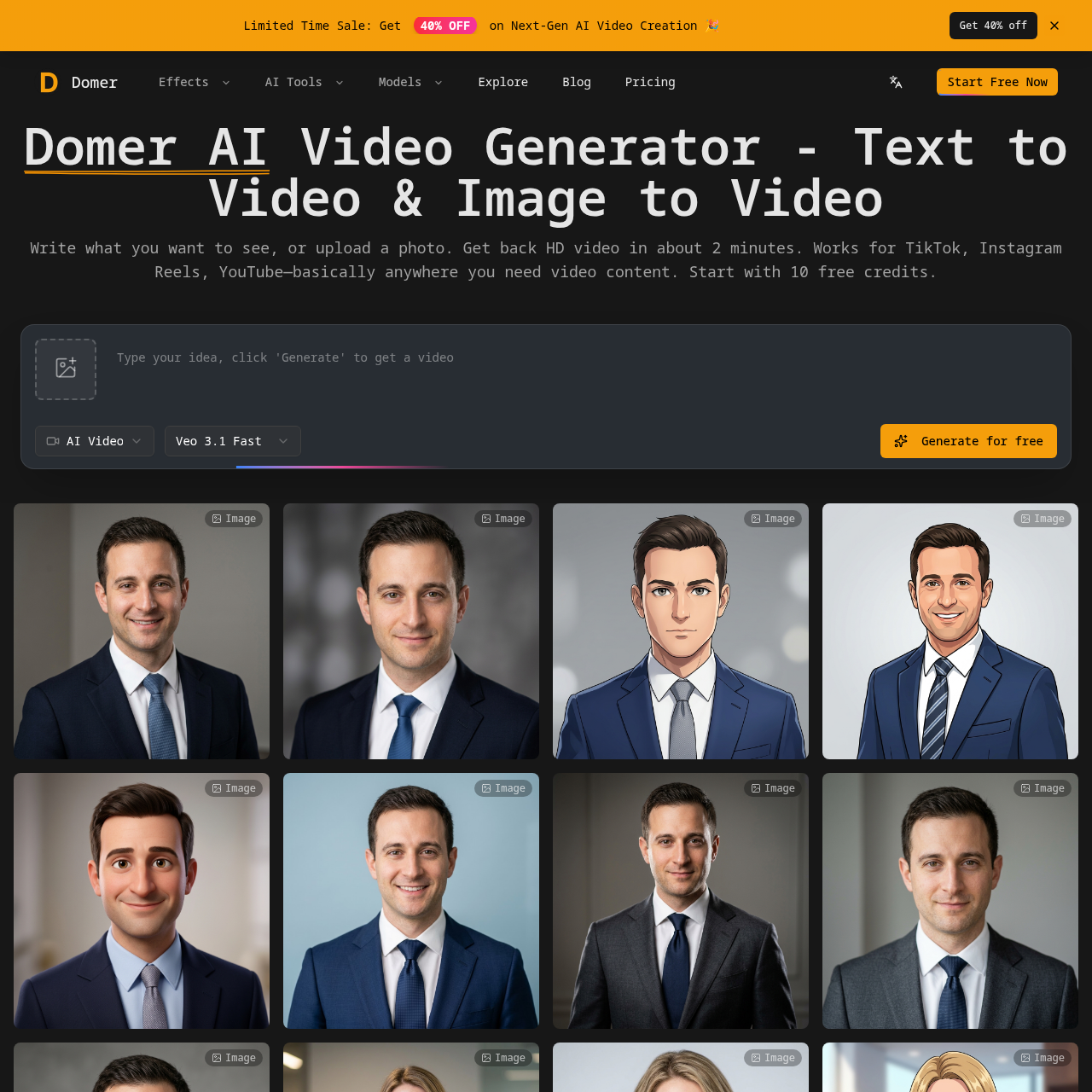
Domer AI's overview
Domer AI is an innovative AI video generator that allows users to create high-quality videos without the need for filming. By simply typing a description or uploading a photo, users can generate HD videos in about 2 minutes. This tool is ideal for content creators, marketers, and businesses looking to produce engaging video content for platforms like TikTok, Instagram Reels, and YouTube. Domer AI supports multiple video models, including Google Veo for quality, Kling for speed, and Wan for longer clips, ensuring flexibility and versatility. With no watermarks and full commercial rights, users can confidently use the generated videos for client work, social media, and more. Start with 10 free credits and enjoy a seamless, efficient video creation process.
Domer AI's Key Features
🎯 🔥 Generate HD videos from text or images in under 2 minutes
🔥 ⚡ Supports multiple AI models for different needs
✨ ✨ No watermark, full rights to use generated videos
🚀 ✨ Free to test with 10 free credits, no expiration
Domer AI's Use cases
Here are three practical use cases for Domer AI:
🎬 Social Media Content Creation
Quickly produce engaging video content for platforms like TikTok, Instagram Reels, and YouTube Shorts without the need for filming or editing.
🛒 E-commerce Product Demos
Create professional product demo videos in minutes, enhancing online listings and increasing customer engagement and sales.
📈 Marketing Campaigns
Generate high-quality video ads and promotional content rapidly, allowing for faster campaign launches and more frequent updates.
Domer AI's FAQ
What are the different video models supported by Domer AI, and how do they differ?
Domer AI supports multiple video models to cater to different needs. The Veo model is known for its high quality and takes about 90 seconds to generate a video. The Kling model is faster, taking around 60 seconds, making it ideal for quick testing of ideas. The Wan model allows for longer clips of up to 15 seconds, which is useful for more detailed content. Each model has different credit costs, so you can choose based on your specific requirements.
Can I use Domer AI for free, and what are the limitations of the free version?
Yes, you can start using Domer AI for free with 10 free credits. This allows you to test the platform and see if it meets your needs. The free version does not have watermarks, and you retain full rights to the videos you create. However, the number of videos you can generate is limited by the credits you have. Once you exhaust your free credits, you can purchase more, which do not expire.
What formats can I upload for the image-to-video feature, and what types of motions can I describe?
For the image-to-video feature, you can upload images in common formats such as JPEG, PNG, and possibly others. When describing the motion, you can specify details like camera angles, lighting, motion speed, and other visual effects. The AI will interpret these descriptions to create the desired video. This flexibility allows for a wide range of creative possibilities, from simple rotations to complex scenes.
Are there any restrictions on how I can use the videos generated by Domer AI?
No, there are no restrictions on how you can use the videos generated by Domer AI. The videos export clean, without any watermarks, and you have full rights to use them for commercial projects, client work, social media, or any other purpose. This makes Domer AI a versatile tool for content creators, marketers, and businesses.
How long does it typically take to generate a video with Domer AI, and can I expedite the process?
The time it takes to generate a video with Domer AI depends on the model you choose. The Veo model takes about 90 seconds, Kling takes around 60 seconds, and Wan allows for longer clips but the generation time can vary. If you need faster results, you can opt for the Kling model, which is designed for speed. Additionally, ensuring your descriptions are clear and specific can help the AI generate the video more efficiently.