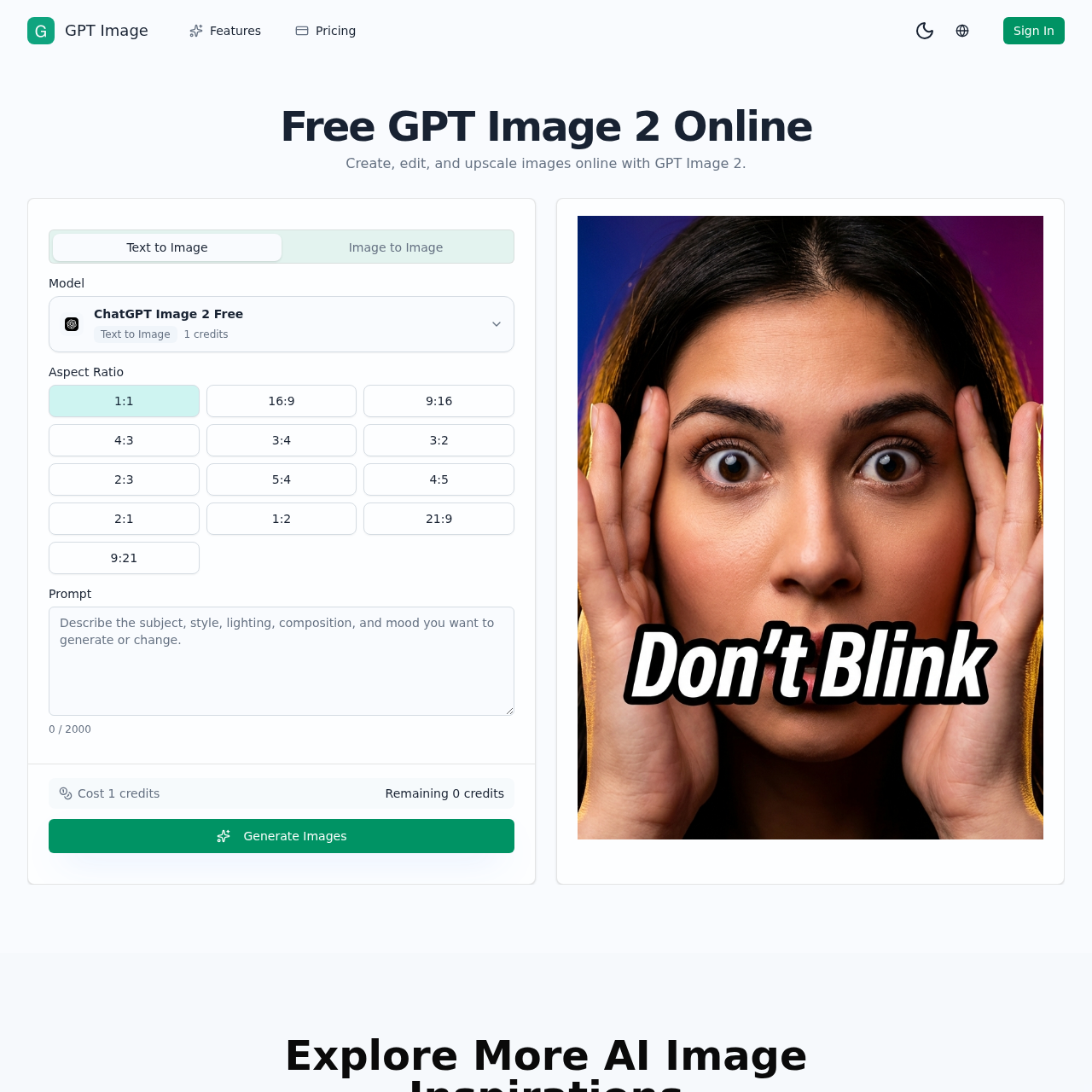
ChatGPT Image 2 Photo Editor's overview
ChatGPT Image 2 Photo Editor is an innovative AI-powered tool designed for creating, editing, and upscaling images online. This versatile platform allows users to generate new visuals from text prompts or transform existing images into entirely new styles. Ideal for creators, marketers, and designers, it offers a seamless workflow for producing high-quality, professional images. With features like prompt-first cleanup, fast visual restyling, and identity retention, users can efficiently create polished visuals suitable for social media, advertising, ecommerce, and more. The tool supports multiple reference images and provides high-quality outputs, making it a valuable asset for any creative project.
ChatGPT Image 2 Photo Editor's Key Features
🎯 🔥 AI Image Generation: Create new visuals from text prompts or reference images.
⭐️ ⚡ AI Photo Editing: Edit and enhance images using simple text prompts for retouching, restyling, and cleanup.
✨ ✨ Image-to-Image Transformation: Transform existing images by changing styles, backgrounds, or moods while keeping the subject consistent.
🌟 🌟 Prompt-First Workflow: Generate, edit, and refine visuals in one seamless, prompt-driven workspace.
ChatGPT Image 2 Photo Editor's Use cases
Here are three practical use cases for GPT Image:
🎨 Branded Content Generation Efficiently create consistent and on-brand visuals for marketing campaigns, reducing the need for multiple photo shoots.
🛍️ E-commerce Product Imaging Quickly generate lifestyle and studio product images for online stores, enhancing product listings and increasing sales.
📸 Social Media Content Creation Rapidly produce engaging and stylistically consistent social media posts, saving time and maintaining a cohesive online presence.
ChatGPT Image 2 Photo Editor's FAQ
What is GPT Image and how does it work?
GPT Image is an AI-powered image generation and editing tool that allows users to create, edit, and upscale images using text prompts and reference images. It leverages advanced AI models to generate new visuals from scratch (text-to-image) or transform existing images (image-to-image) based on user-defined parameters and styles.
Can I use GPT Image for commercial projects?
Yes, GPT Image is designed to be useful for commercial work. It enables users to generate high-quality images suitable for various commercial applications, such as ecommerce product pages, social media ads, blog covers, and branded content. However, it's essential to review the terms of service and licensing agreements to ensure compliance with usage rights.
How many reference images can I upload to guide the AI image generation process?
GPT Image allows users to upload multiple reference images to guide the AI in generating or editing visuals. This feature enables tighter control over the subject, composition, materials, or art direction, helping users achieve more accurate and desired results.
Can I maintain the consistency of specific elements, like a face or product silhouette, while changing other aspects of the image?
Yes, GPT Image supports prompt-guided vibe control, allowing users to define what should remain consistent in the generated or edited images. This feature is particularly useful for maintaining brand coherence, product recognition, or identity retention across multiple visual outputs.
Is GPT Image suitable for beginners with limited photo editing experience?
Yes, GPT Image is designed to be user-friendly and accessible to beginners. Its prompt-first workflow enables users to generate and edit images using simple text descriptions, eliminating the need for complex manual masking or advanced photo editing skills. Additionally, the platform offers various AI image edit tools that streamline the editing process, making it easier for users to achieve professional-looking results.