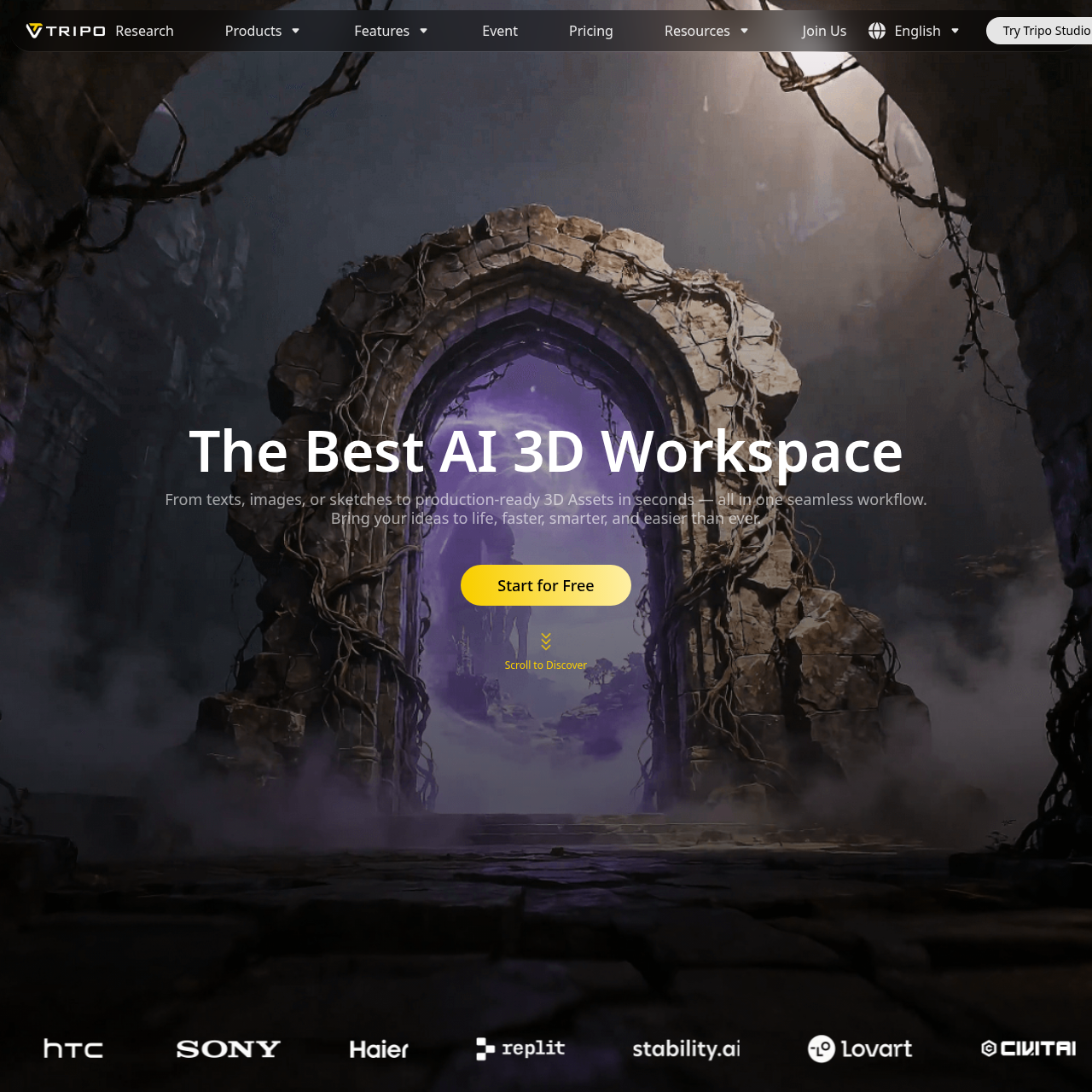
Tripo's overview
Tripo is an innovative AI-powered 3D modeling tool that allows users to generate high-quality 3D models from simple text descriptions or images. This tool is ideal for designers, game developers, and creators who need to quickly produce detailed 3D assets. With Tripo, you can achieve sharp geometry and solid topology in seconds, making it a game-changer for anyone in the 3D design field. Whether you're prototyping characters, creating game environments, or designing products, Tripo's AI capabilities ensure that your models are both accurate and visually impressive. Join the growing community of creators who are leveraging Tripo to bring their ideas to life faster and more efficiently.
Tripo's Key Features
🚀 🔥 AI-Powered 2D to 3D Conversion
🌈 ⚡ Generate High-Quality 3D Models Instantly
💎 ✨ Free and Easy-to-Use Online Platform
⭐️ 🌟 Ideal for Creators, Designers, and Developers
Tripo's Use cases
Here are three practical use cases for Tripo:
🎨 3D Art and Design Quickly create high-quality 3D models from sketches or text descriptions, streamlining the design process for artists and designers.
🎮 Game Development Rapidly prototype and generate game assets, reducing development time and allowing game developers to focus on creativity and innovation.
🏠 Architectural Visualization Easily convert architectural plans into detailed 3D models, enabling architects and clients to visualize and interact with designs before construction begins.
Tripo's FAQ
What is Tripo and how does it work?
Tripo is an AI-powered 3D modeling tool that allows users to create high-quality 3D models from text descriptions or images. It leverages advanced AI algorithms to generate sharp geometry and solid topology, making the process fast and efficient. Users can simply type a description or upload an image, and Tripo will generate a 3D model based on the input.
Can I use Tripo for free?
Yes, Tripo offers a free tier that allows users to start creating 3D models without any cost. However, for more advanced features and higher usage limits, there may be paid plans available. You can explore the pricing details on their website to choose a plan that best suits your needs.
What are the key features of Tripo?
Tripo offers several key features, including:
- Text to 3D Model: Generate 3D models from text descriptions.
- Image to 3D Model: Create 3D models from uploaded images.
- AI Texturing: Apply high-resolution, PBR-ready textures to your models with one click.
- Intelligent Segmentation: Split complex models into structured, editable parts.
- Rigging & Animation: Automatically rig and animate models with clean skeletons and smooth skin weights.
Is Tripo suitable for beginners?
Yes, Tripo is designed to be user-friendly, even for beginners. It eliminates the steep learning curve typically associated with 3D modeling software. Users can start creating 3D models by simply typing descriptions or uploading images, making it accessible for those new to 3D design.
Can I integrate Tripo with other software?
Yes, Tripo provides plugins for popular software such as Blender, Unity, Unreal Engine, ComfyUI, Cocos, and Godot. These plugins allow for seamless integration, enabling users to import Tripo-generated models into their preferred 3D modeling or game development environments.