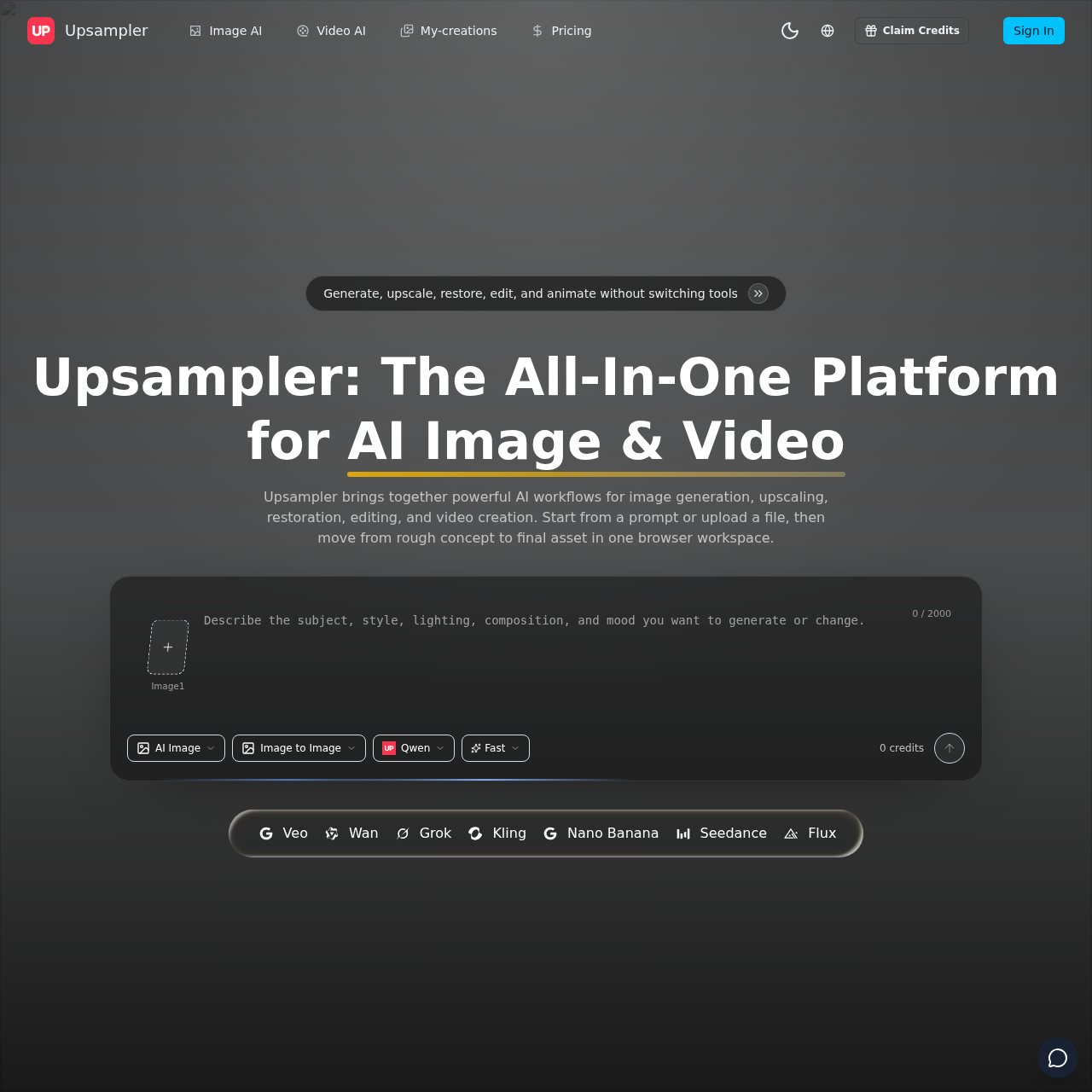
Upsampler's overview
Upsampler is an all-in-one platform designed for creators, marketers, and product teams to streamline their image and video creation workflow.
What You Can Do With Upsampler
- Generate on brand image concepts — Create ads, thumbnails, portraits, covers, and product scenes from text prompts or reference images.
- Upscale low resolution source assets — Prepare older, cropped, or compressed visuals for modern channels before they move into production.
- Restore and clean important details — Recover clarity, improve consistency, and fix distracting artifacts when the source image is almost right but not usable yet.
- Animate stills into motion assets — Turn strong stills into motion assets by animating product shots, character art, portraits, and keyframes into short videos for launches and storytelling.
- Finish exports with browser tools — Trim clips, compress file size, and prep deliverables for publishing, handoff, or internal review.
- Create short cinematic clips — Turn text prompts or reference images into short cinematic clips for ads, teasers, demos, and social content.
Upsampler's Key Features
🔥 AI Image Generation
⚡️ Video Creation
✨ Image Upscaling
🚀 Background Removal
Upsampler's FAQ
What is Upsampler used for?
Upsampler is an all-in-one platform for AI image generation, upscaling, restoration, editing, and video creation, allowing users to create stills, improve source assets, animate visuals, and clean up final exports.
Who is Upsampler designed for?
Upsampler is built for creators, marketers, and product teams, helping them move faster by combining generation, enhancement, editing, and export into one practical workflow.
Can I use Upsampler to animate still images?
Yes, Upsampler allows you to start from a still product shot, portrait, or illustration, and then animate it while preserving the original composition, using image to video animation tools.
Does Upsampler support background removal and video compression?
Yes, Upsampler includes background removal and cleanup tools, as well as video trim and compression tools, allowing users to prepare cleaner assets and finish social-ready exports without leaving the browser.
How do I get started with Upsampler?
To get started with Upsampler, you can choose an image or video workflow, add prompts or references, and then generate and export from the browser, using a simple three-step process.