EZ Grader's overview
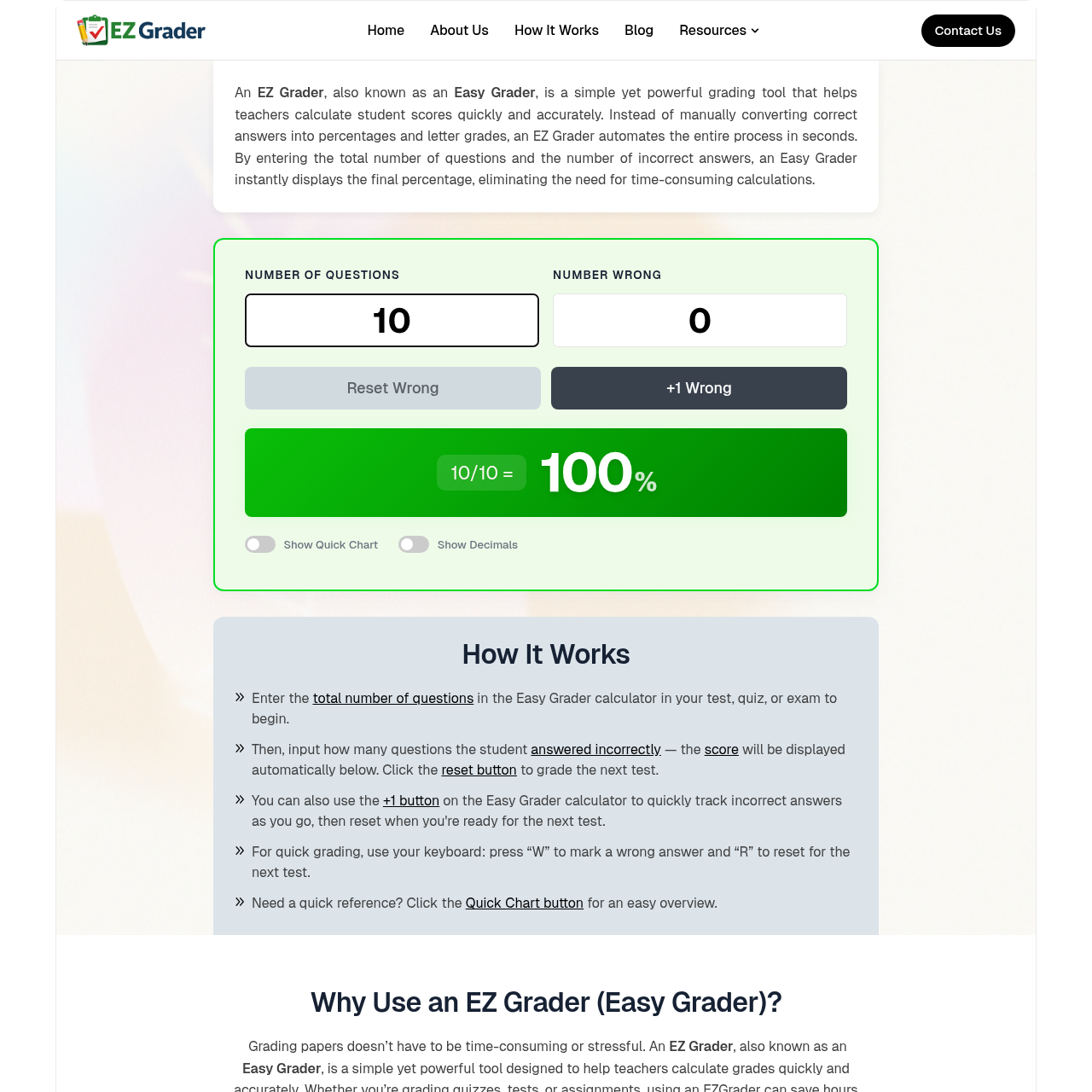
Ez Grader – Easy Grader – Free Grade Calculator for Teachers An EZ Grader , also known as an Easy Grader , is a simple yet powerful grading tool that helps teachers calculate student scores quickly and accurately. Instead of manually converting correct answers into percentages and letter grades, an EZ Grader automates the entire process in seconds. By entering the total number of questions and the number of incorrect answers, an Easy Grader instantly displays the final percentage, eliminating the need for time consuming calculations. Number of Questions Number Wrong Reset Wrong+1 Wrong 10/10 =100 % [x] Show Quick Chart [x] Show Decimals Wrong Grade (%) 1 90% 2 80% 3 70% 4 60% 5 50% 6 40% 7 30% 8 20% 9 10% 10 0% How It Works Enter the in the Easy Grader calculator in your test, quiz, or exam to begin. Then, input how many questions the student — the will be displayed automatically below. Click the to grade the next test. You can also use the on the Easy Grader calculator to quickly track incorrect answers as you go, then reset when you're ready for the next test. For quick grading, use your keyboard: press “W” to mark a wrong answer and “R” to reset for the next test.
EZ Grader's Key Features
🌈 🔥 Instantly converts correct answers into percentages and letter grades
🌟 ⚡ Eliminates manual calculation mistakes
⭐️ ✨ Provides clear grading charts for quick reference
⭐️ 🌟 Accessible anytime, anywhere on various devices
EZ Grader's Use cases
🏫 Classroom Grading Efficiency Streamline the grading process for multiple-choice tests, allowing teachers to grade entire classes in minutes rather than hours.
📚 Standardized Test Scoring Quickly and accurately score standardized tests with varying question counts, ensuring consistent and error-free results across all students.
📱 On-the-Go Grading Grade assignments and quizzes from anywhere using a mobile device, providing flexibility for teachers who need to grade outside of the classroom.
EZ Grader's FAQ
Can the EZ Grader handle tests with different question formats, such as true/false, multiple-choice, and short answer?
The EZ Grader is designed to handle tests where questions have clear right or wrong answers, such as multiple-choice and true/false questions. For short answer or essay questions, you would need to determine if the student's response is correct or incorrect before using the EZ Grader to calculate the final score. It's most effective for objective assessments.
What happens if I need to adjust the grading scale or letter grade boundaries for my specific classroom needs?
While the basic EZ Grader tool uses standard grading scales, some online versions may offer customization options. You can check if the specific EZ Grader tool you are using allows for adjustments to percentages and letter grade boundaries to fit your classroom's unique requirements. If not, you might need to manually adjust the final grades after using the EZ Grader.
Is my data secure when using the online EZ Grader tool?
The security of your data depends on the specific online EZ Grader tool you are using. It's important to review the privacy policy and terms of service of the EZ Grader website to understand how your data is handled and protected. Look for information on data encryption, storage practices, and compliance with educational data privacy regulations.
Can I use the EZ Grader for grading group projects or assignments with multiple components?
The EZ Grader is best suited for individual assessments with a clear number of correct and incorrect answers. For group projects or assignments with multiple components, you might need to calculate each component's score separately and then use the EZ Grader for the final tally. Alternatively, you could break down the group project into individual tasks and use the EZ Grader for each task's grading.
What should I do if I need to grade a test with an uneven number of questions or a non-standard grading scale?
If your test has an uneven number of questions or requires a non-standard grading scale, you might need to adjust the inputs or final results manually. Some online EZ Grader tools may offer customization options, so check if the tool allows for adjustments to the total number of questions or grading scale. If not, you can use the EZ Grader for the initial calculation and then make the necessary adjustments to fit your specific grading needs.