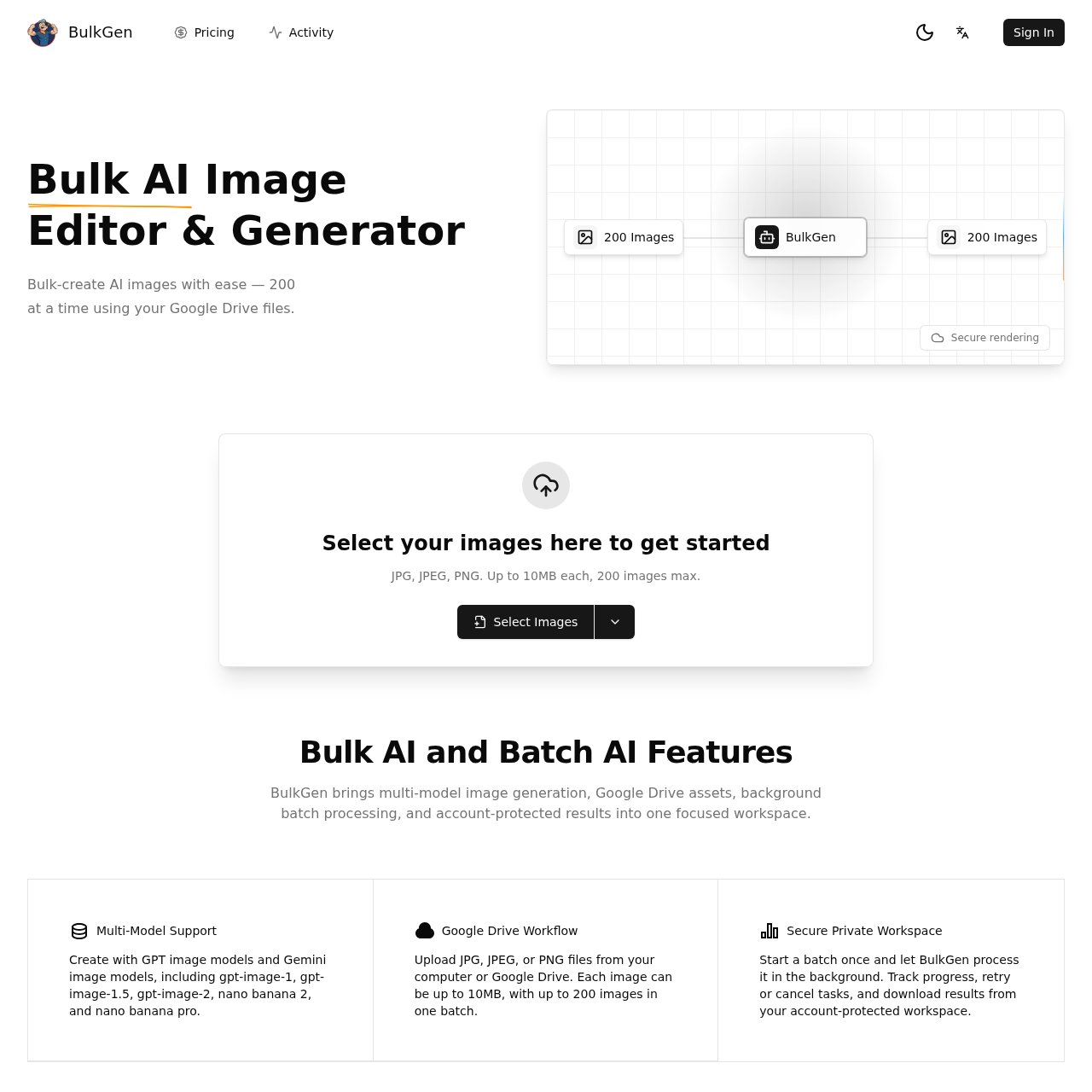
bulkgen's overview
BulkGen AI | Bulk AI Image Generator & Batch AI Creator Sign In Bulk AI Image Editor & Generator Bulk create AI images with ease — 200 at a time using your Google Drive files. 200 Images BulkGen 200 Images Secure rendering Select your images here to get started JPG, JPEG, PNG. Up to 10MB each, 200 images max. Select Images Bulk AI and Batch AI Features BulkGen brings multi model image generation, Google Drive assets, background batch processing, and account protected results into one focused workspace. Multi Model Support Create with GPT image models and Gemini image models, including gpt image 1, gpt image 1.5, gpt image 2, nano banana 2, and nano banana pro. Google Drive Workflow Upload JPG, JPEG, or PNG files from your computer or Google Drive. Each image can be up to 10MB, with up to 200 images in one batch. Secure Private Workspace Start a batch once and let BulkGen process it in the background. Track progress, retry or cancel tasks, and download results from your account protected workspace. BulkGen is a specialized bulk AI image generator designed for creators and businesses who need more than just one off images.
bulkgen's Key Features
💎 🔥 Bulk-create up to 200 AI images at a time using Google Drive files.
⚡️ ⚡ Multi-model support including GPT image models and Gemini image models.
🚀 ✨ Secure private workspace with background batch processing and account-protected results.
bulkgen's Use cases
🎨 Batch Artwork Generation Efficiently create large volumes of unique artwork for NFT projects, reducing time and effort significantly.
📈 Marketing Campaigns Quickly produce varied and personalized images for extensive marketing campaigns, enhancing engagement and reach.
🛍️ E-commerce Product Imaging Streamline the process of generating multiple product images for e-commerce sites, ensuring consistency and speed.
bulkgen's FAQ
What types of image files can I use with BulkGen, and how many images can I process at once?
BulkGen supports JPG, JPEG, and PNG files. You can upload up to 200 images at a time, with each image being up to 10MB in size.
Which AI models does BulkGen support for image generation?
BulkGen supports multiple AI models, including GPT image models (gpt-image-1, gpt-image-1.5, gpt-image-2) and Gemini image models (nano banana 2, nano banana pro).
How does BulkGen ensure the security of my images and generated results?
BulkGen provides a secure private workspace where your images and results are account-protected. You can track the progress of your batches, retry or cancel tasks, and download your results securely from your workspace.
Can I use images from my Google Drive with BulkGen?
Yes, BulkGen supports a Google Drive workflow. You can upload JPG, JPEG, or PNG files directly from your Google Drive to start generating AI images in bulk.
What happens if a batch processing task fails or needs to be retried?
BulkGen allows you to track the progress of your batch processing tasks. If a task fails, you can retry it from your account-protected workspace. This ensures that you can manage and complete your image generation tasks efficiently.